
Album Picker
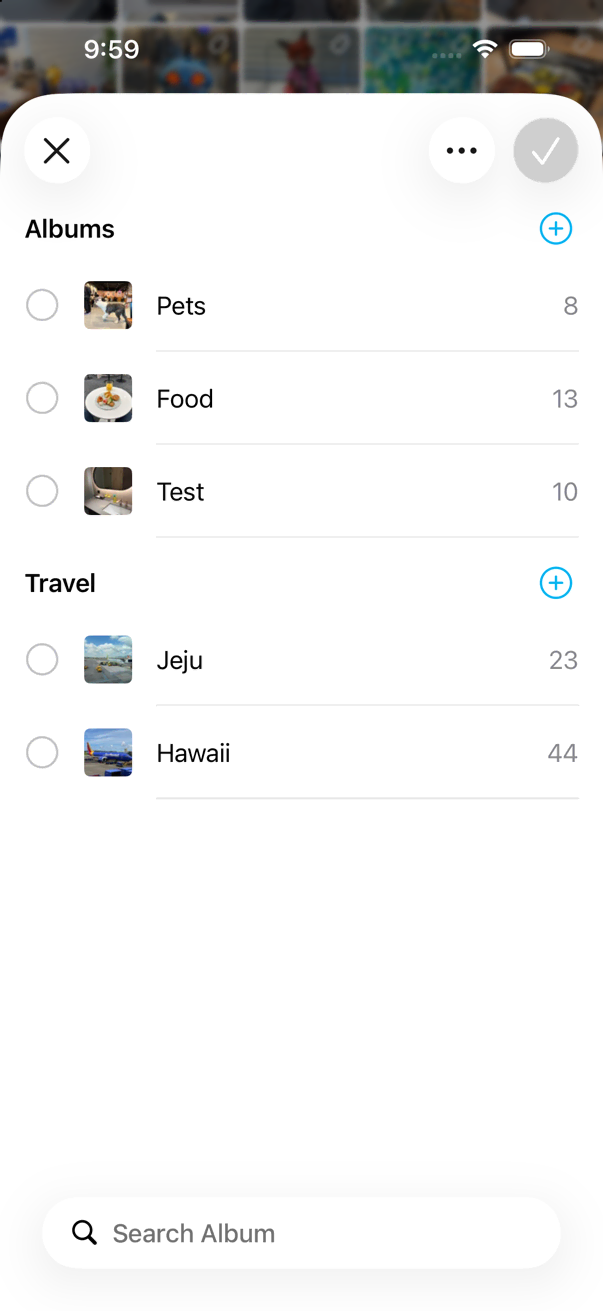
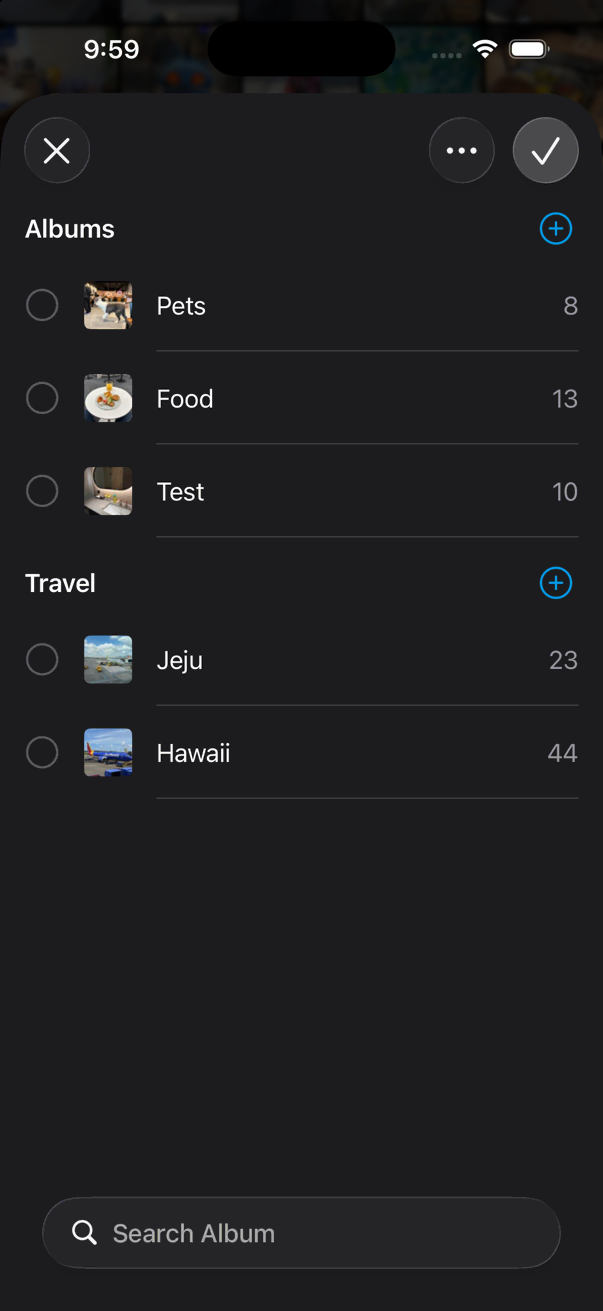
The album picker is a sheet for browsing and choosing albums without opening the full sidebar. Use it to switch albums while viewing thumbnails, or to pick destination albums when organizing photos.
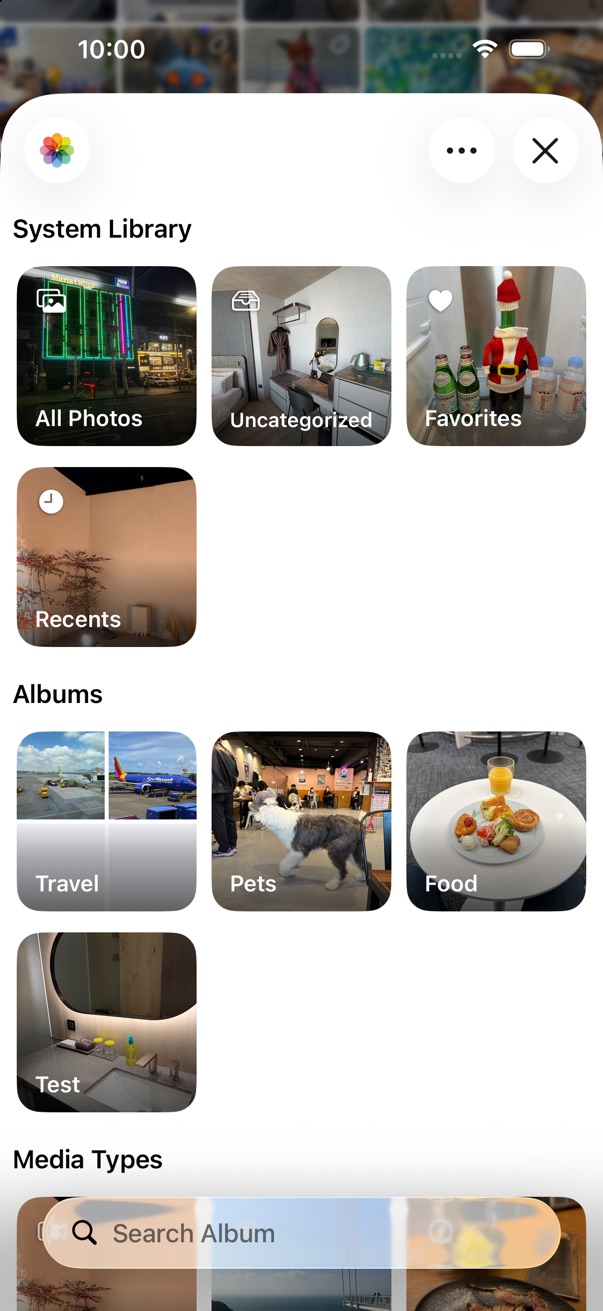
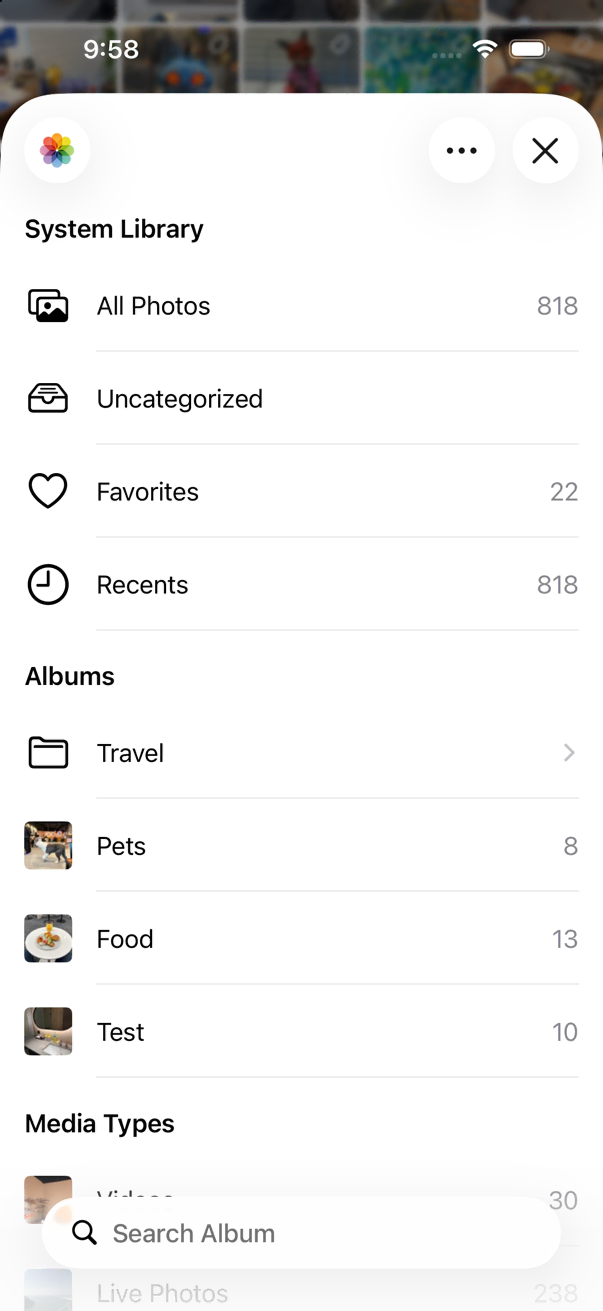
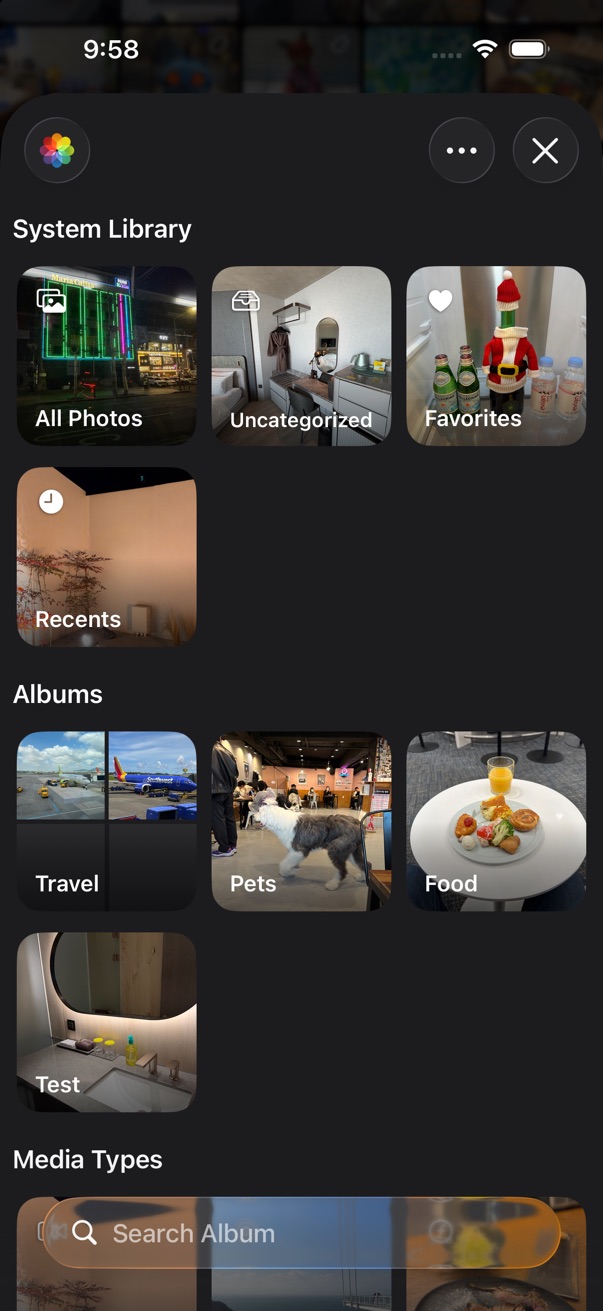
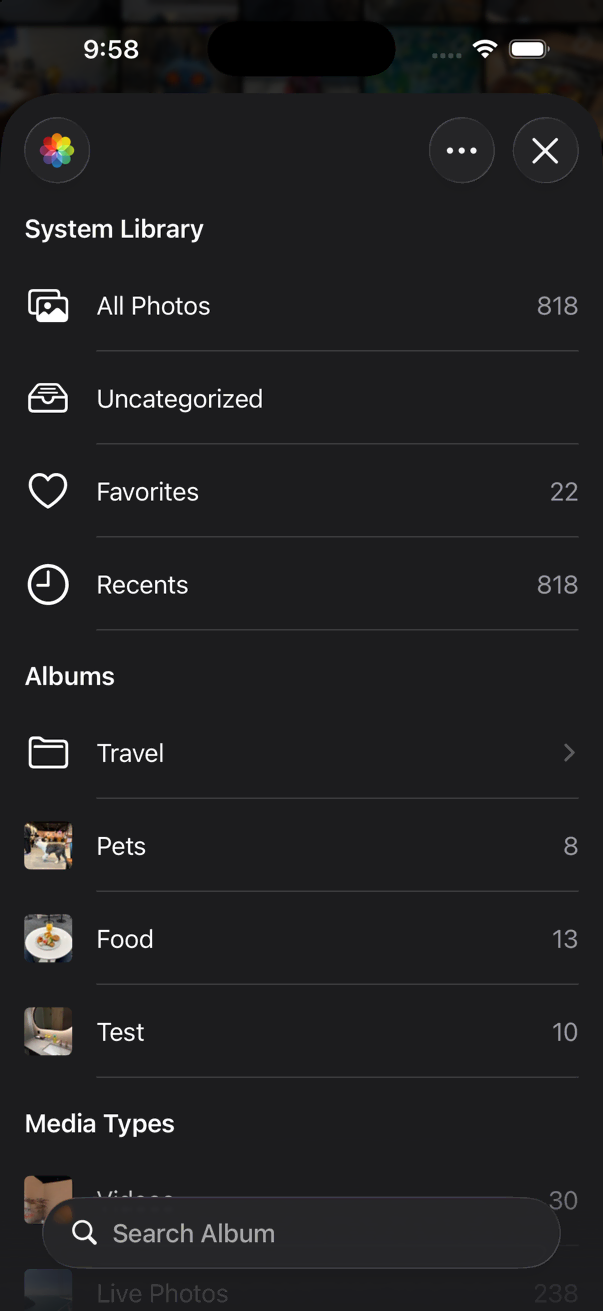
Open Album Picker
- On the thumbnails screen, tap the album title at the top of the screen.
View & Browse Options
Tap the … button in the album picker to change how albums are shown and browsed.
List or grid
Switch the album list between list and grid layout.
Flatten folders
Turn on Flatten Folders to expand the folder hierarchy and show all albums in a single flat list. Search also includes folder names when this option is enabled.
Media Types
Browse albums grouped by media type — for example Photos, Videos, Live Photos, and more.
Reorder albums
Drag albums to reorder them when manual sorting is enabled.
Remember last position
Turn on Remember Last Position to reopen the album picker at the same scroll position and folder you used last time.
Multi-select PRO
When the album picker is used to choose destination albums — for example when categorizing photos into albums — you can select multiple albums at once when the feature is supported.
- Tap the … button.
- Turn on Allow Multiple Selection.
- Tap the albums you want, then confirm your selection.
Open at Startup
You can show the album picker automatically when HashPhotos launches.
- Open Settings > General.
- Under Open at Startup, choose Album Picker.
See General Settings.