
Open Editor
Open the built-in photo editor from the viewer.
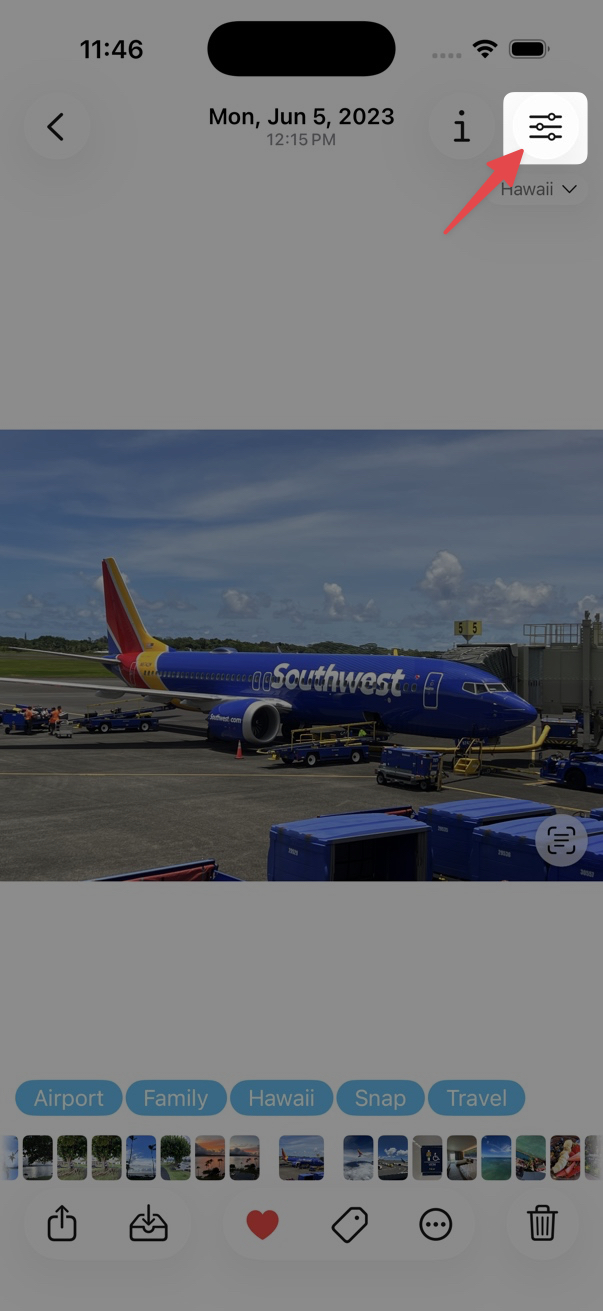
- Open a photo in the viewer.
- Tap the edit button at the top right.
Touch and hold the edit button to use Quick Edit features without opening the full editor.
When a photo has been edited, the edit button shows a filled circle on the
icon.
