
Quick Edit
Apply common edits or jump straight into an editor tool from the viewer.
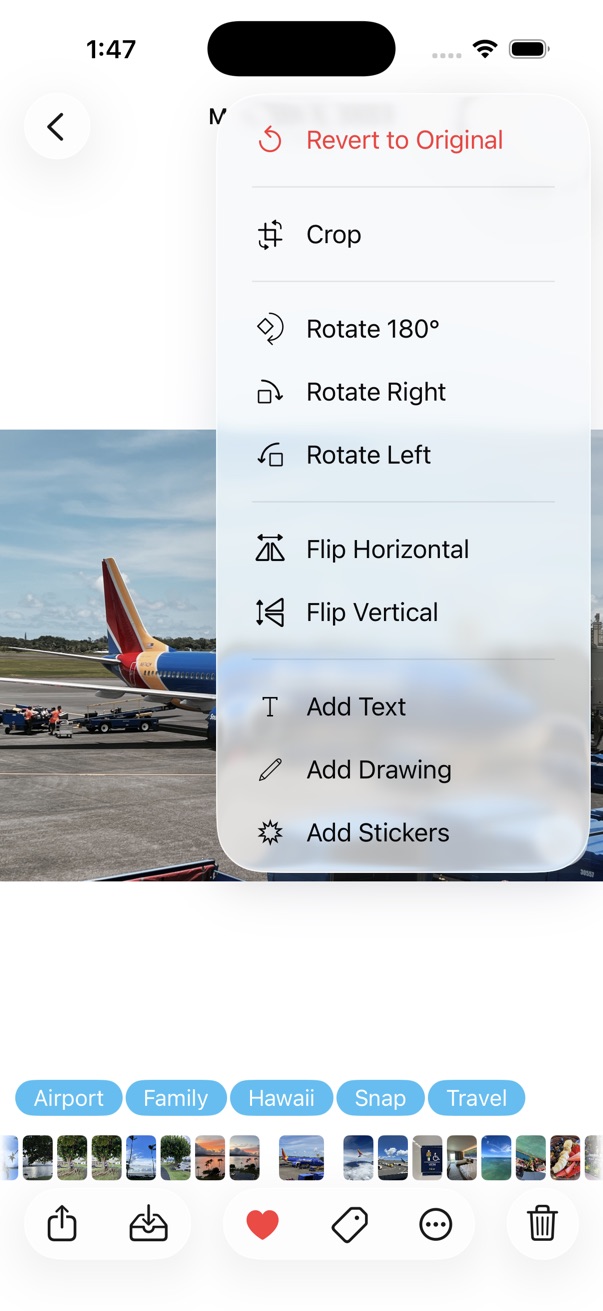
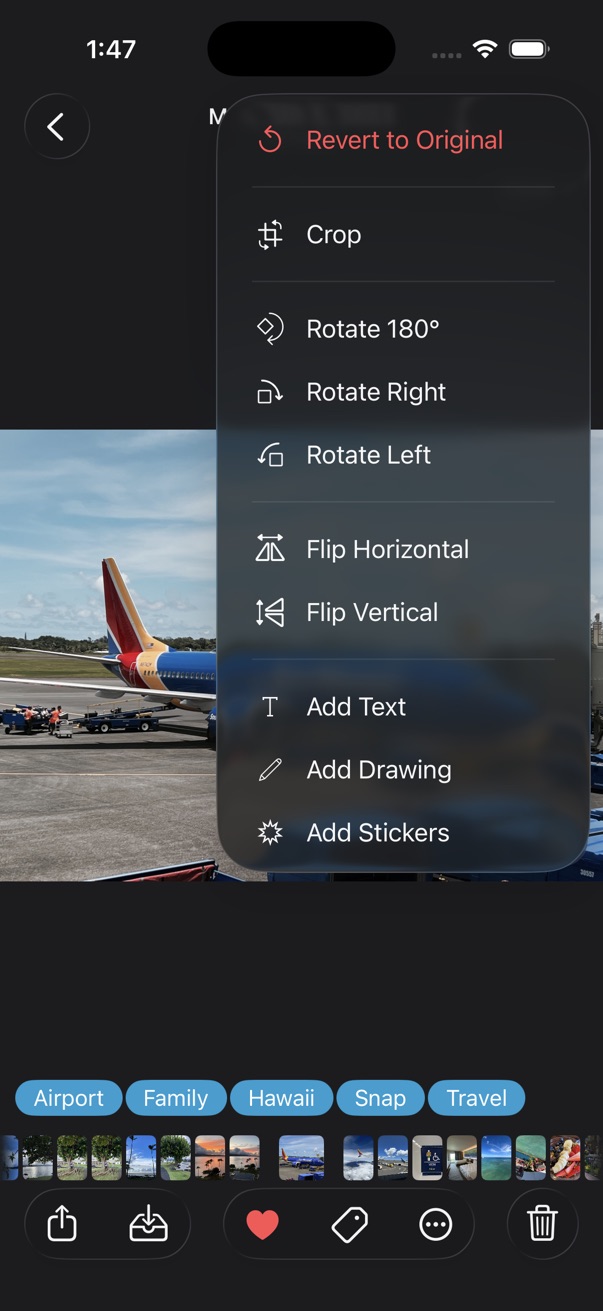
- Open a photo in the viewer.
- Touch and hold the edit button at the top right.
- Tap the action you want — for example Rotate Right, Flip Horizontal, or Auto Enhance.
You can also open an editor tool directly from the menu — for example Crop, Add Text, Add Drawing, or Add Stickers.