
Compress Video
Requires iOS 17 or later.
PRO Free: Batch processing and Custom settings are not available.
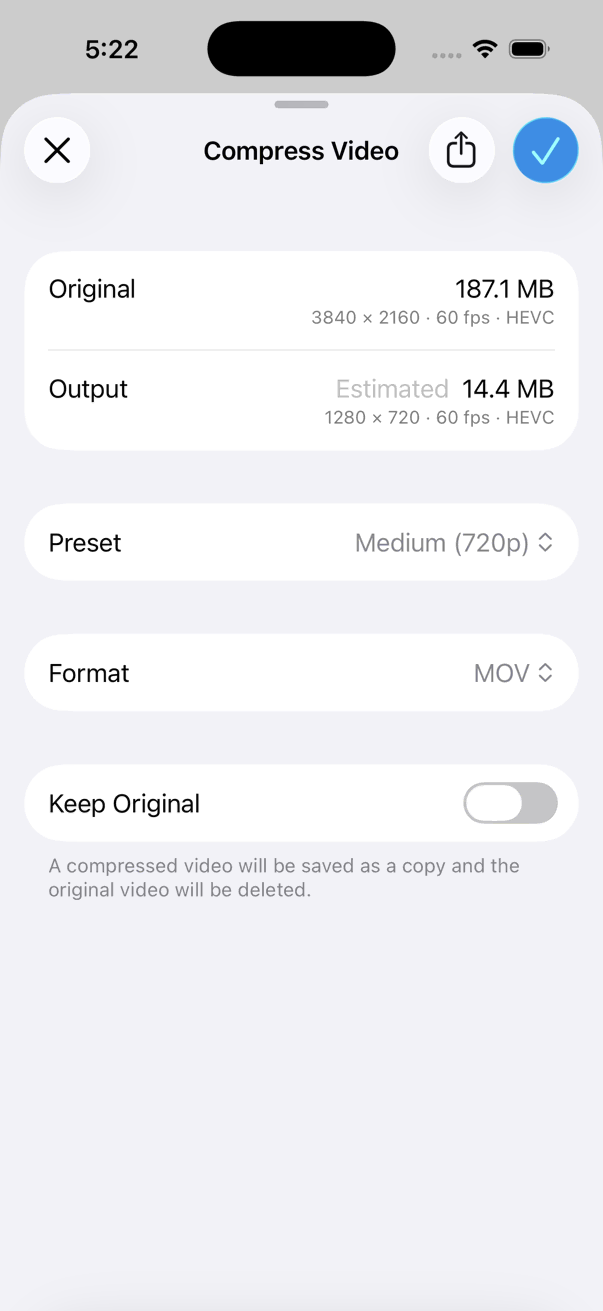
Reduce video file size by compressing with a preset or custom options.
- Open a video in the viewer, or select videos in the thumbnails screen.
- Tap the on the bottom toolbar.
- Tap Convert > Compress Video.
Options
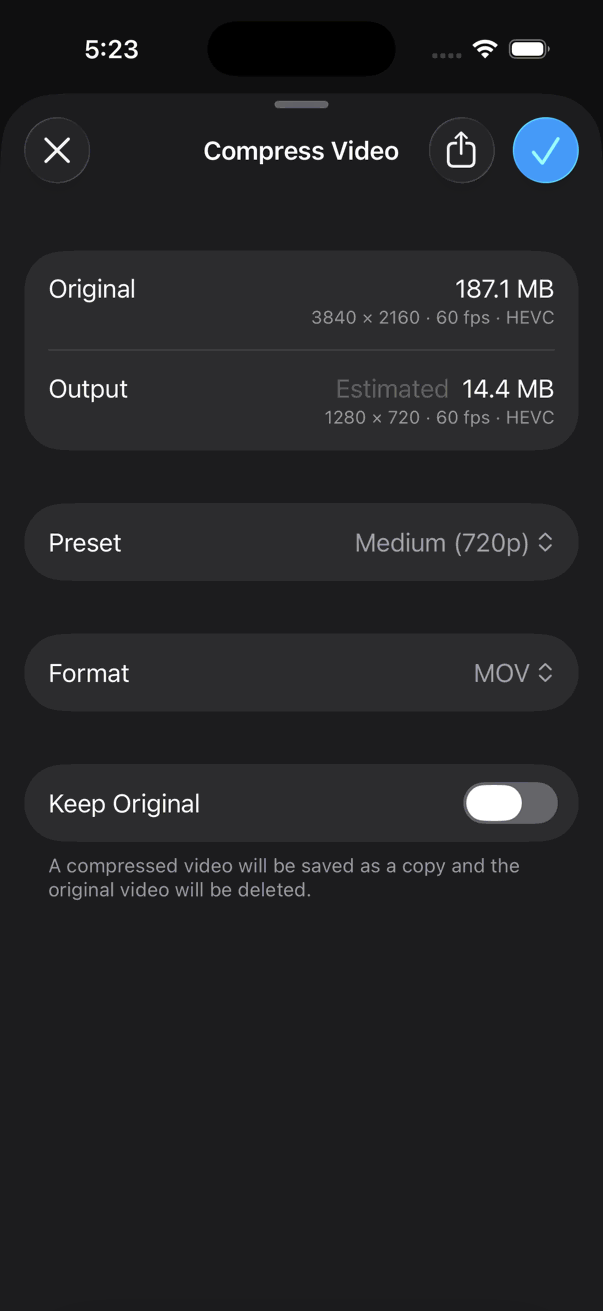
- Choose a preset, or select Custom to set your own options.
- Tap Save.