Camera
When you launch the camera from a specific album, photos you take are saved directly to that album.
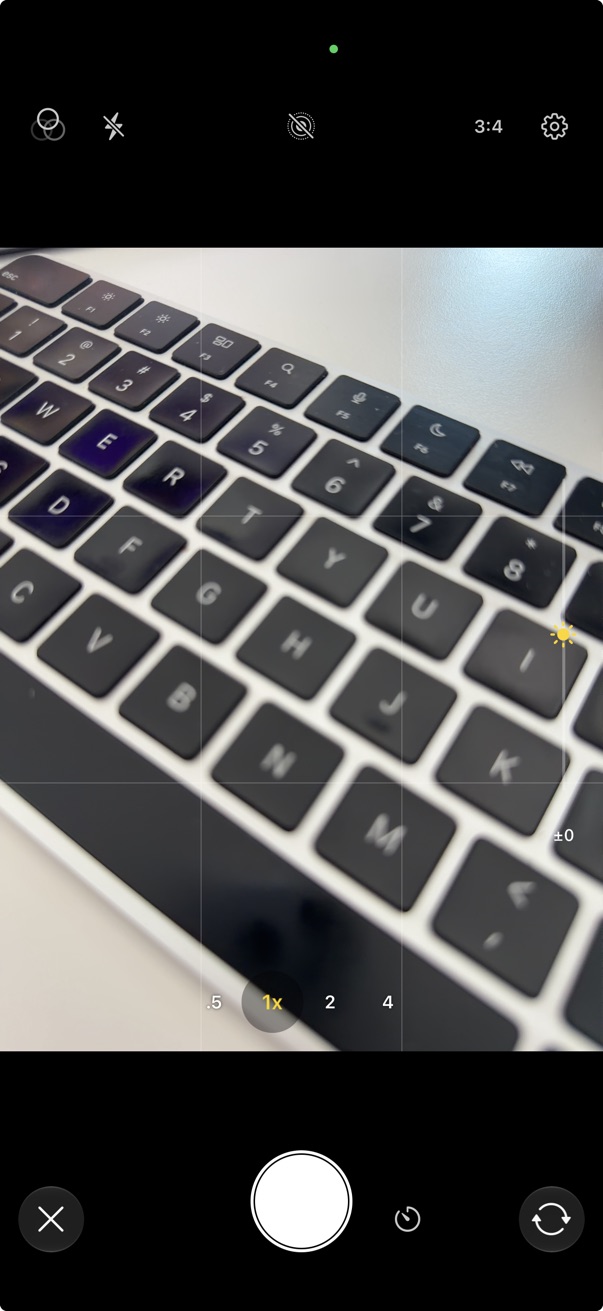
Open from thumbnails
- Tap the on the bottom left of the thumbnails screen.
- Tap Camera.
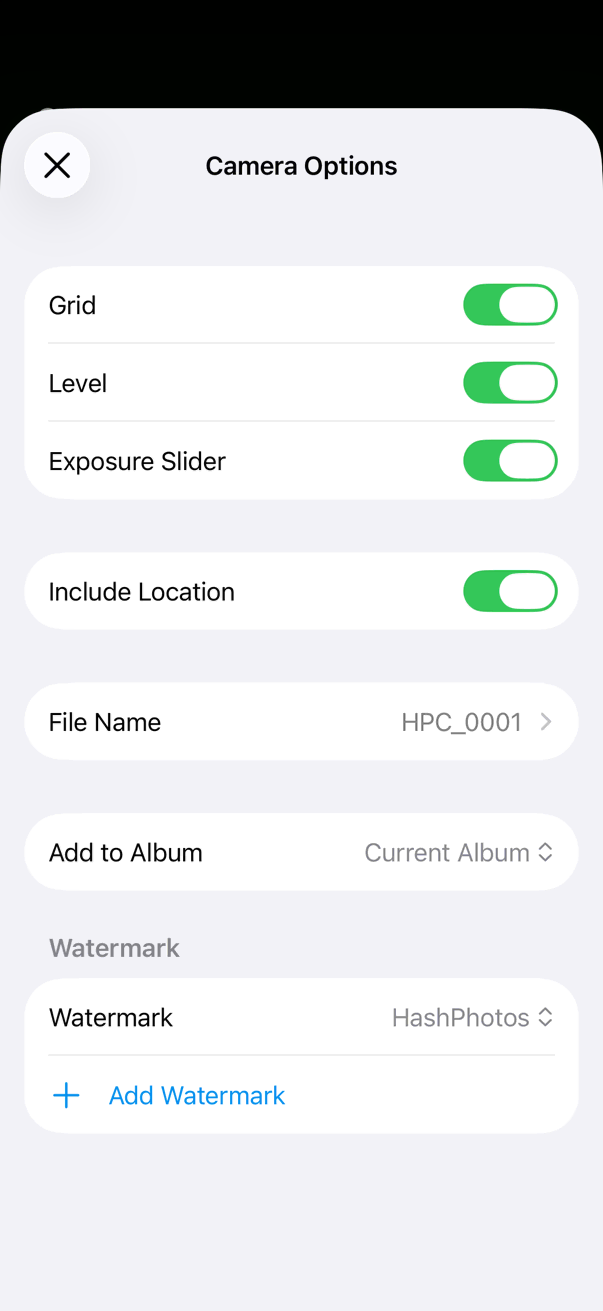
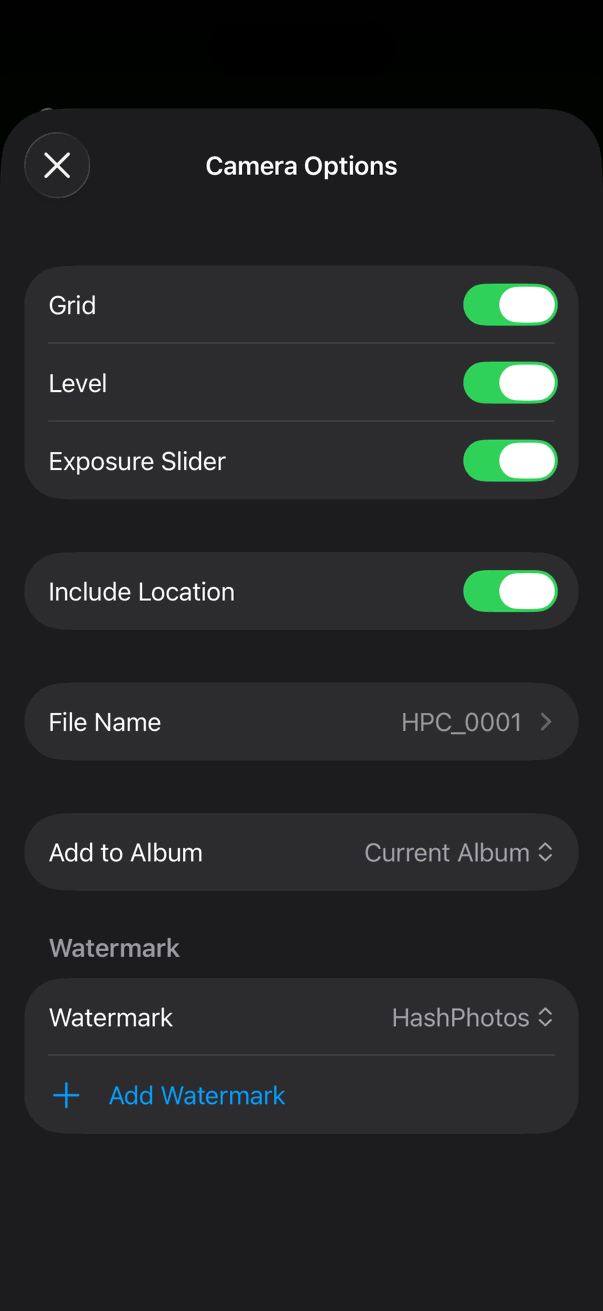
Camera Options
Open Camera Options from the camera screen.
- Grid
- Show a composition grid on the viewfinder.
- Level
- Show a horizon level on the viewfinder.
- Exposure Slider
- Show a slider to adjust exposure while composing.
- Include Location
- Save location (GPS) in captured photos.
- File Name
- Naming format for captured files. Names start from HPC_0001 and increment with each capture. You can change or reset the sequence here.
- Add to Album
- Album where new photos are saved. When set to Current Album, photos are saved to the album that is currently open. If they cannot be added to the current album, they are saved to All Photos in the System Library.
- Watermark
- Overlay a watermark on captured photos. Tap Add Watermark to create a new one.
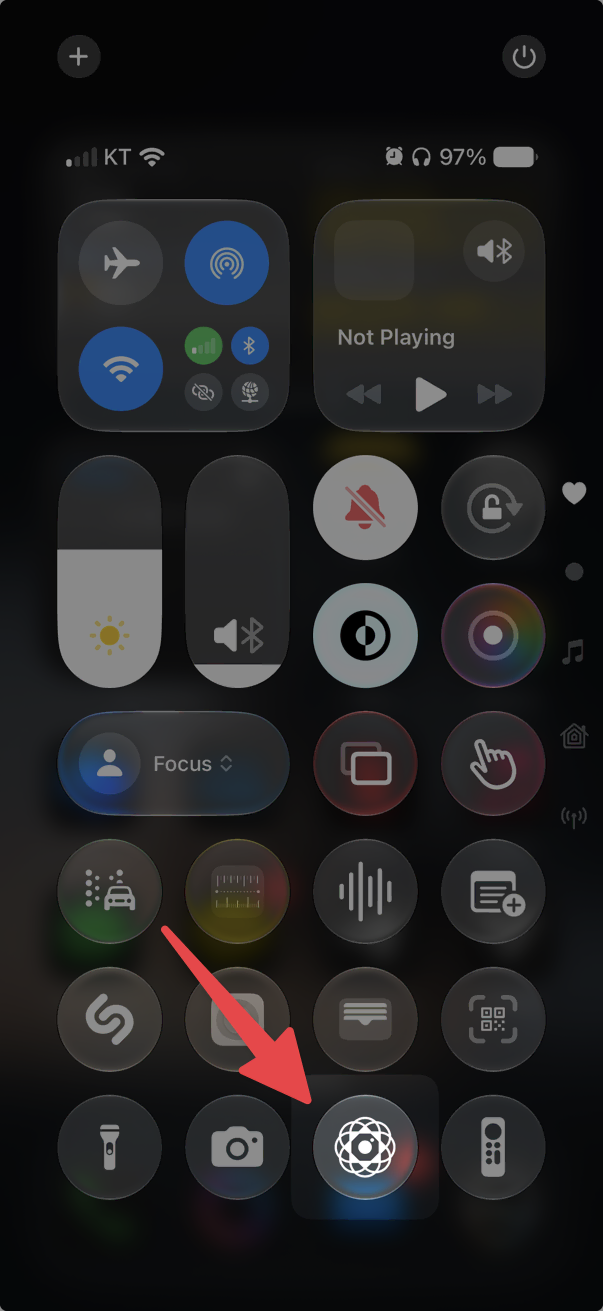
Launch from Control Center
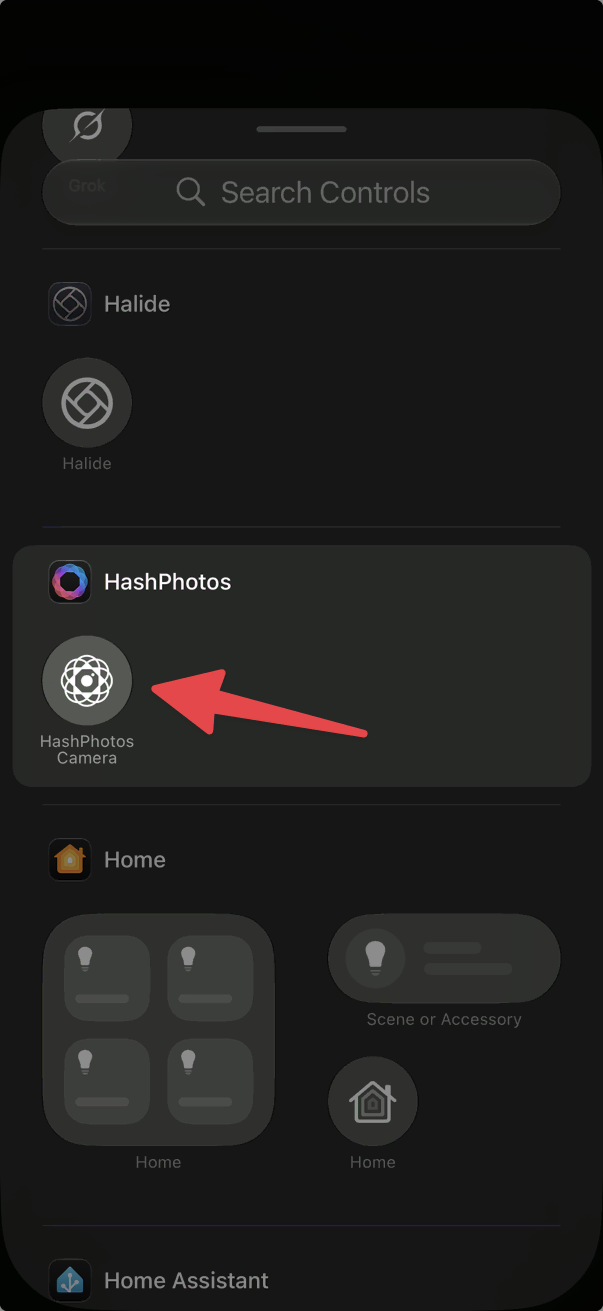
Add HashPhotos Camera to Control Center to launch the camera from anywhere.
- Swipe down from the top-right corner of the iPhone to open Control Center.
- Long press on an empty area to enter Edit mode.
- Tap Add a Control.
- Find HashPhotos Camera and add it.
Launch with Camera Control button
On supported iPhone models, you can set the Camera Control hardware button to launch HashPhotos Camera directly.
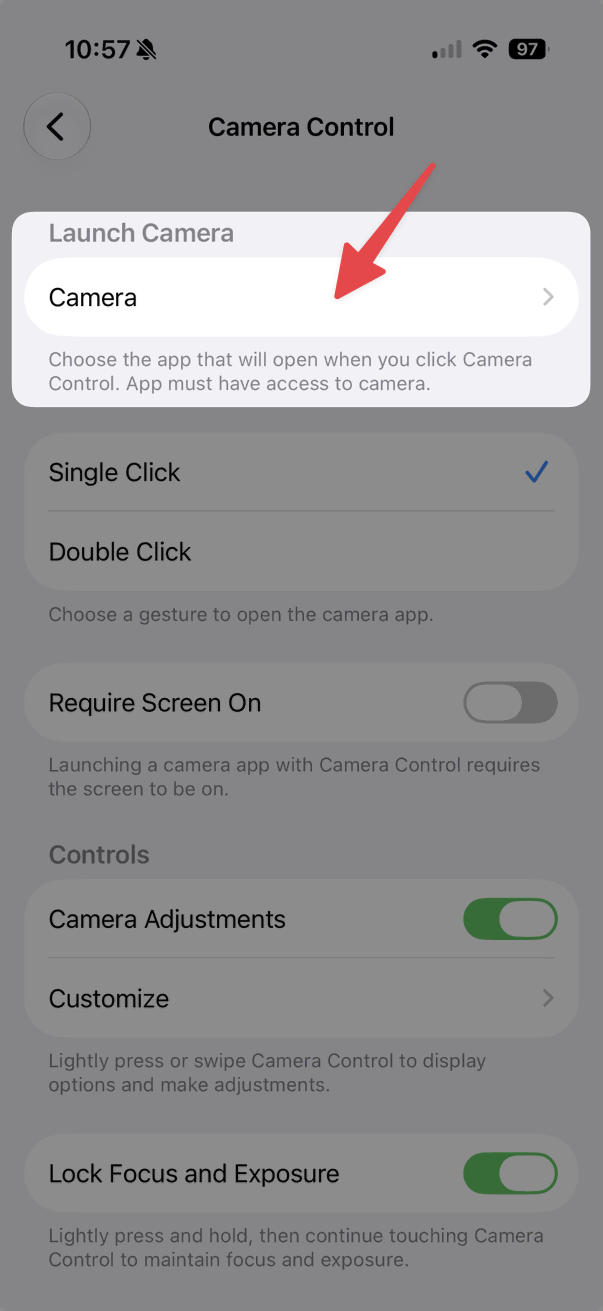
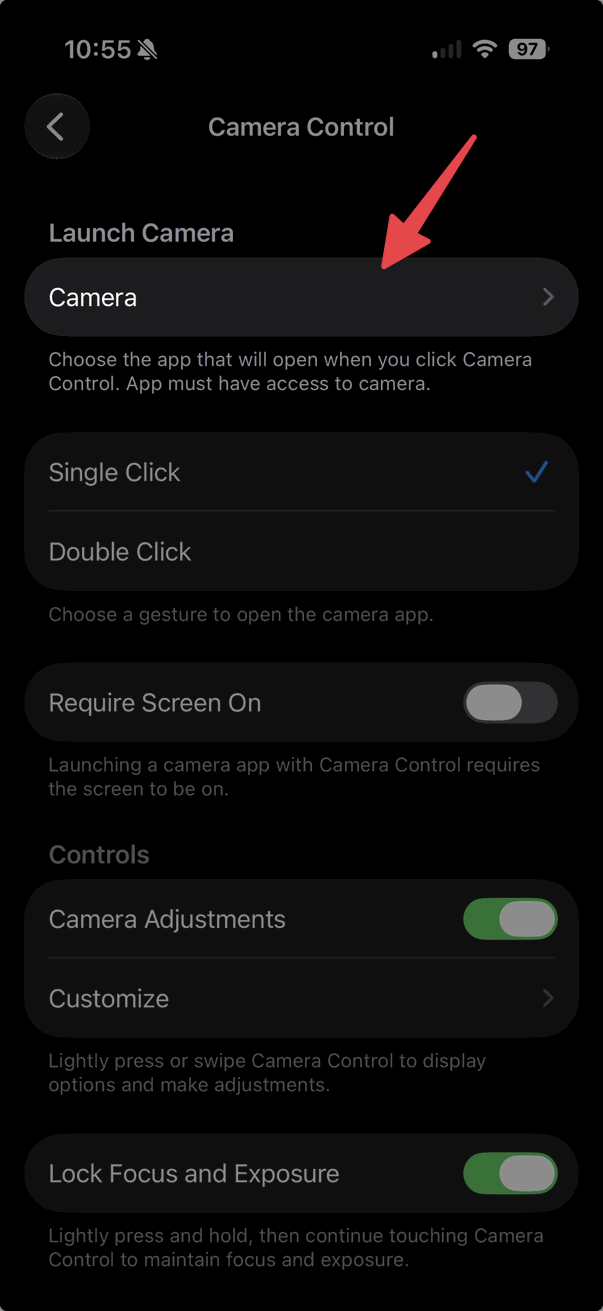
- Open Settings > Camera > Camera Control.
- Under Launch Camera, tap Camera.
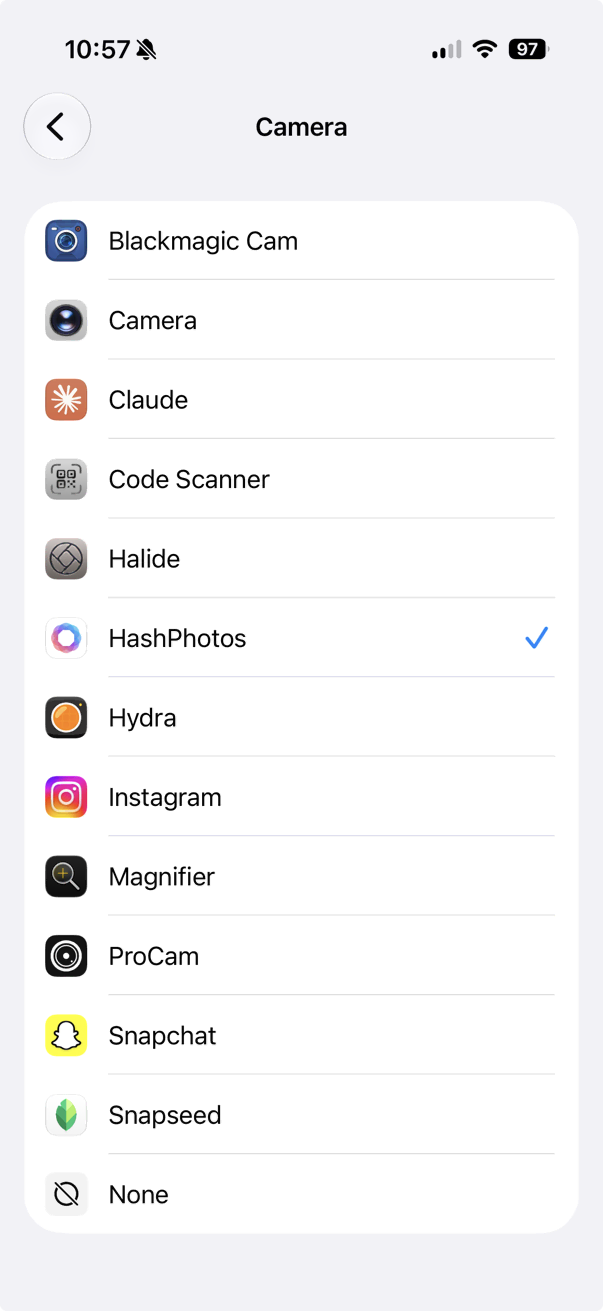
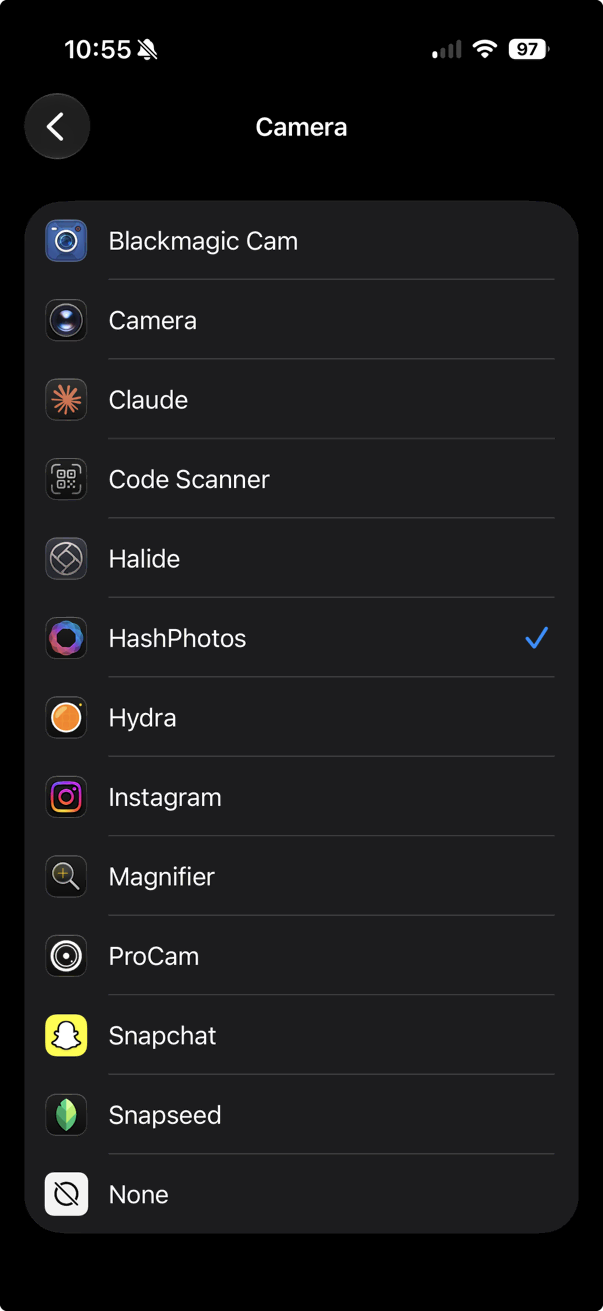
- Choose HashPhotos.
Press the Camera Control button to open HashPhotos Camera immediately.