
Slice Image
Requires iOS 17 or later.
PRO Free: 3-time trial limit.
Split an image into multiple pieces by rows and columns.
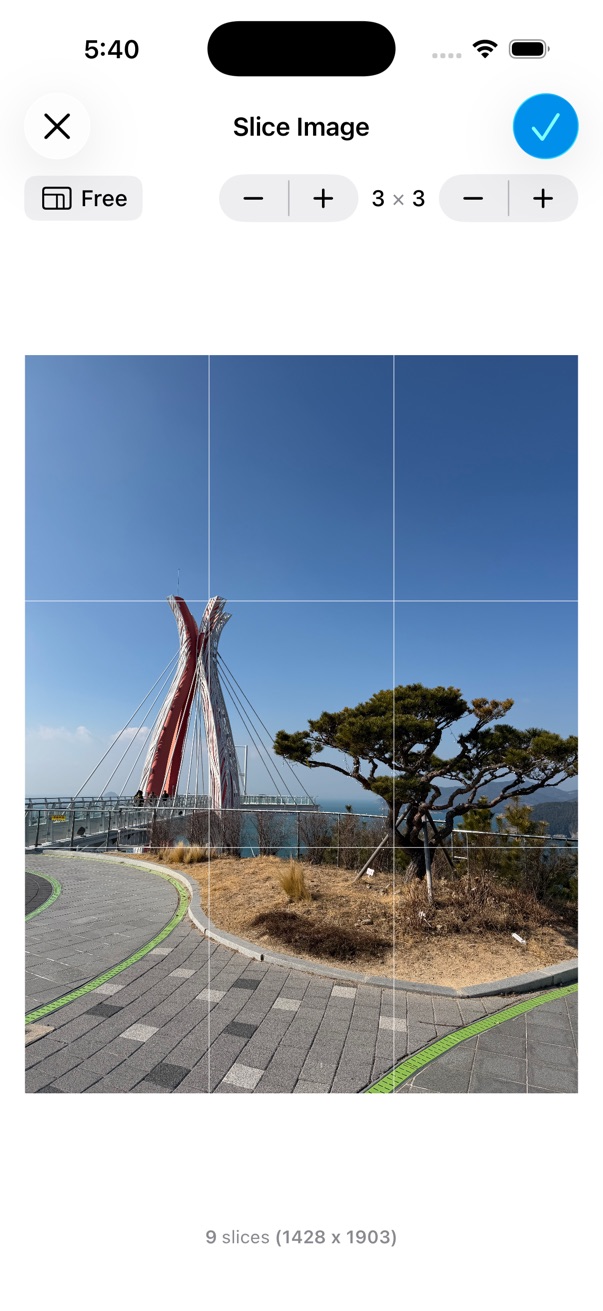
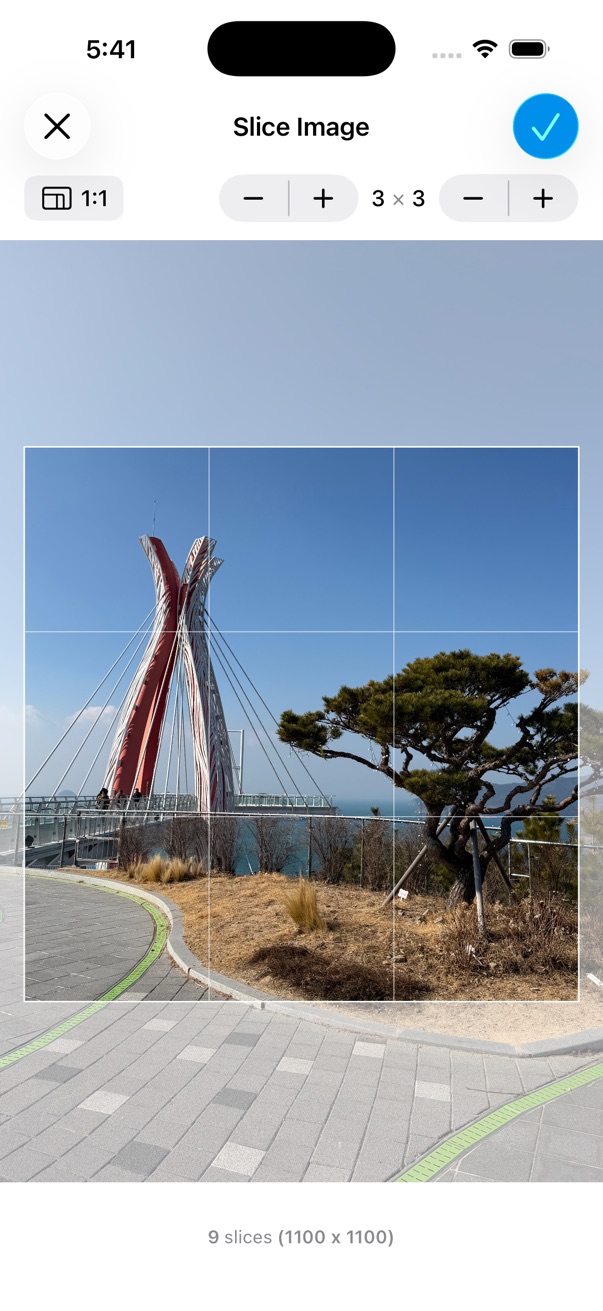
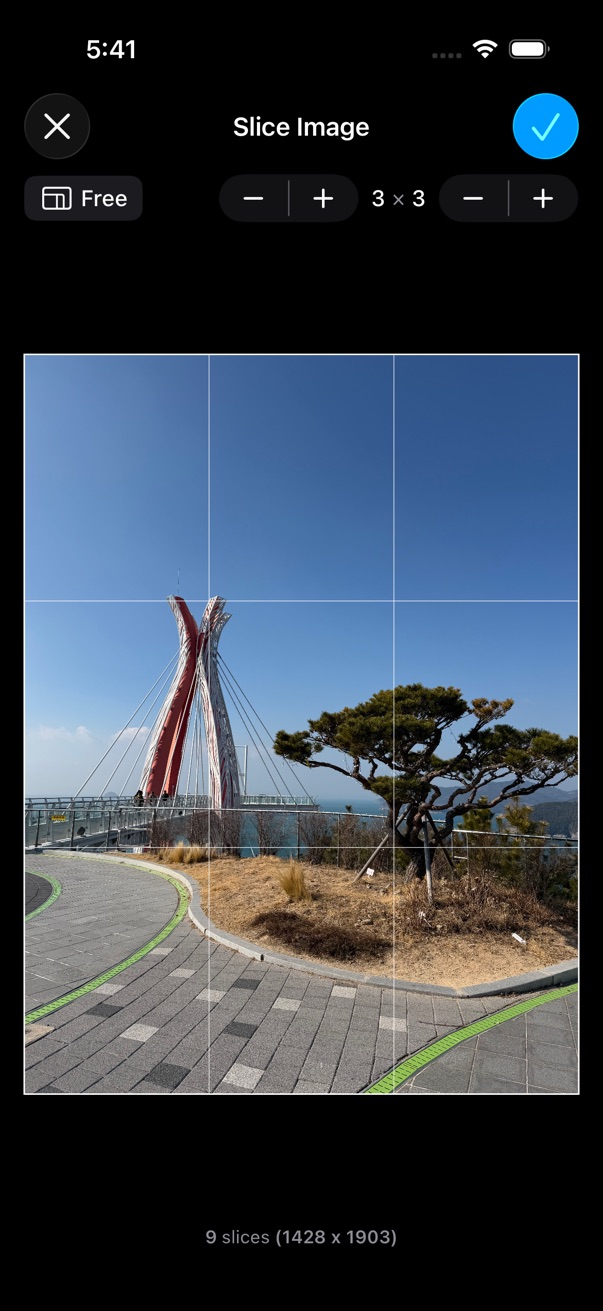
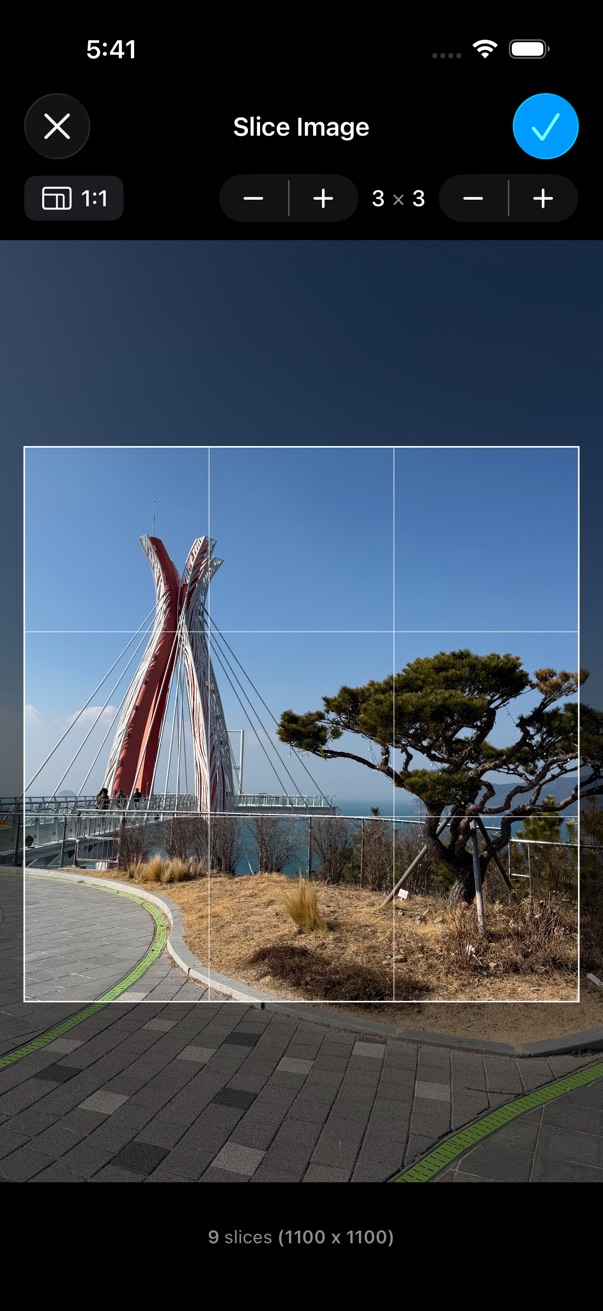
- Open a photo in the viewer.
- Tap the on the bottom toolbar.
- Tap Edit > Slice Image.
- Set the number of rows and columns.
- Set the ratio of the pieces to slice the image.
- Tap Done to save the sliced images.