
Hide Faces
Requires iOS 17 or later.
PRO Free: 3-time trial limit.
Blur, mosaic, or mask faces in a photo.
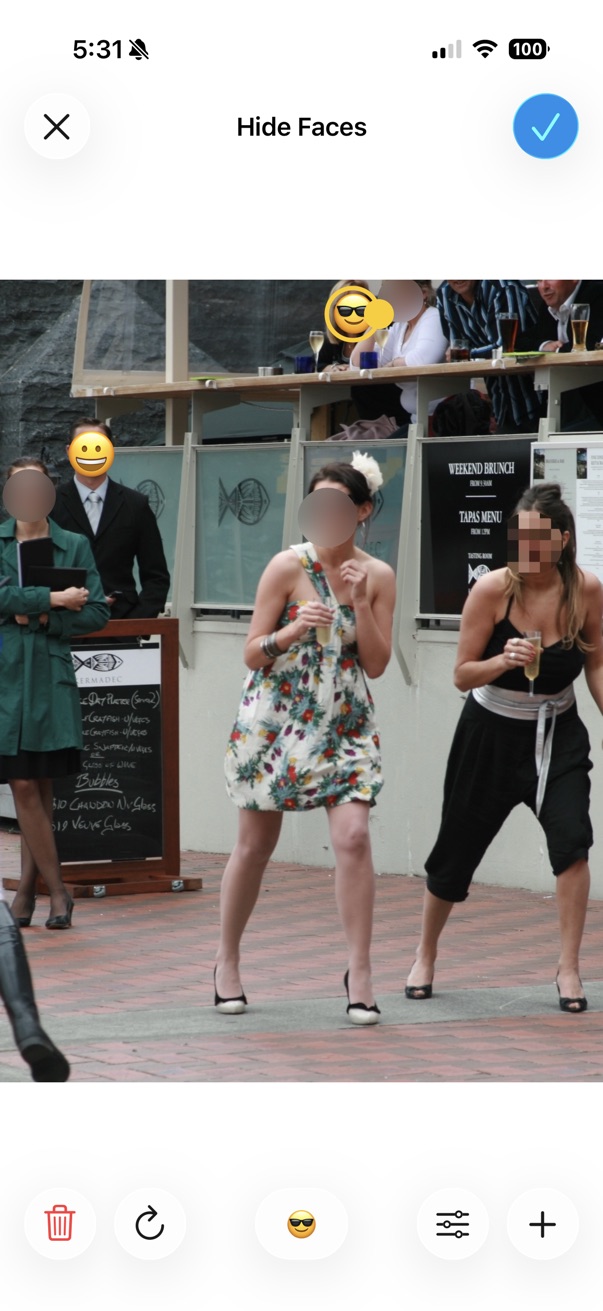
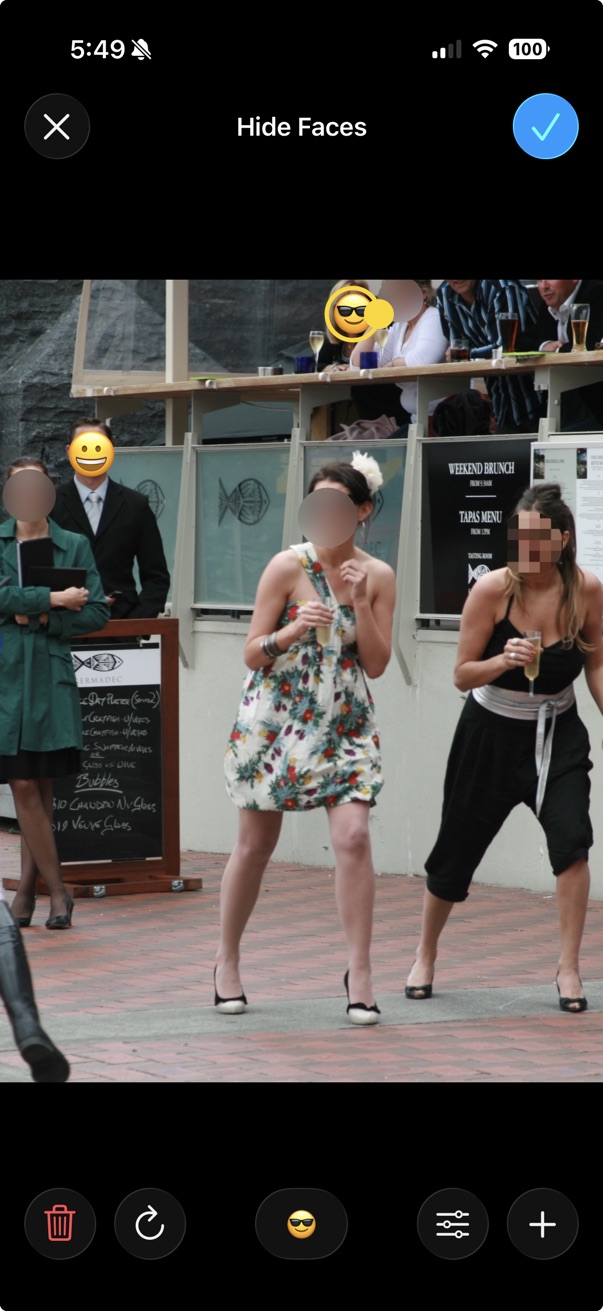
- Open a photo in the viewer.
- Tap the on the bottom toolbar.
- Tap Edit > Hide Faces.
- Choose the blur/mosaic effect or emoji mask.
- Tap Done to apply the effect.