
Edit Metadata
PRO Free: single item only (5-time trial). Batch processing is Pro.
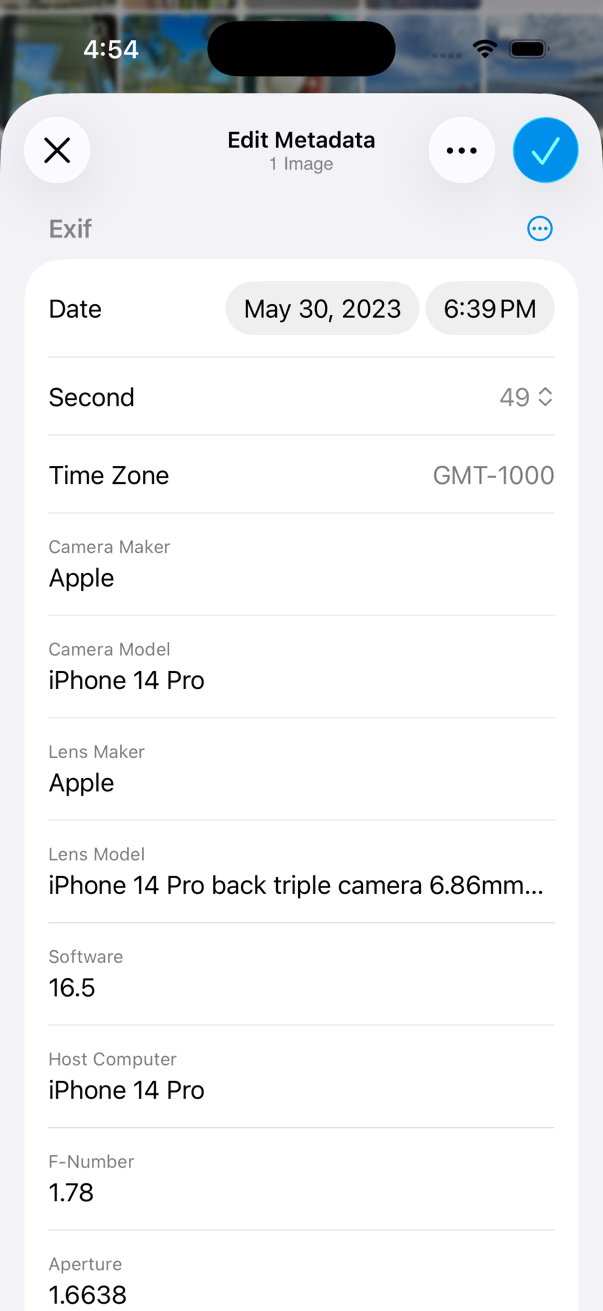
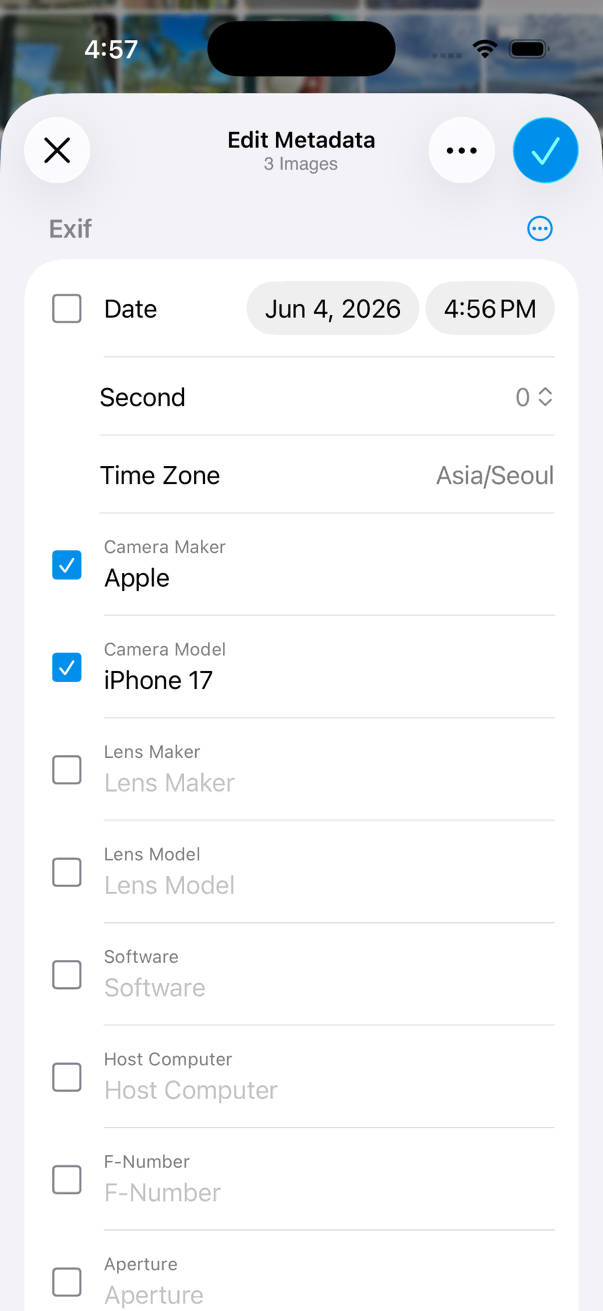
Edit metadata fields on one photo or many at once.
- Open a photo in the viewer, or select photos in the thumbnails screen.
- Tap the on the bottom toolbar.
- Tap Tools > Metadata > Edit Metadata menu item.
- Edit metadata fields you want to change.
- Tap Done button to finish editing.
-
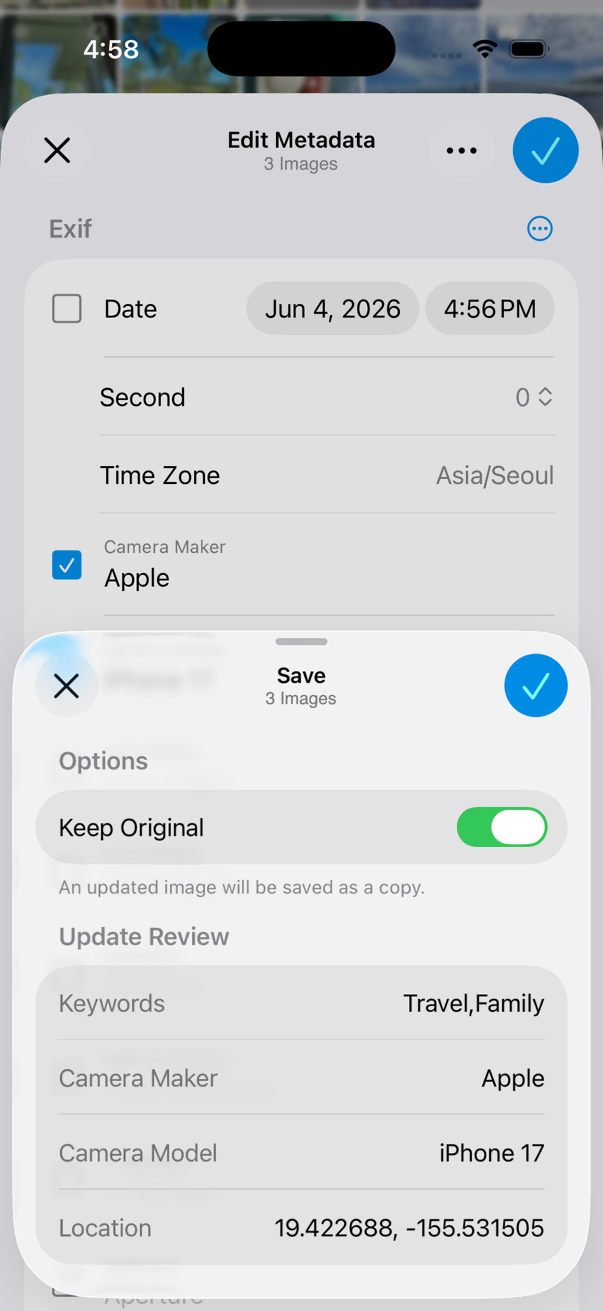
Check the options and save the changes.
Preview the fields that will be modified before saving if you are editing multiple items.
You can copy and paste metadata values between fields while editing.
Remove Metadata
PRO Free: single item only. Batch processing is Pro.
- Open a photo in the viewer, or select photos in the thumbnails screen.
- Tap the on the bottom toolbar.
- Tap Tools > Remove Metadata.
- Choose what to remove.
- Tap Remove button.