
Document Crop
Requires iOS 17 or later.
Crop a photo to a document area and save the result.
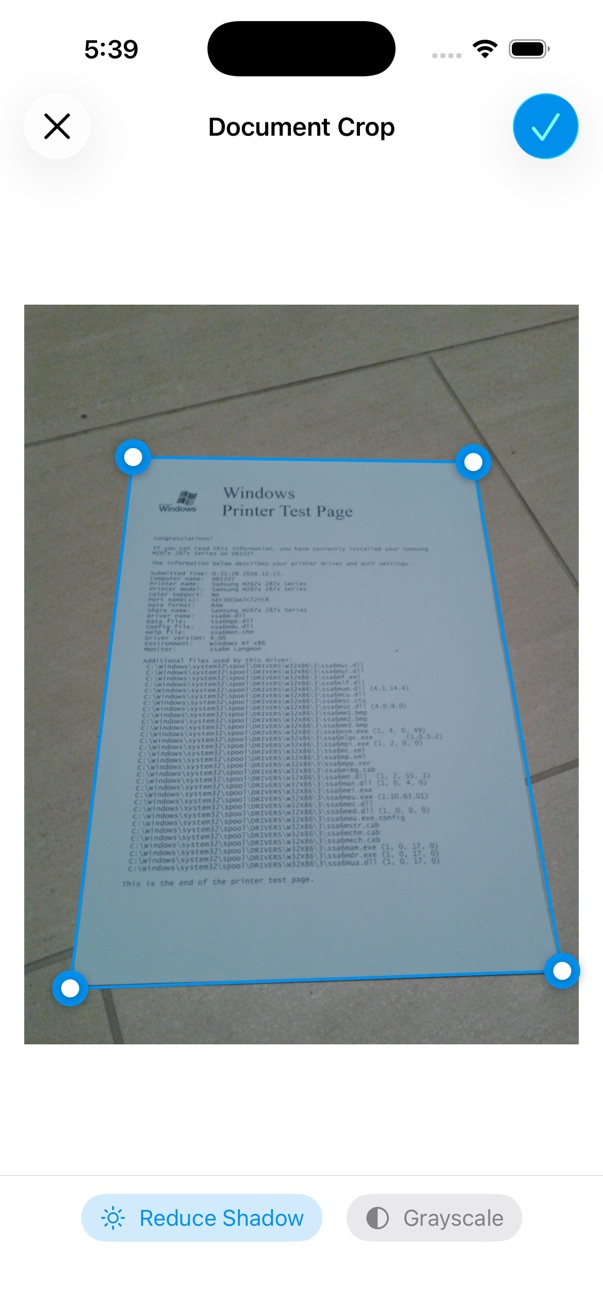
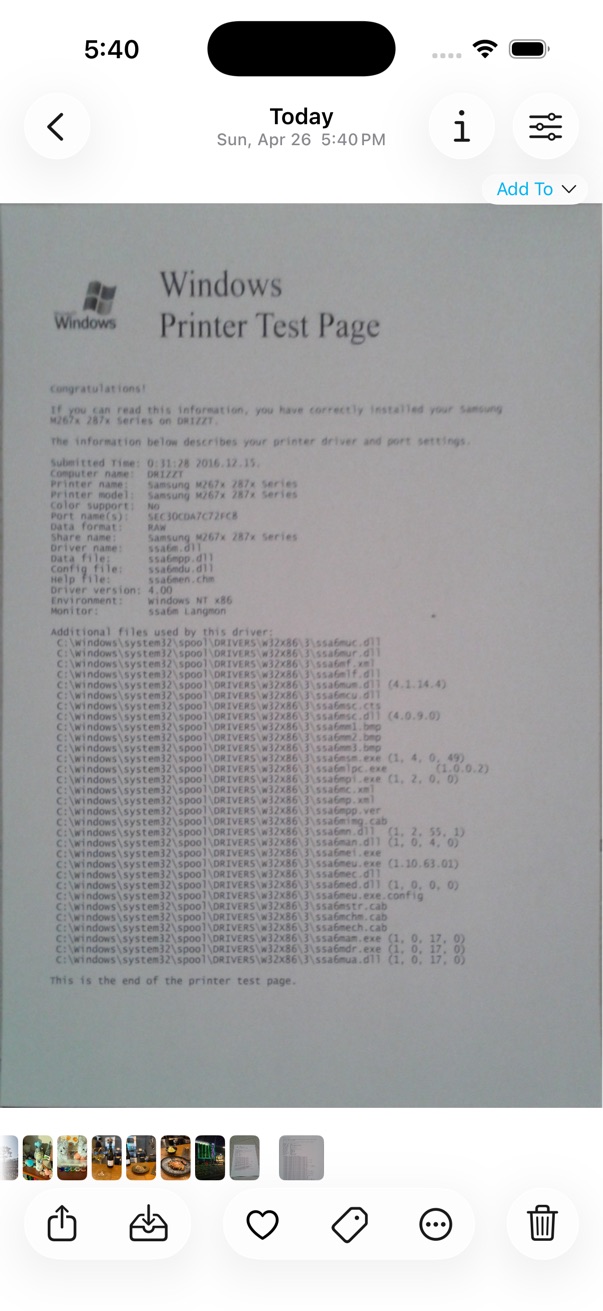
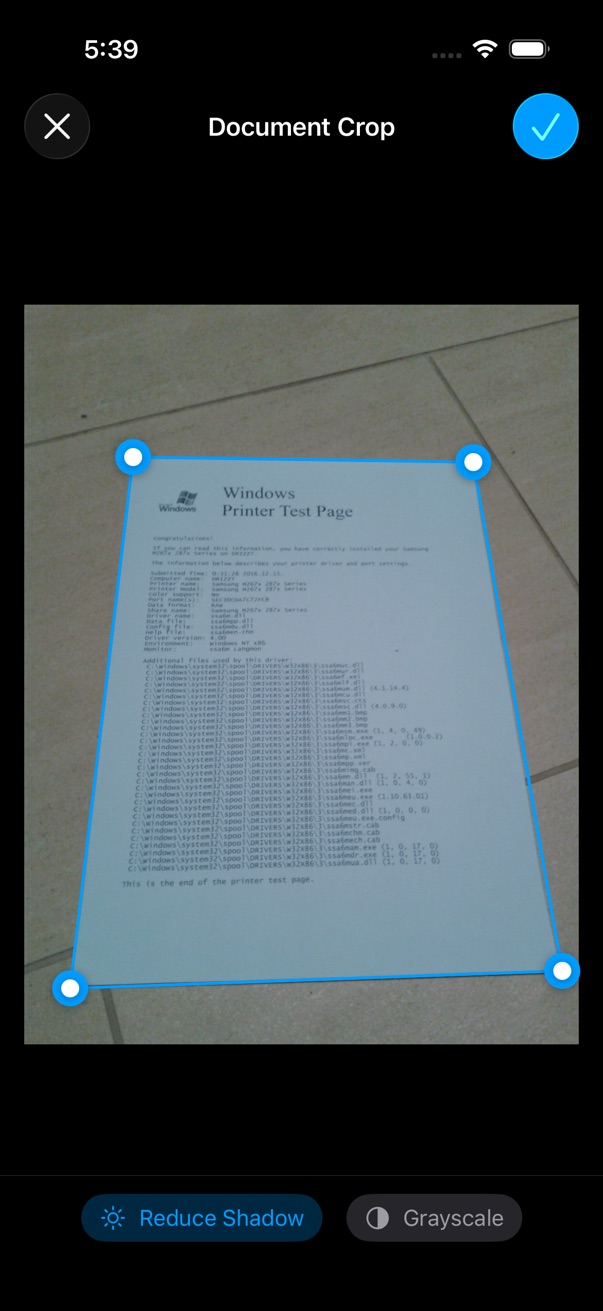
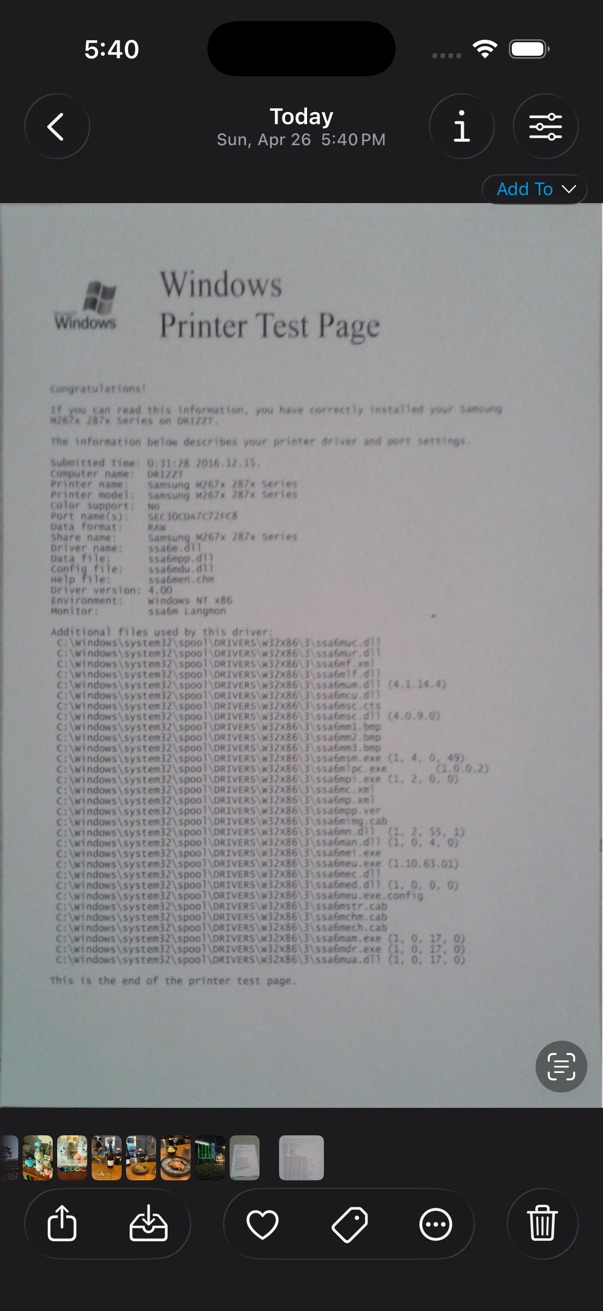
- Open a photo in the viewer.
- Tap the on the bottom toolbar.
- Tap Edit > Document Crop.
- Select the document area by dragging the edges of the rectangle.
- Tap Done to save the cropped image.