
Adjust Date/Time
PRO Free: single item only.
Change the date and time of one or more photos.
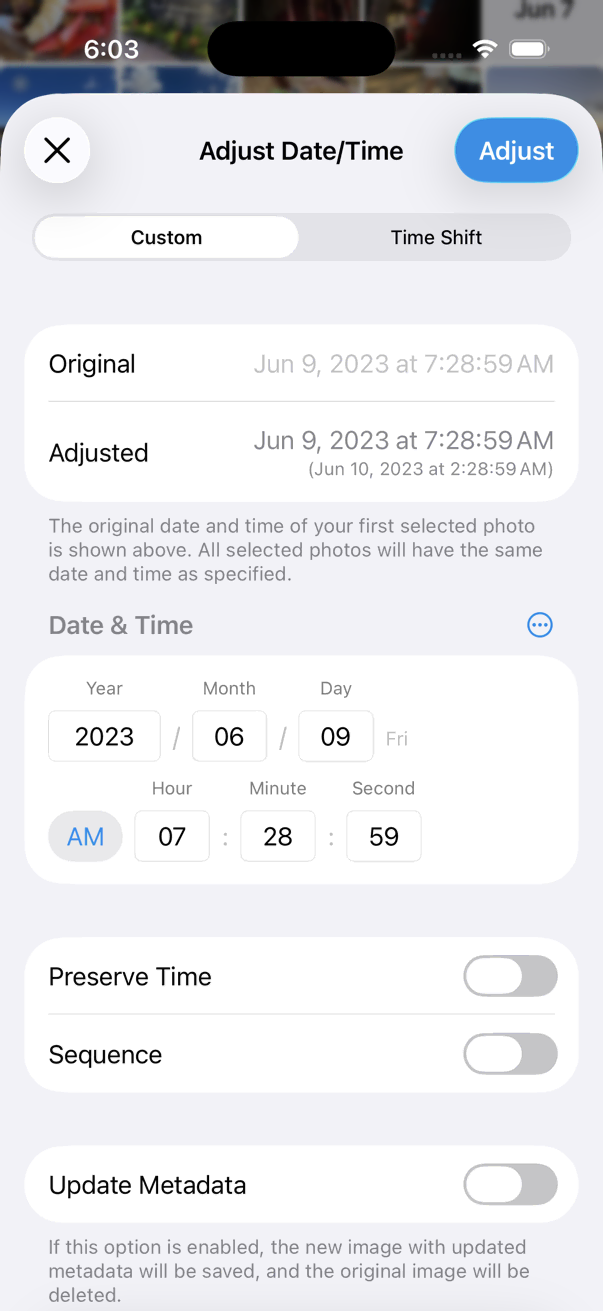
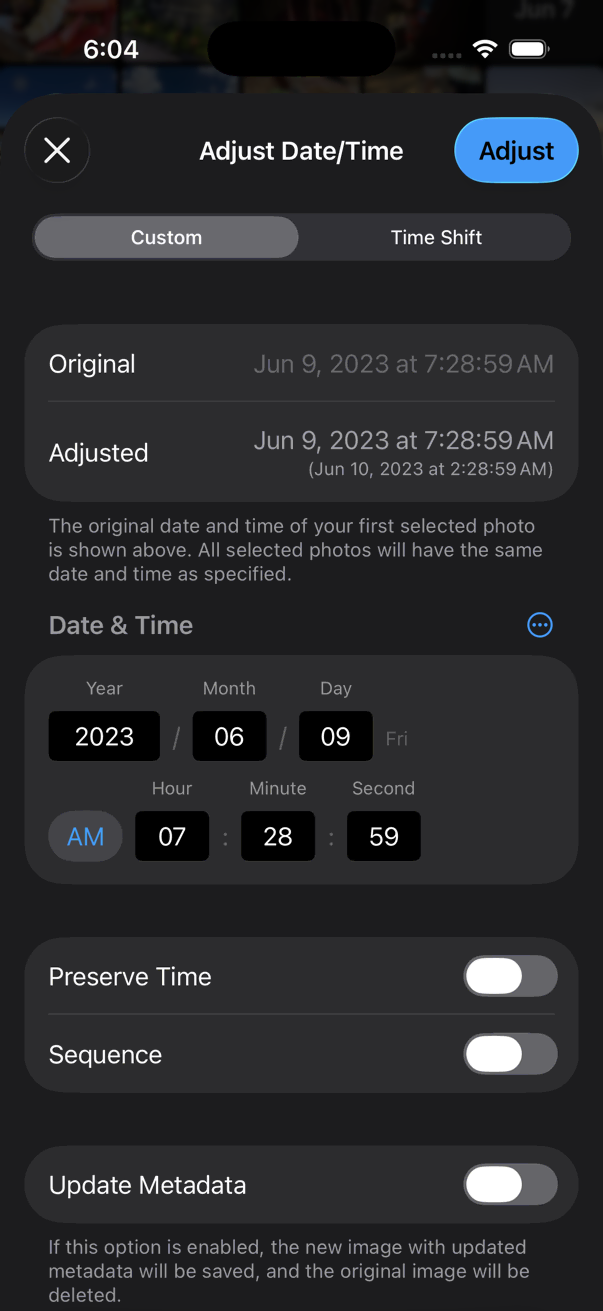
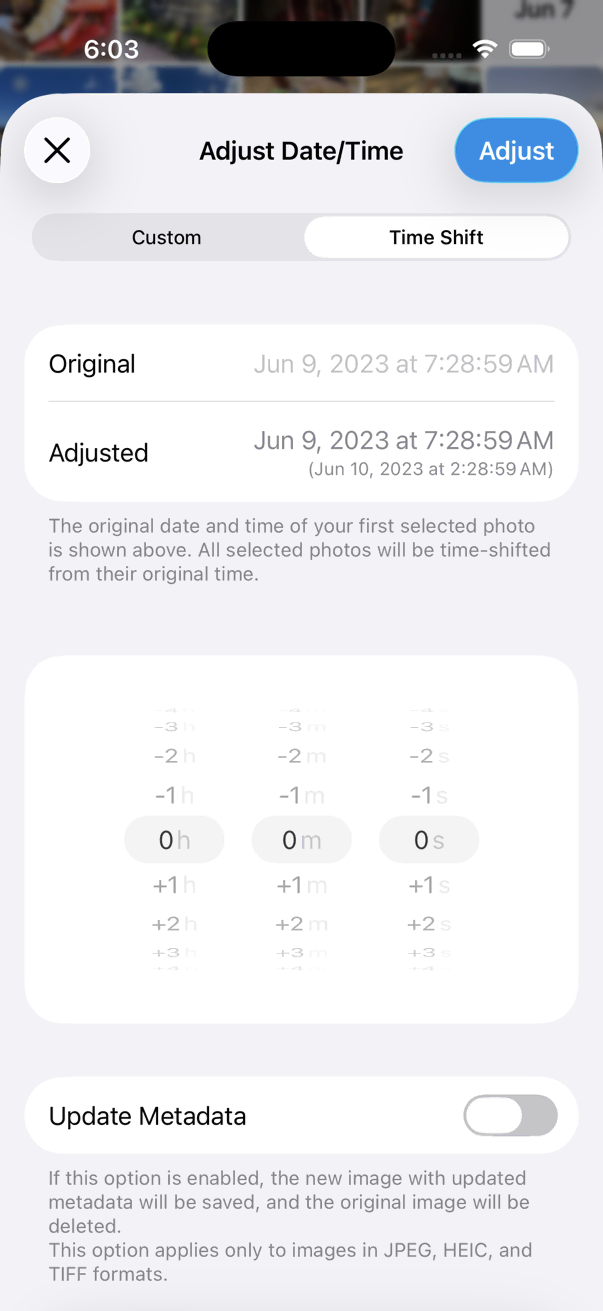
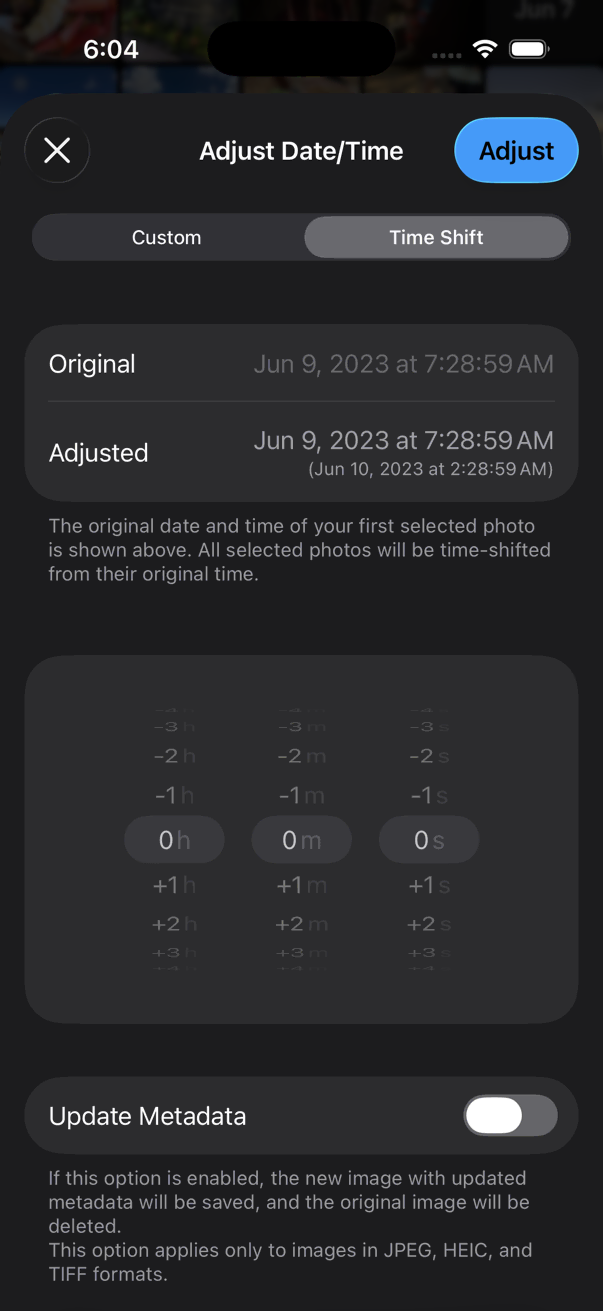
- Open a photo in the viewer, or select photos in the thumbnails screen.
- Tap the on the bottom toolbar.
- Tap Adjust Date/Time.
- Adjust date/time.
- Tap Adjust.
Optionally toggle Use 24-hour format from the … button in the date input section, or tap the date preview to switch formats.
When Update Metadata is on, for image formats that support metadata, HashPhotos writes the new date/time into the image file metadata, saves a new image, and deletes the original.