Gesture Cheatsheet
- Sidebar — triple tap
- Show or hide the Private Album section (when enabled).
- Shake device
- Lock private albums (when enabled).
Touch and Hold (Long Press)
Thumbnails
-
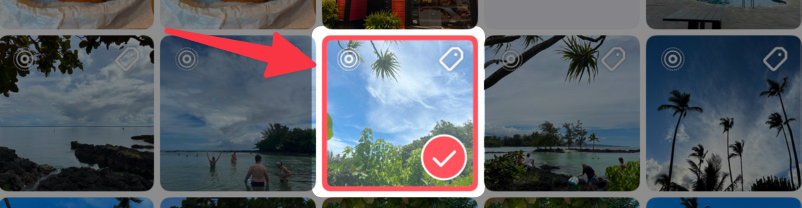
Photo / date / month — Select and start selection mode. When you enter selection mode with touch and hold, you can immediately drag to select multiple photos.
-
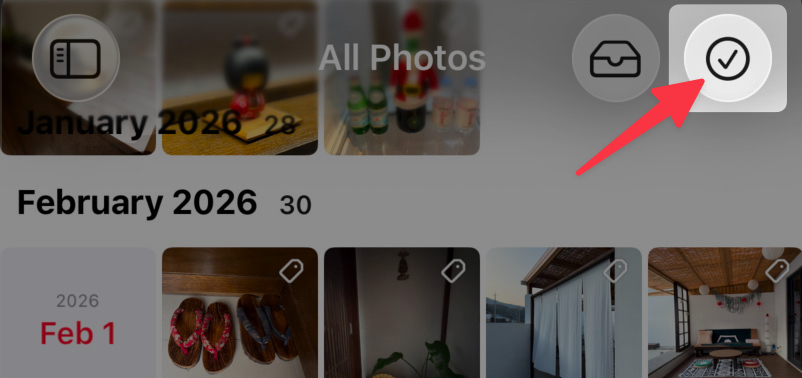
Select mode button — Quick access menu including restore last selection
-
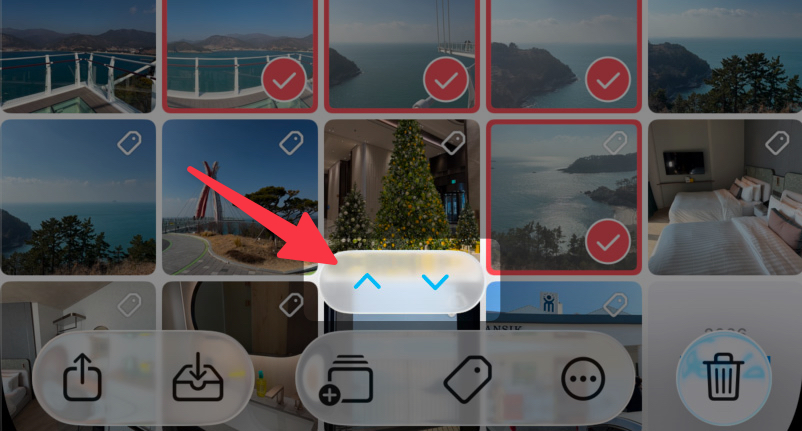
Previous/Next selected button — Scroll to first/last selected photo
-
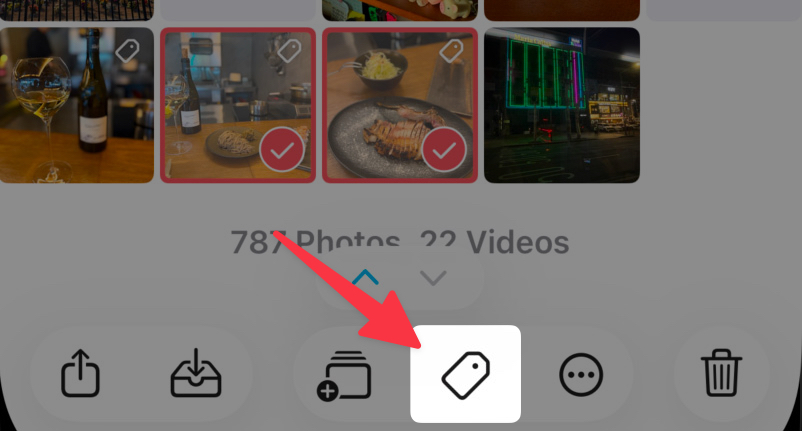
Keyword button — Quick keyword management
-
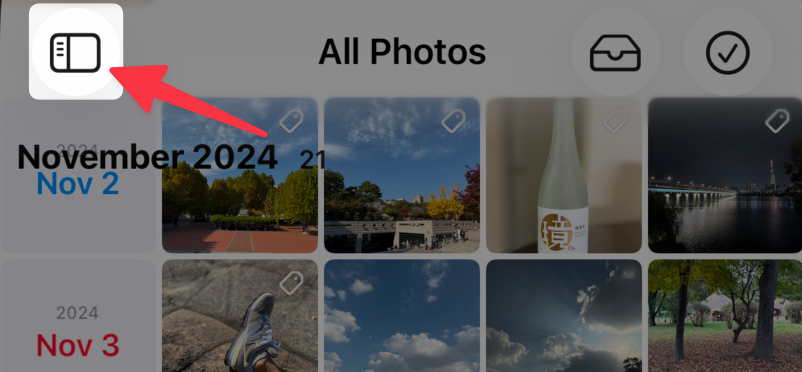
Sidebar button — Open a recently used album or add-to destination
-
Tray button — Empty the tray
-
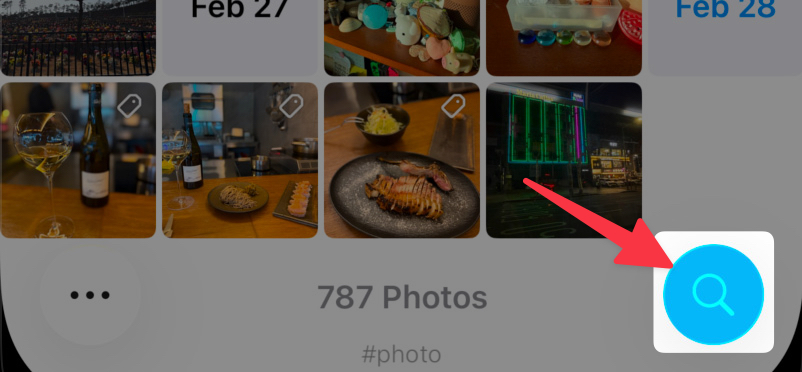
Search, Keyword, Location — Reset search
Viewer
- Keyword button — Quick keyword management
- Info button — Additional information options
- Favorite button — Toggle rating mode
- Video — Play at 2x speed. (Long Press for 2x Speed option should be enabled in Settings > Viewer)
- Keywords — Copy, Remove or Edit keywords
- Memo — Copy, Delete or Edit memo
-
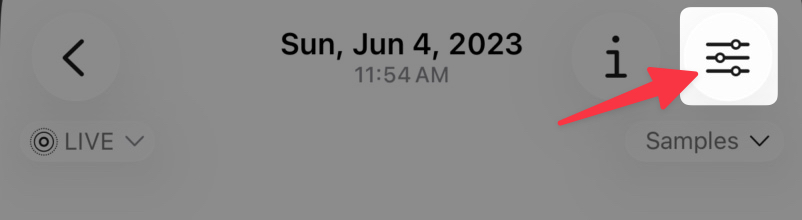
Edit button — Access quick edit menu
Sidebar
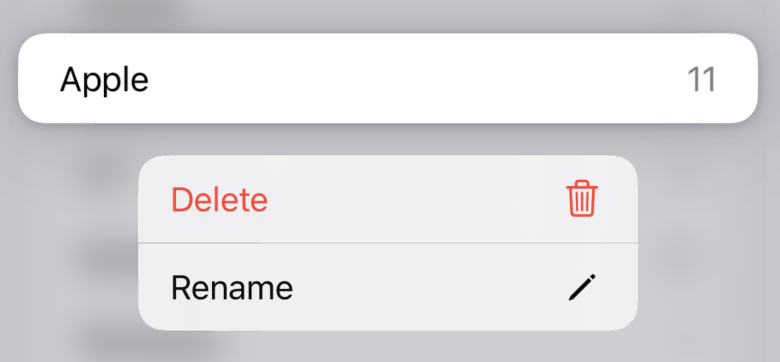
- Album/folder — Open context menu
-
Lock button — Access security options

Editor
-
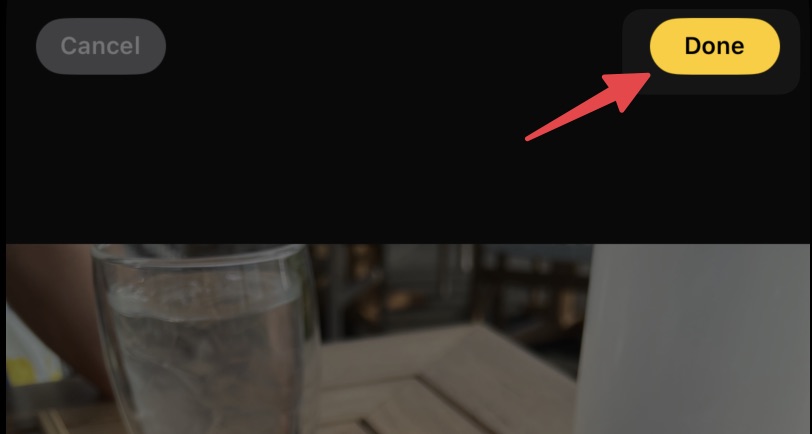
Done button — Save with last used settings
-
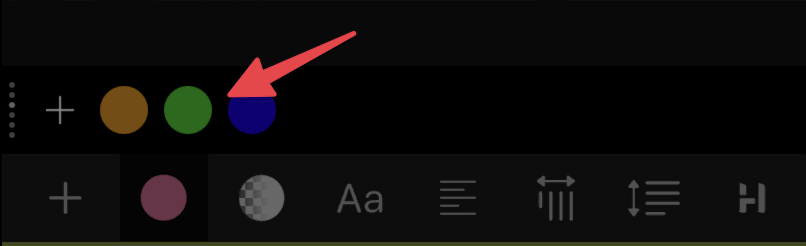
Color Picker — Touch and hold then drag to change color position in a custom palette.
-
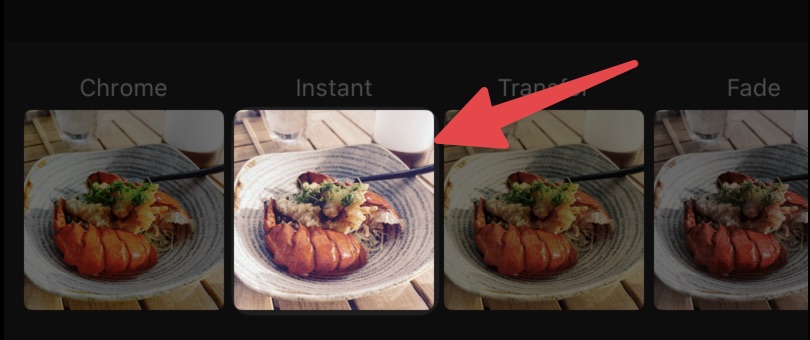
Filter Picker — Touch and hold then drag to change filter position.
-
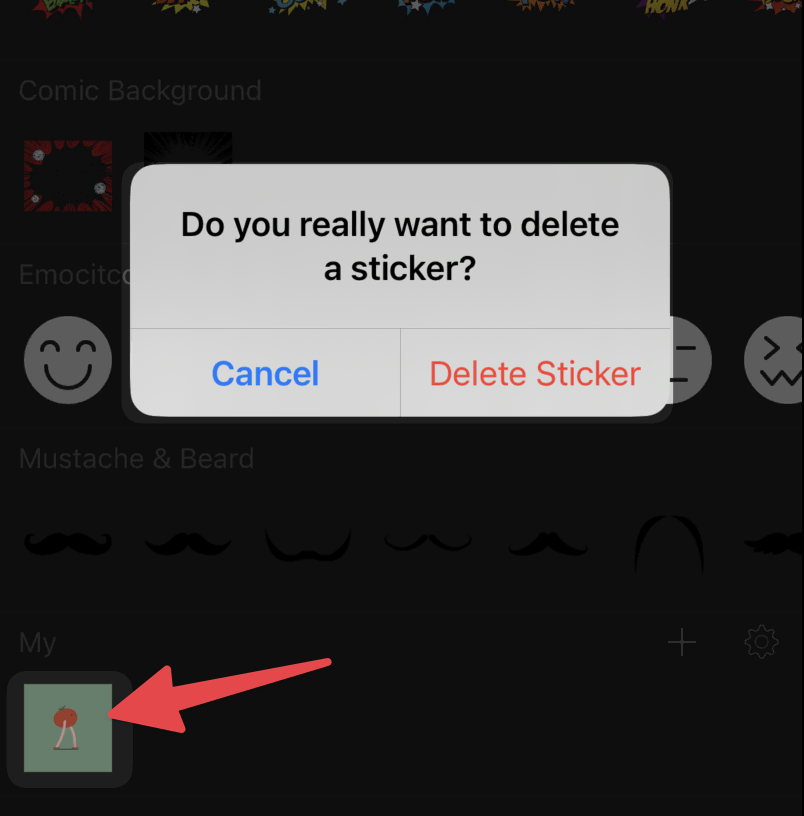
Sticker — Delete a user added sticker
Combine Photos
-
Image — Touch and hold then drag to change order.
Others
- Storage Usage — Delete backup, Empty trash, and clear cache
-
List item — Access additional options