
Find Duplicates
PRO Free: delete up to 3 items at a time.
Find and clean up duplicate photos in your library.
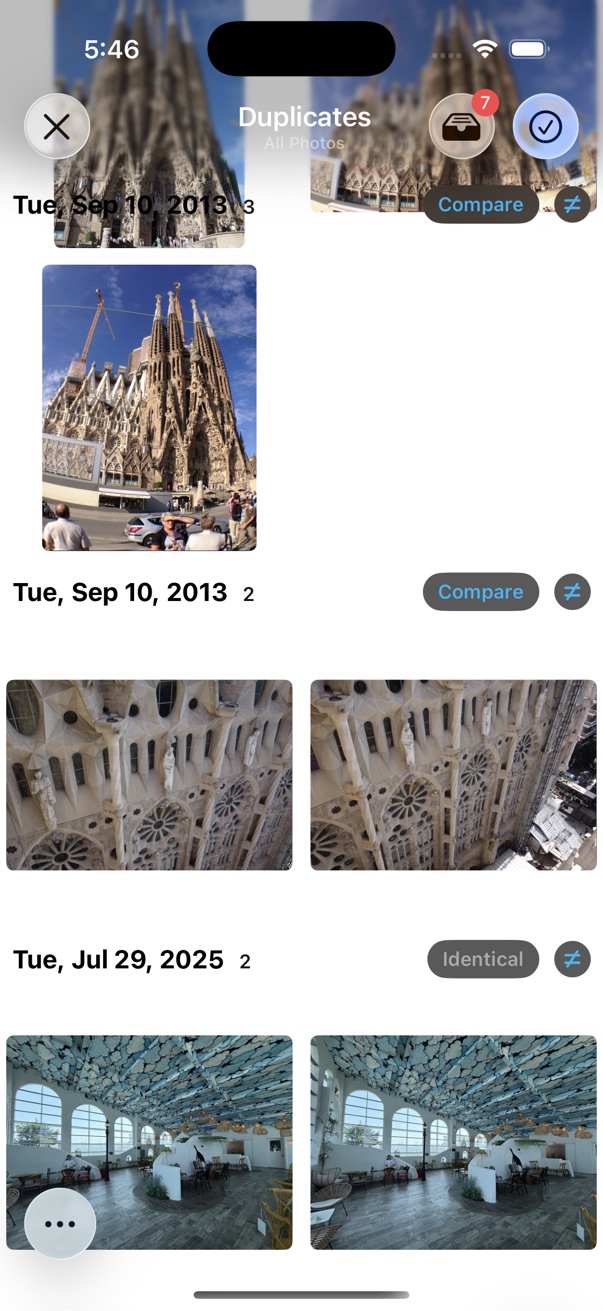
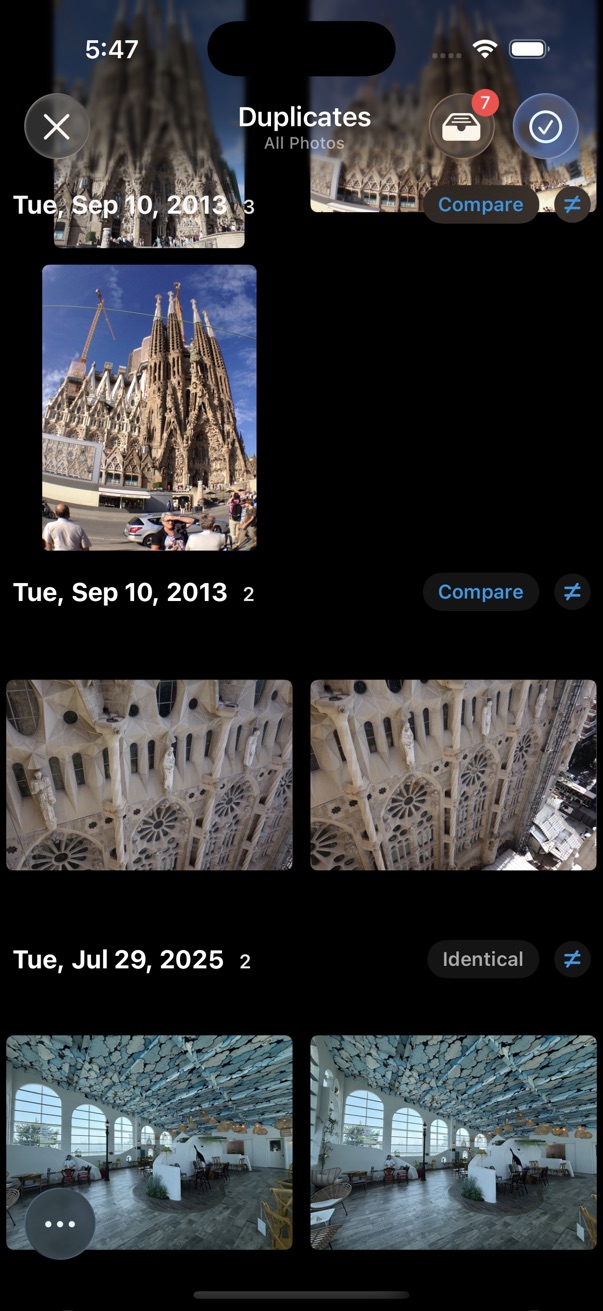
Find duplicates
Method 1
- Tap the on the bottom left of the thumbnails screen.
- Tap Find Duplicates.
- Choose how strictly to match duplicates.
-
Select the photos you want to delete, then tap the
 delete button to clean up.
Method 2
- Select the photos you want to find duplicates of.
- Tap the on the bottom toolbar.
- Tap Find Duplicates.
- Choose how strictly to match duplicates.
-
Select the photos you want to delete, then tap the
delete button to clean up.
Match Options
- Similarity Level
- Choose how strictly photos must match — from visually similar to Identical (exact match, including videos).
- Full Scan
- Run a more thorough scan for accurate results. Use this when the default quick scan misses duplicates.
While reviewing results
-
Tap the
 Not Equal button to mark photos as different. They will not appear as duplicates next time.
- Tap Compare and Pick for a side-by-side comparison. See Compare and Pick for details.
