
Split Video Clip
Requires iOS 16.4 or later.
Split a video into two separate clips at the current playback position.
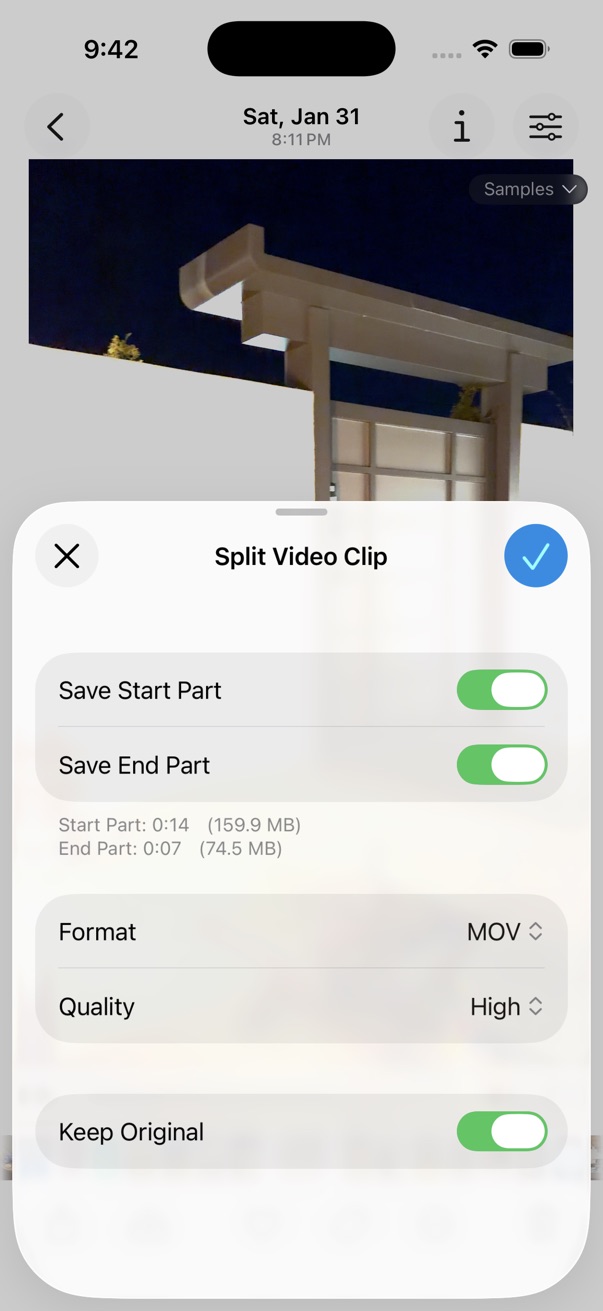
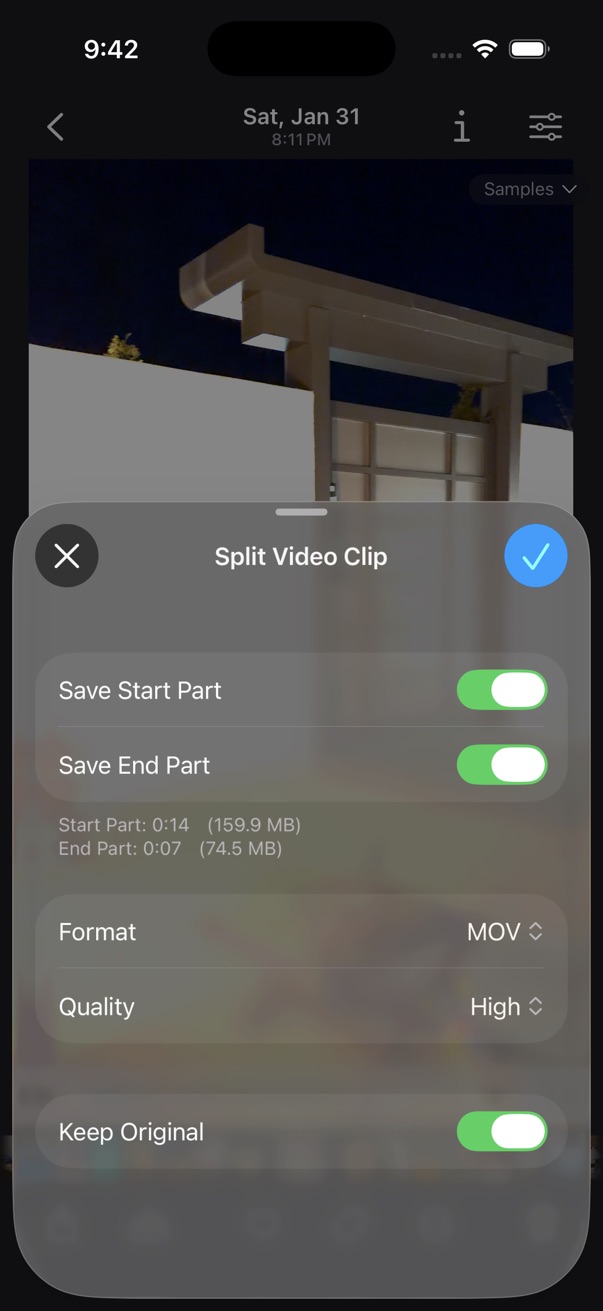
Split a video
- Open a video in the viewer.
- Pause playback at the frame where you want to split.
- Tap the on the bottom toolbar.
- Tap Edit > Split Video Clip.
- Confirm to save the video as two separate clips.