
Add Stickers
PRO Free: one sticker at a time.
Add stickers to a photo.
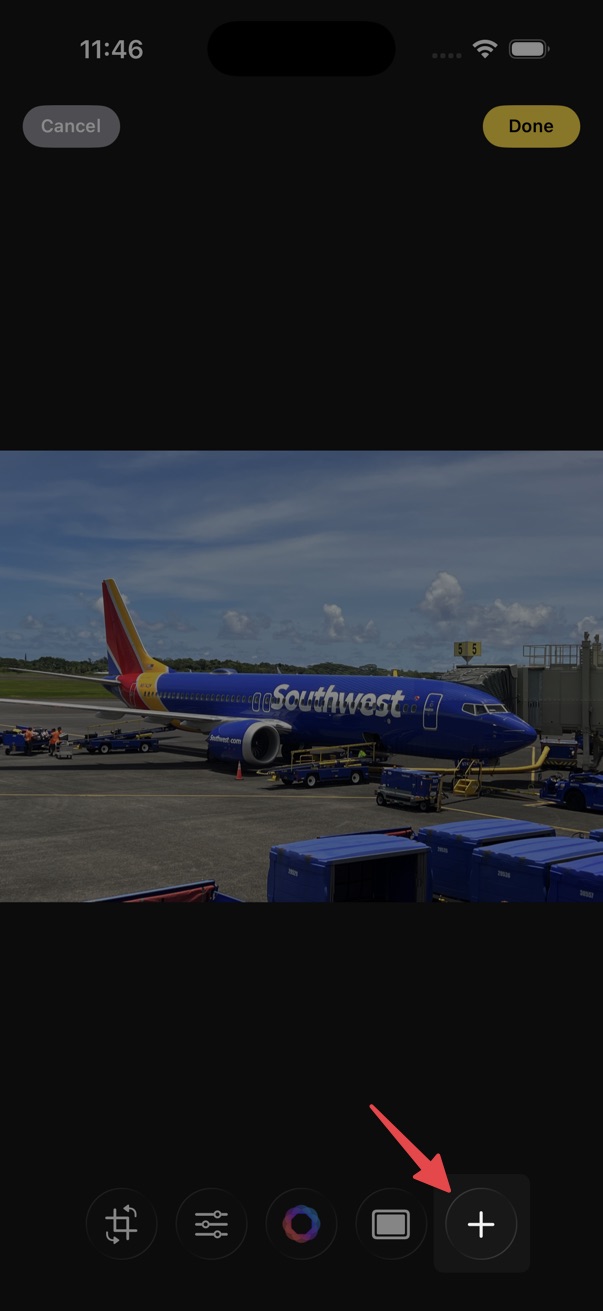
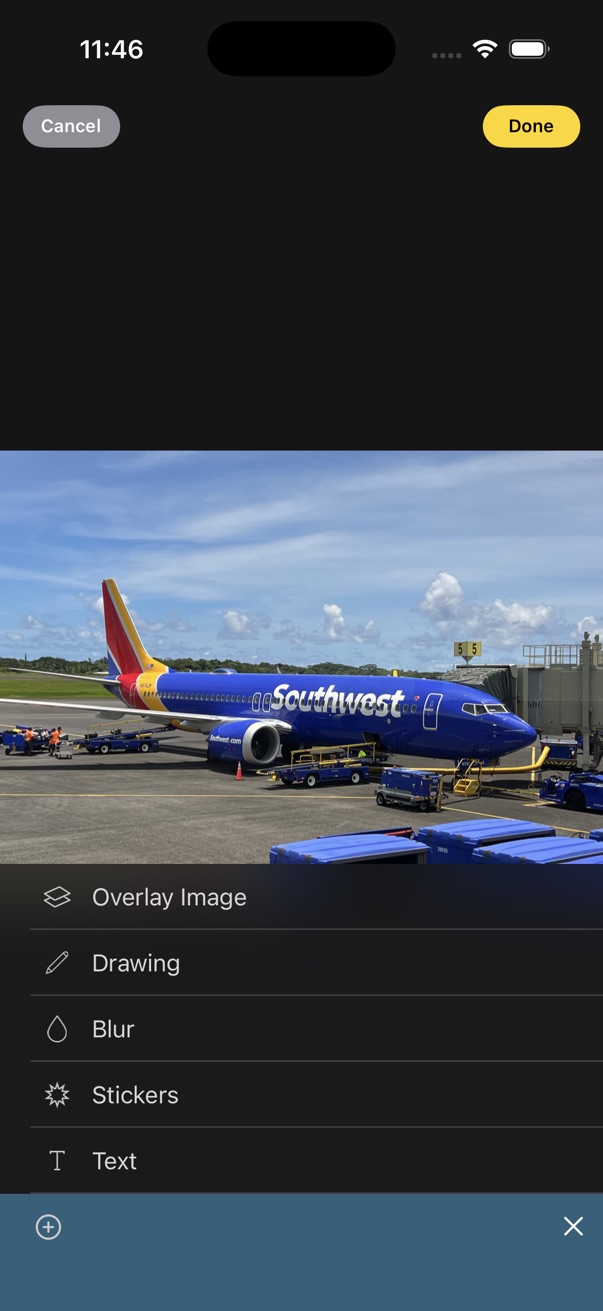
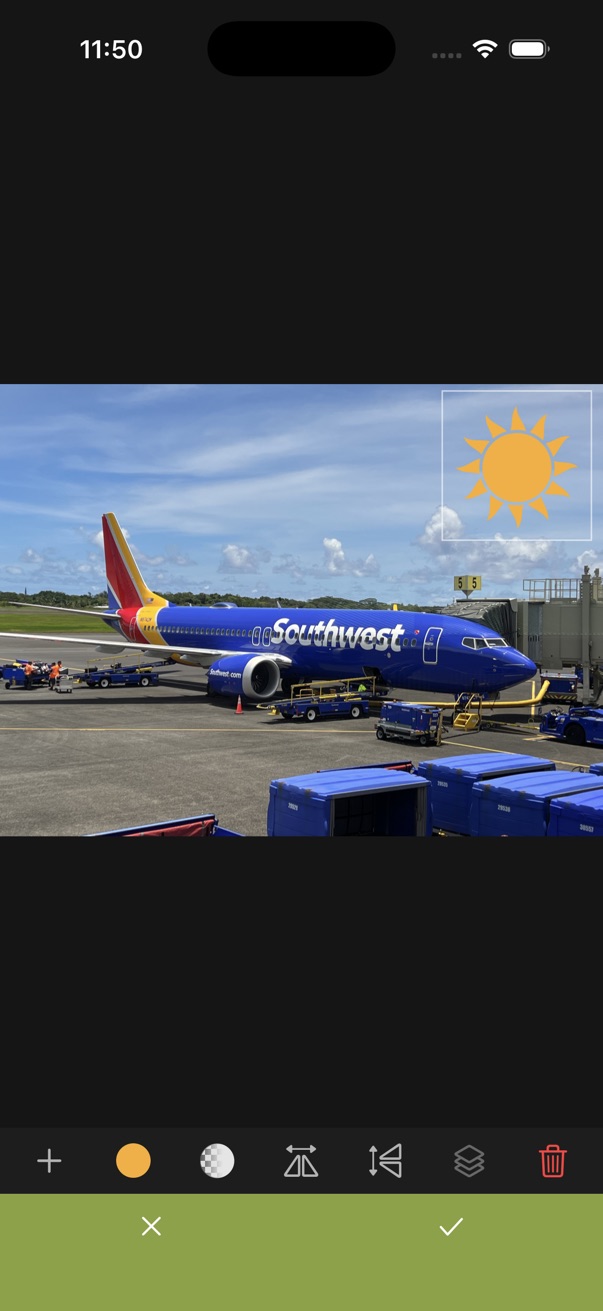
- Open the editor.
- Tap the add (+) button on the bottom toolbar.
- Choose Stickers.
- Pick a sticker, place it on the photo, then tap the checkmark to apply.
Custom sticker packs
Scroll to the bottom of the Sticker Picker to add a new sticker pack. You can add your own images and build sticker packs that are unique to you.