
Add Image Overlay PRO
Place another image on top of the photo.
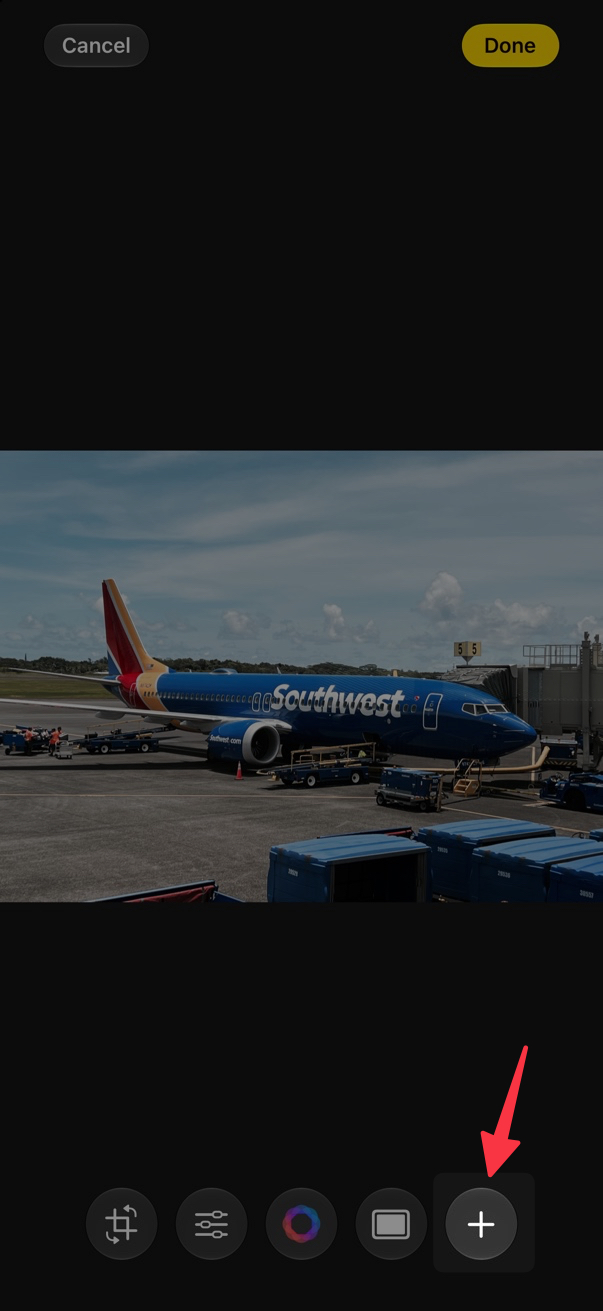
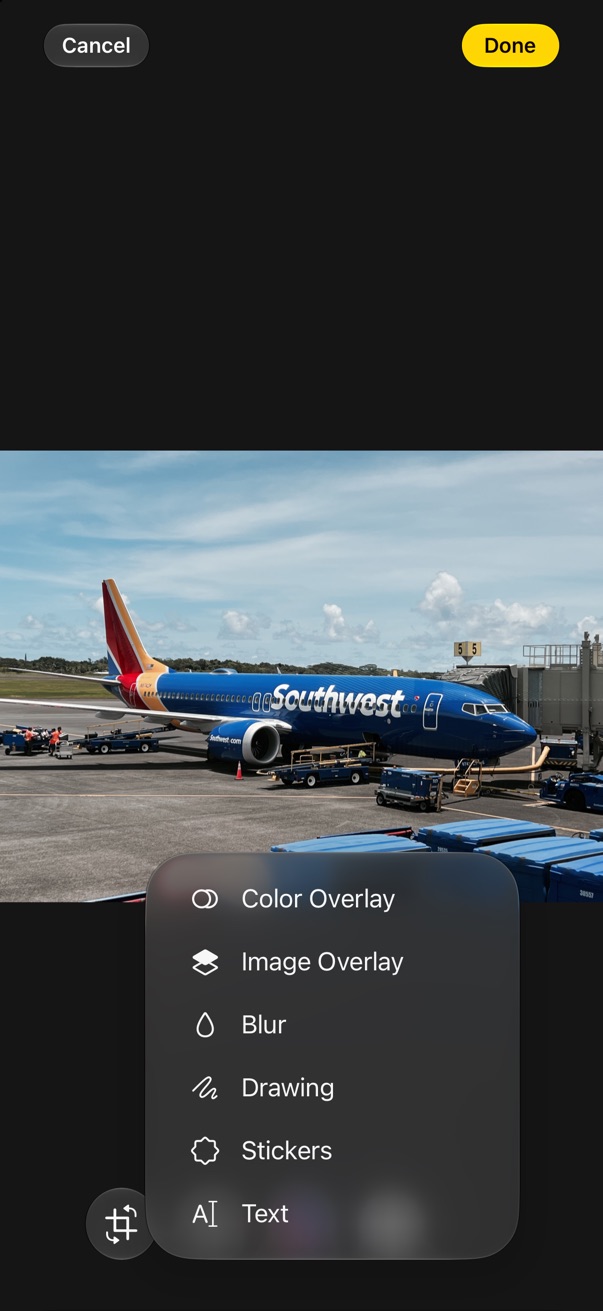
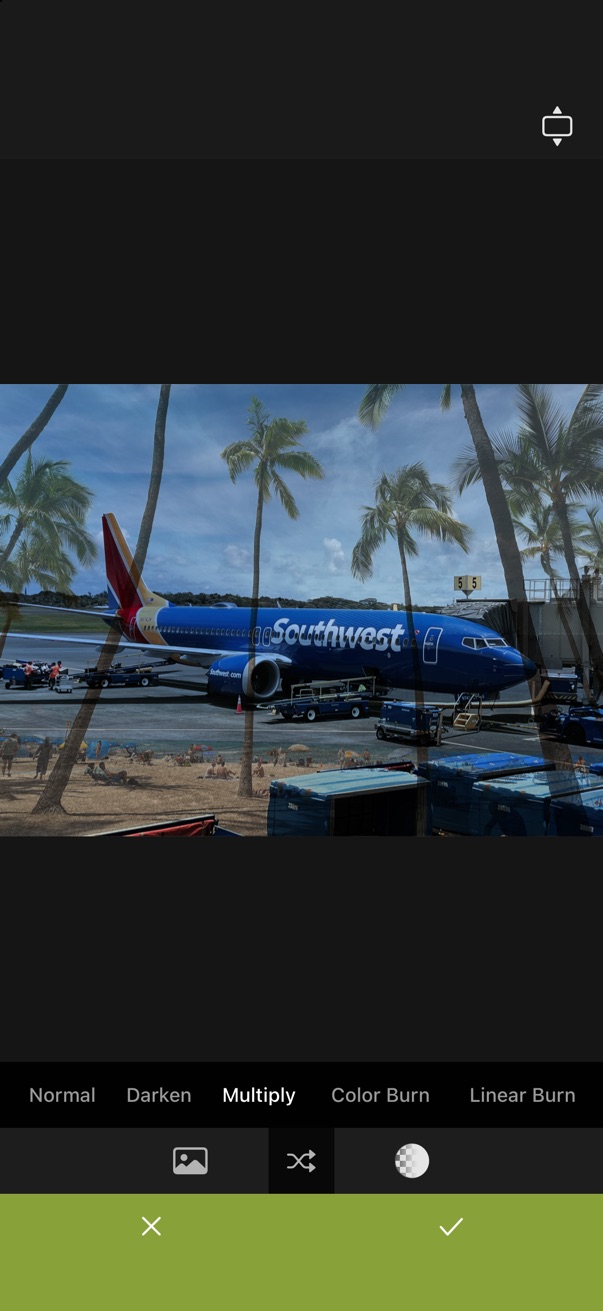
- Open the editor.
- Tap the add (+) button on the bottom toolbar.
- Choose Image Overlay.
-
Select an image, then adjust it:
- Pan to change position
- Pinch to resize and rotate
- Tap the layout button in the top-right corner to switch between Fit, Fill, and Center.
- Double-tap the overlay image to edit it — for example to remove the background, crop, or apply a filter.
- Tap the checkmark to apply.
See also: How to overlay photos