
Filter
PRO Free: Basic Filters only.
Apply a photo filter preset.
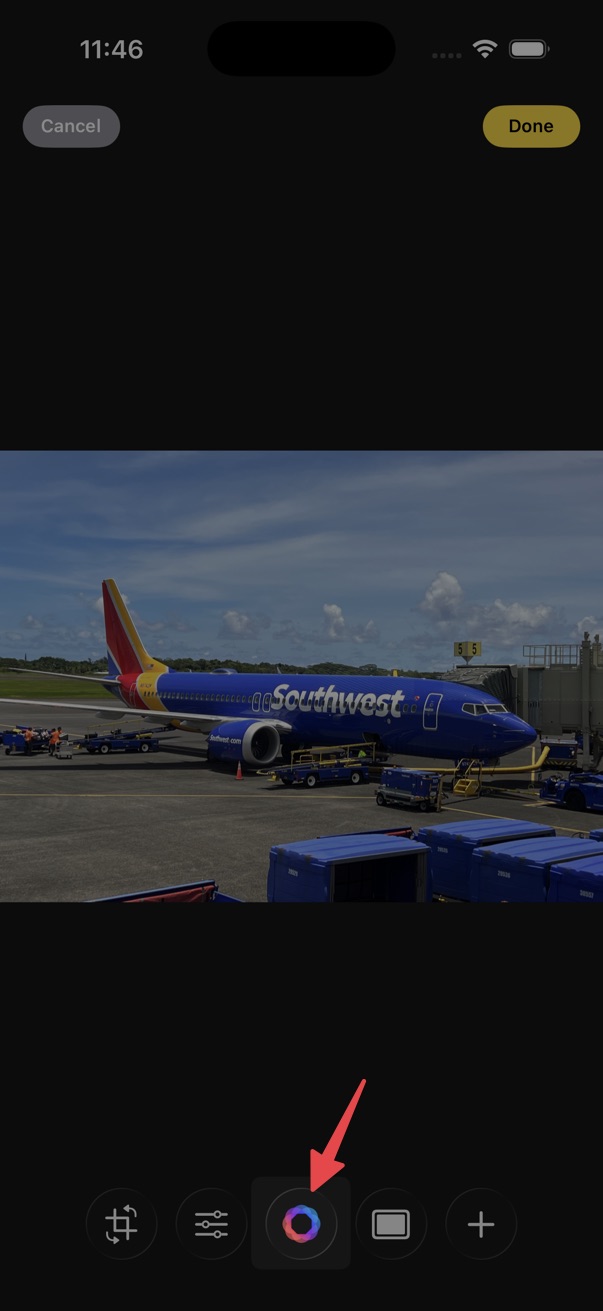
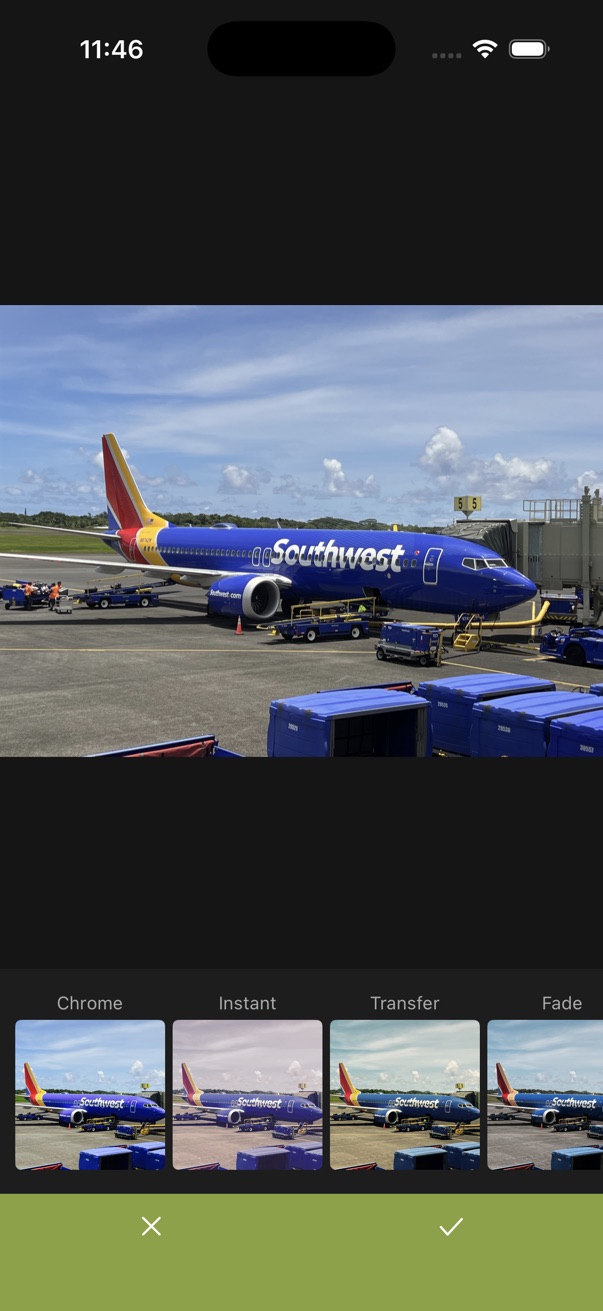
- Open the editor.
- Tap the filter button on the bottom toolbar.
- Swipe through the filter thumbnails and tap one to preview it.
- Tap the checkmark to apply the filter.
Customize filter list
You can change filter visibility and the order filters appear in the list.
- When the filter list is scrolled to the left edge, swipe it further to the right to show visibility and order controls.
- Or touch and hold a filter thumbnail and drag and drop it to reorder filters.