
Eraser PRO
Magic eraser requires iOS 17 or later.
Erase parts of a photo — for example to remove a background or cut out a subject.
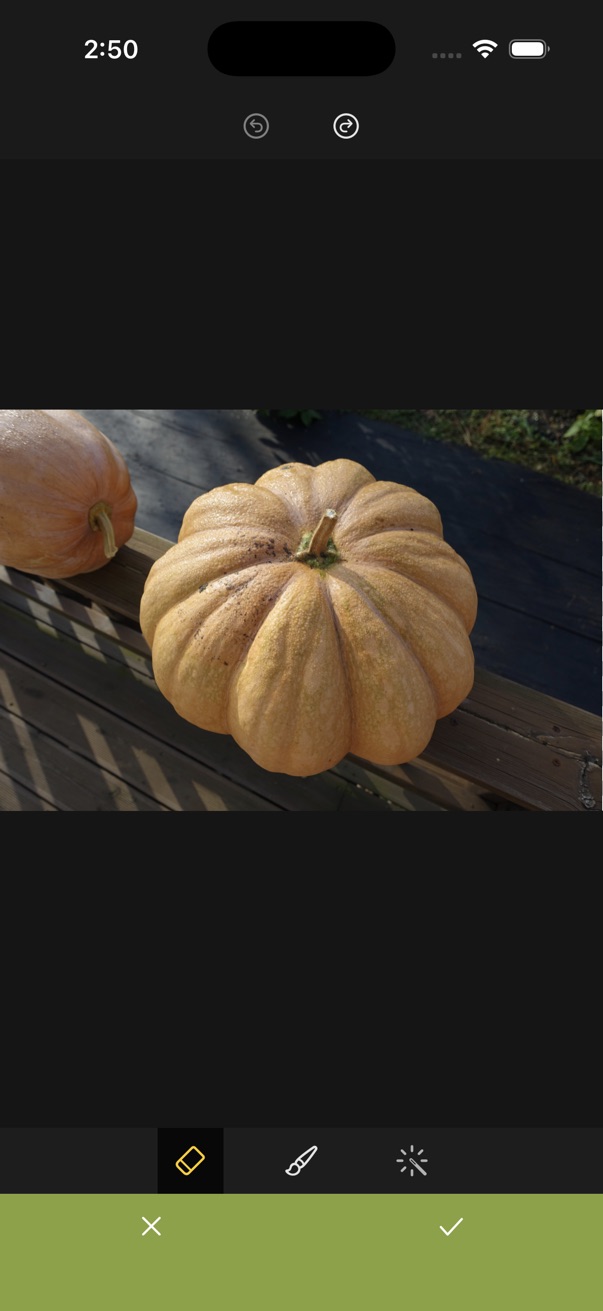
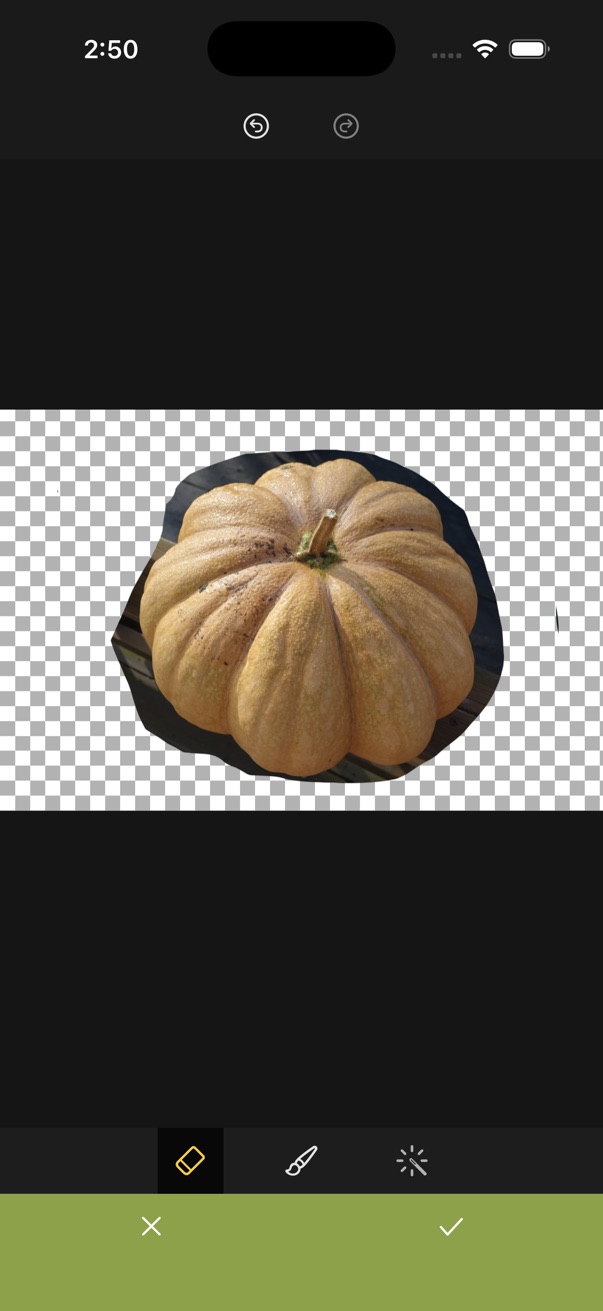
- Open the editor.
- Tap the content button on the bottom toolbar.
- Choose Eraser.
-
Remove or restore areas as needed, then tap the checkmark to apply.
- Eraser — paint over areas to erase
- Brush — paint to restore erased areas
- Magic eraser — remove the background automatically