
Add Color Overlay
Tint a photo with a color overlay and blend mode.
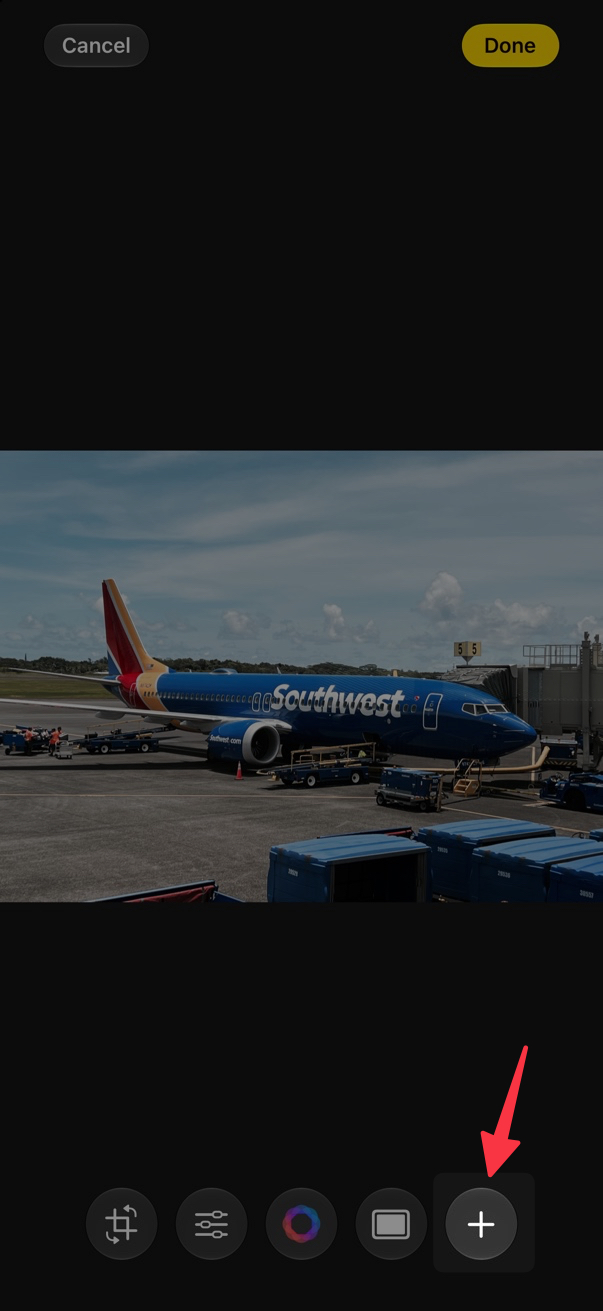
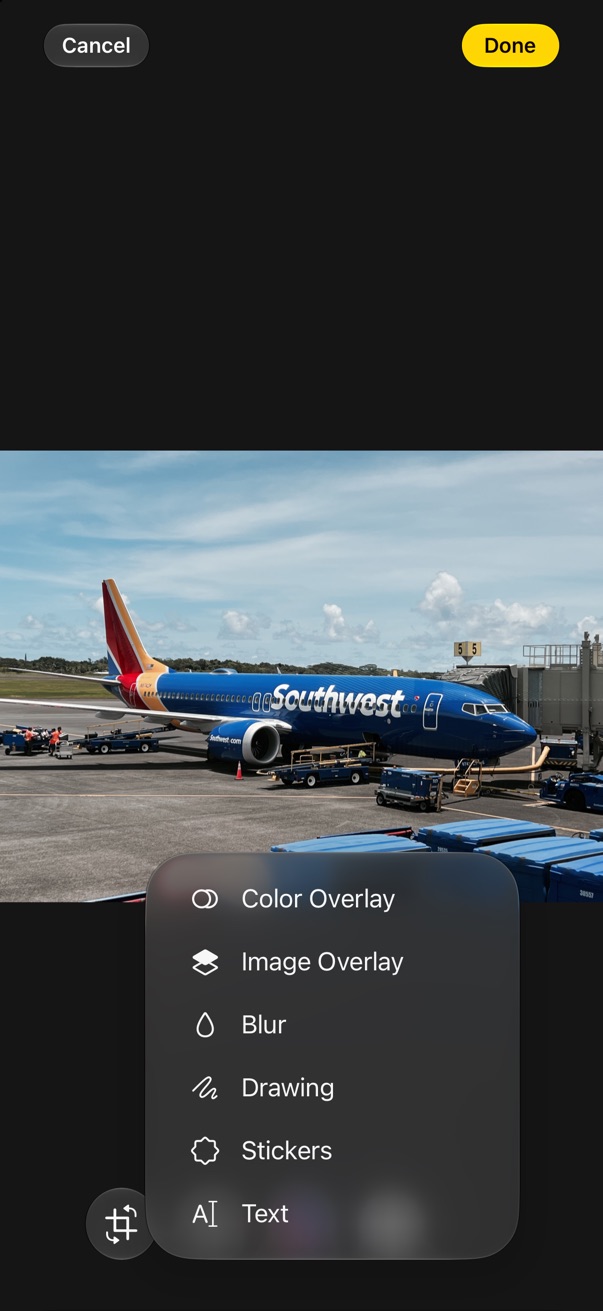
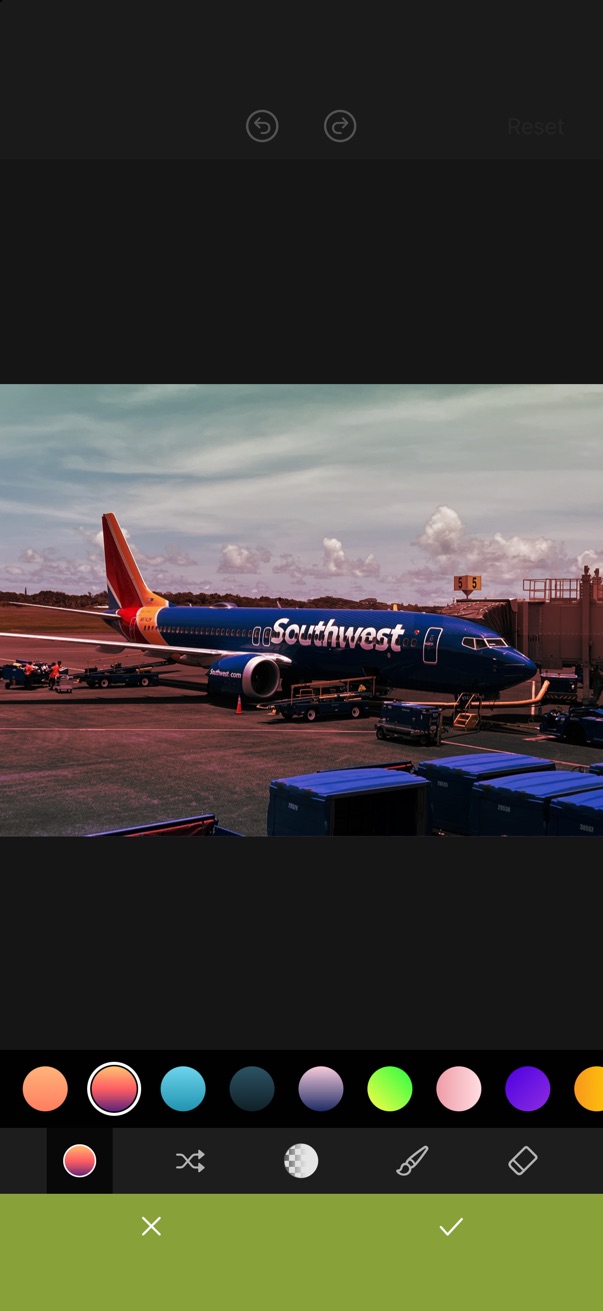
- Open the editor.
- Tap the add (+) button on the bottom toolbar.
- Choose Color Overlay.
- Pick a color, then adjust opacity and blend mode as needed.
-
Use the Brush and Eraser tools to paint a mask that controls where the color overlay is
applied.
- Brush — paint to apply the overlay
- Eraser — paint to remove the overlay
- Tap the checkmark to apply.