
Adjust
Adjust exposure, color, curves, and other image settings.
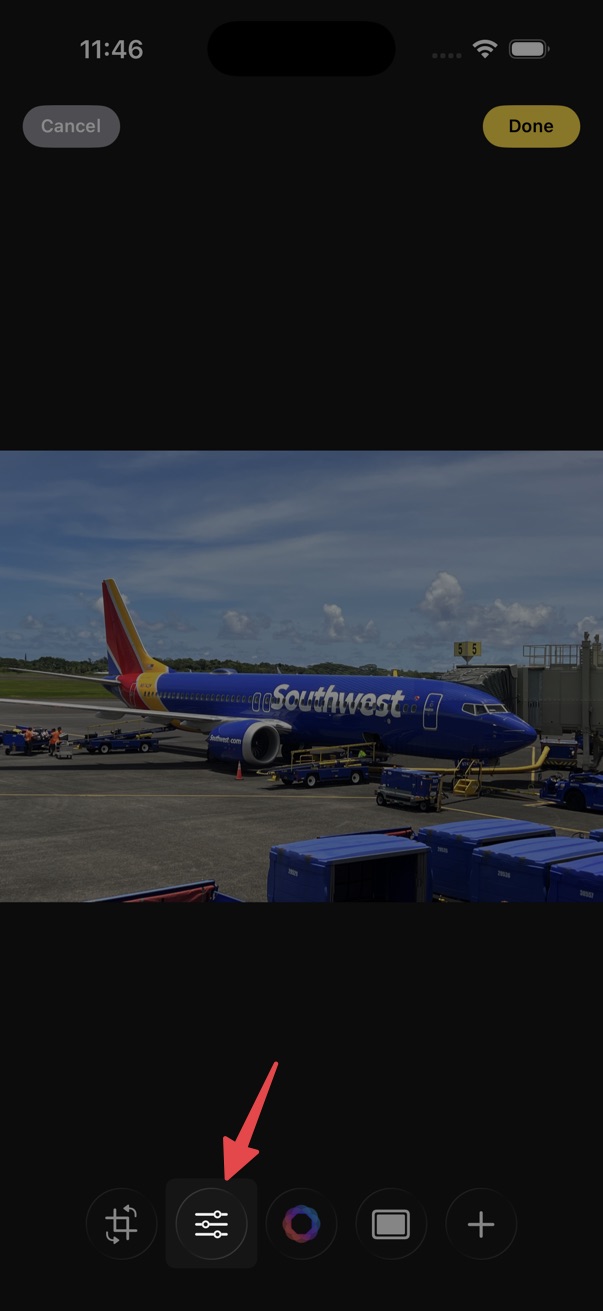
- Open the editor.
- Tap the adjustments button on the bottom toolbar.
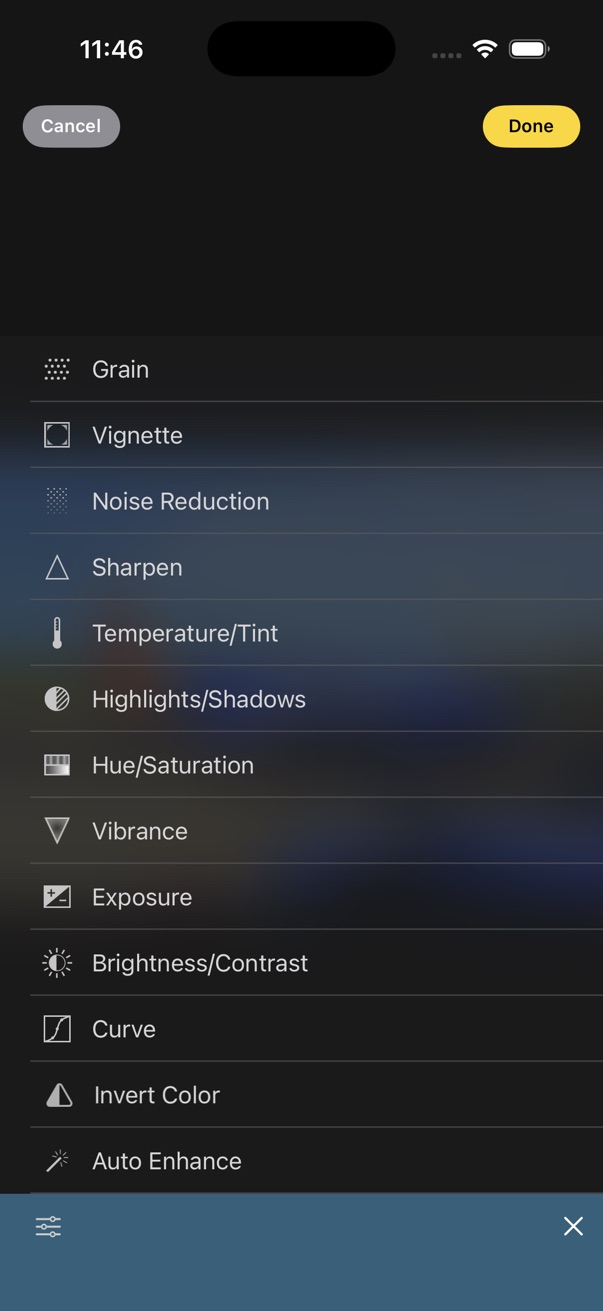
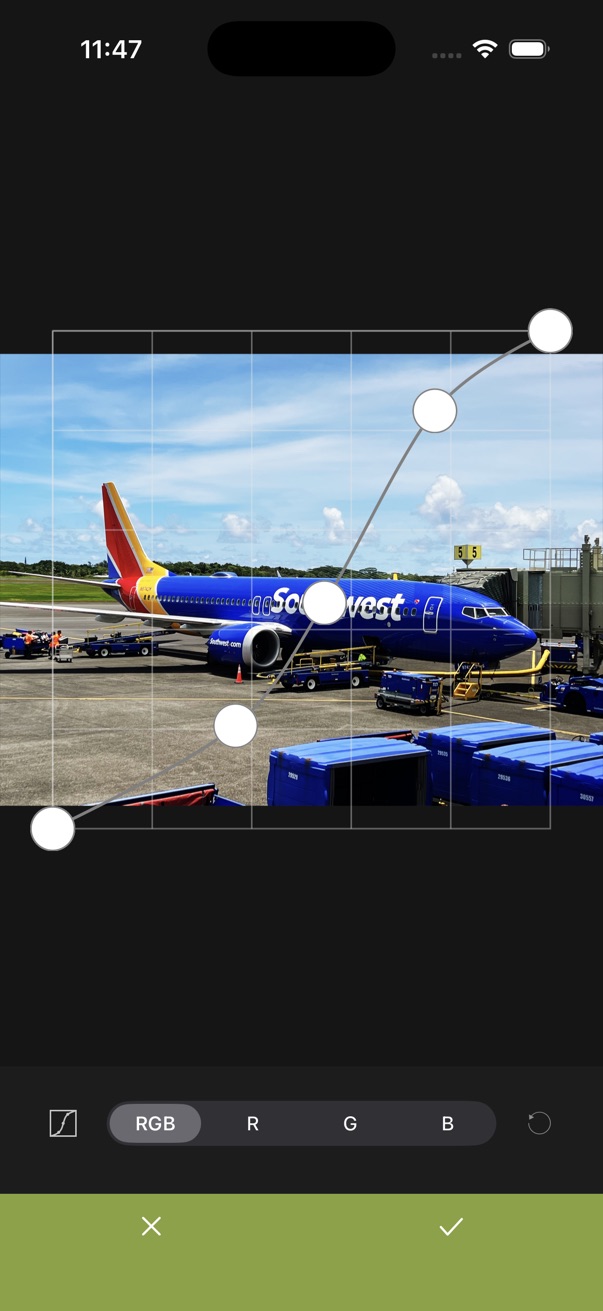
- Choose an adjustment, then use the slider or controls to fine-tune.
- Tap the checkmark to apply.
Available adjustments
- Grain
- Vignette
- Noise Reduction
- Sharpen
- Temperature/Tint
- Highlights/Shadows
- Hue/Saturation
- Vibrance
- Exposure
- Brightness/Contrast
- CurvePRO
- Invert Color
- Auto Enhance