
Import photos from Mac/PC via Wi-Fi
PRO Free: up to 3 items at a time.
Import photos from your Mac or PC over Wi-Fi.
Your devices should be on the same Wi-Fi network.
-
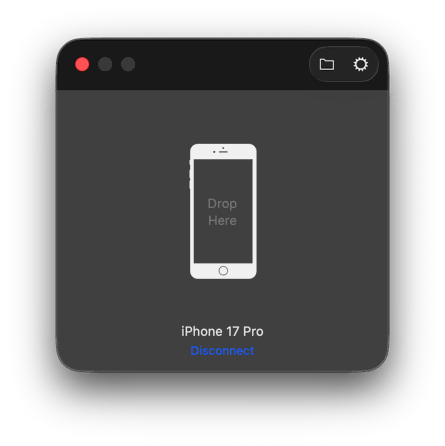
Run HashPhotos Transfer on your Mac or PC
(HashPhotos Transfer can be downloaded on https://www.hashphotos.app for macOS or Windows) - Tap the on the bottom left of the thumbnails screen.
- Tap Add button.
- Tap Import from Mac/PC.
-
Select a device to connect on the device picker.
If it's the first time, click Allow button in HashPhotos Transfer on your Mac/PC. -
Drag and drop your photo files into HashPhotos Transfer on your Mac/PC.
Troubleshootings
- If the device is not detected, try turning off and on the Wi-Fi of all devices.
- If still doesn't work, try restarting your router too.
-
Also, check Firewall settings on your Mac/PC.
HashPhotos Transfer and Bonjour service should be allowed in your firewall settings.
