
Resize Photos
PRO Free: single item only (30-time trial).
Resize selected photos using percent, dimension limits, or edge-based options, and choose the output format.
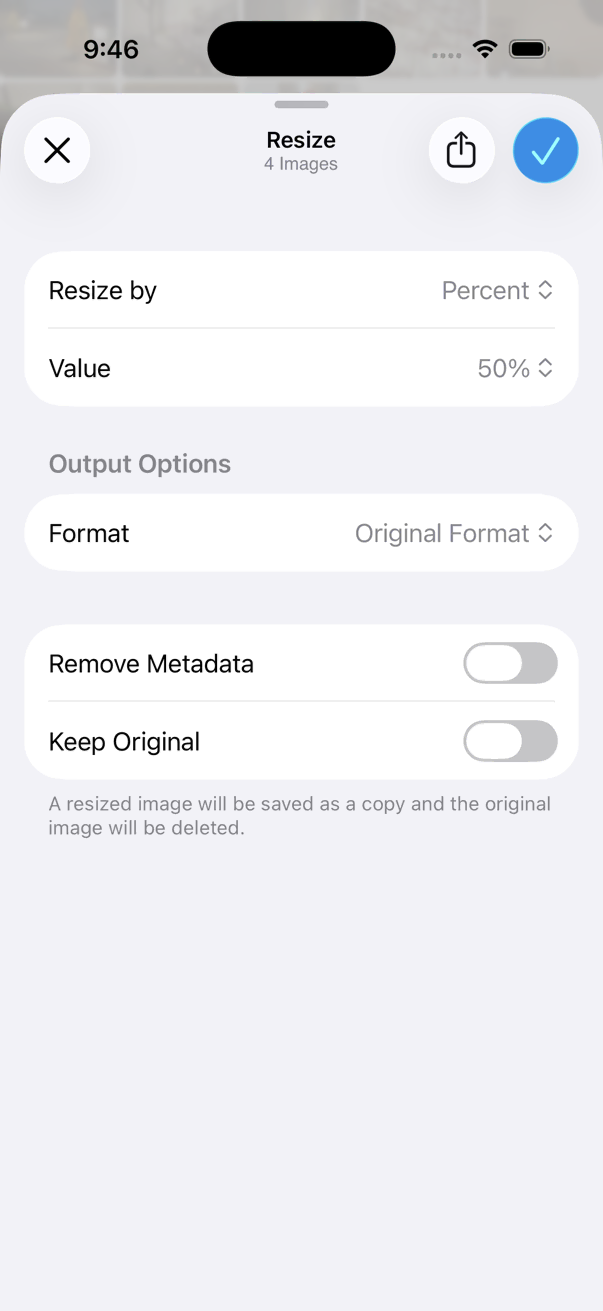
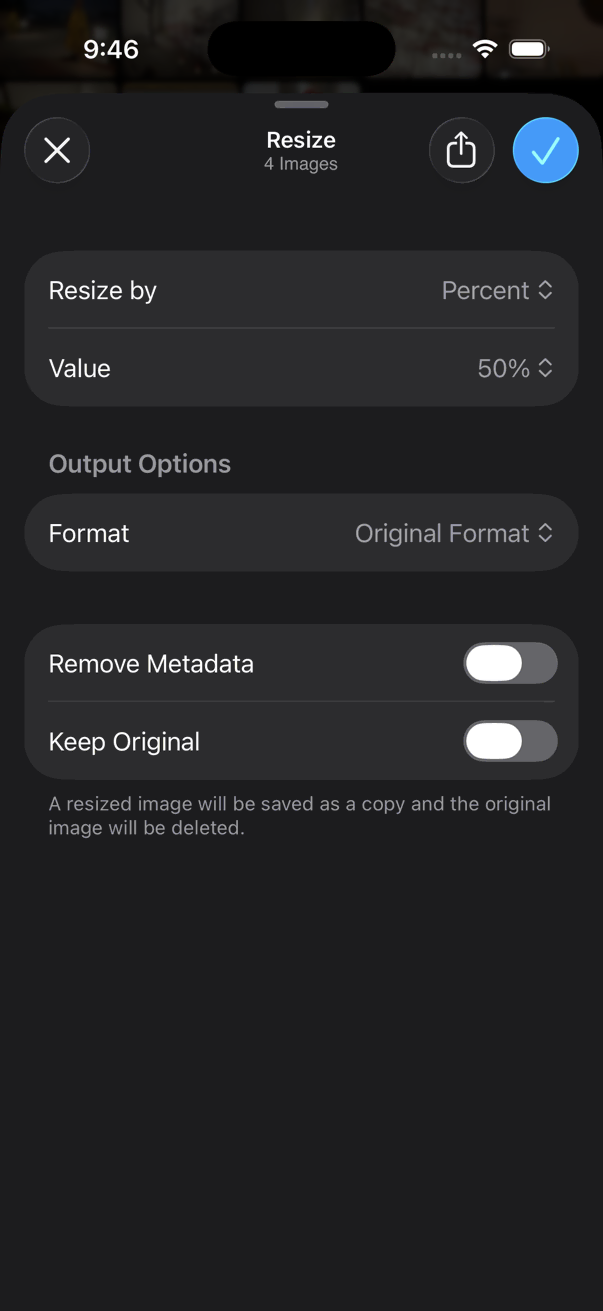
- Select photos to resize.
- Tap the on the bottom toolbar.
- Tap Edit > Resize.
- Choose a resize mode and set the value.
- Optionally choose an output Format.
- Apply the resize.
Resize Modes
Resize photos based on one of the following:
- Percent — scale by a percentage of the original size
- Max Dimensions — fit within a maximum width and height
- Max Width — limit the width
- Max Height — limit the height
- Shortest Edge — set the shorter side
- Longest Edge — set the longer side
Format
Use the Format option to choose the format of the resized photos when saving.