
Combine Photos PRO
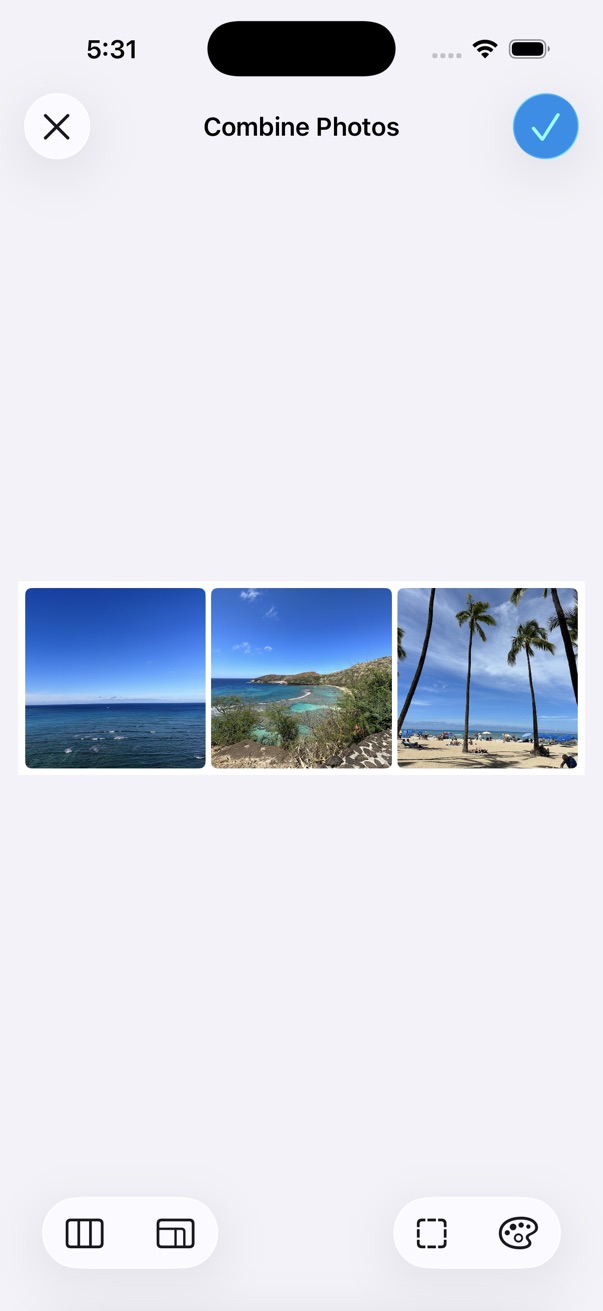
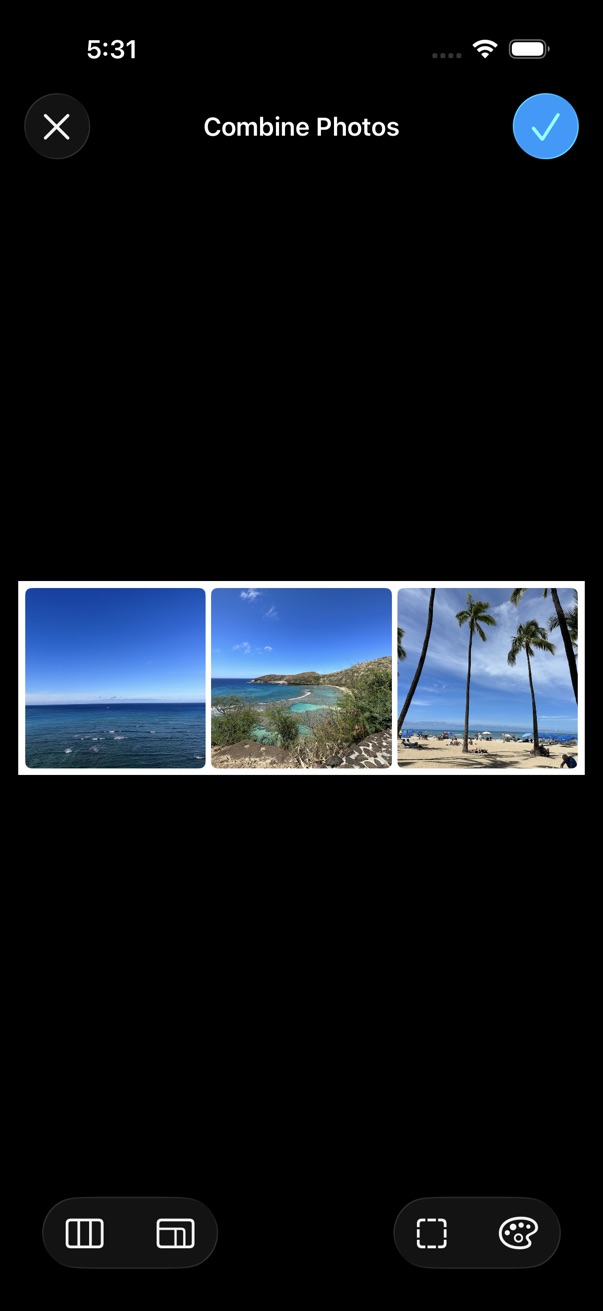
Combine photos into one image — vertically, horizontally, or in a grid.
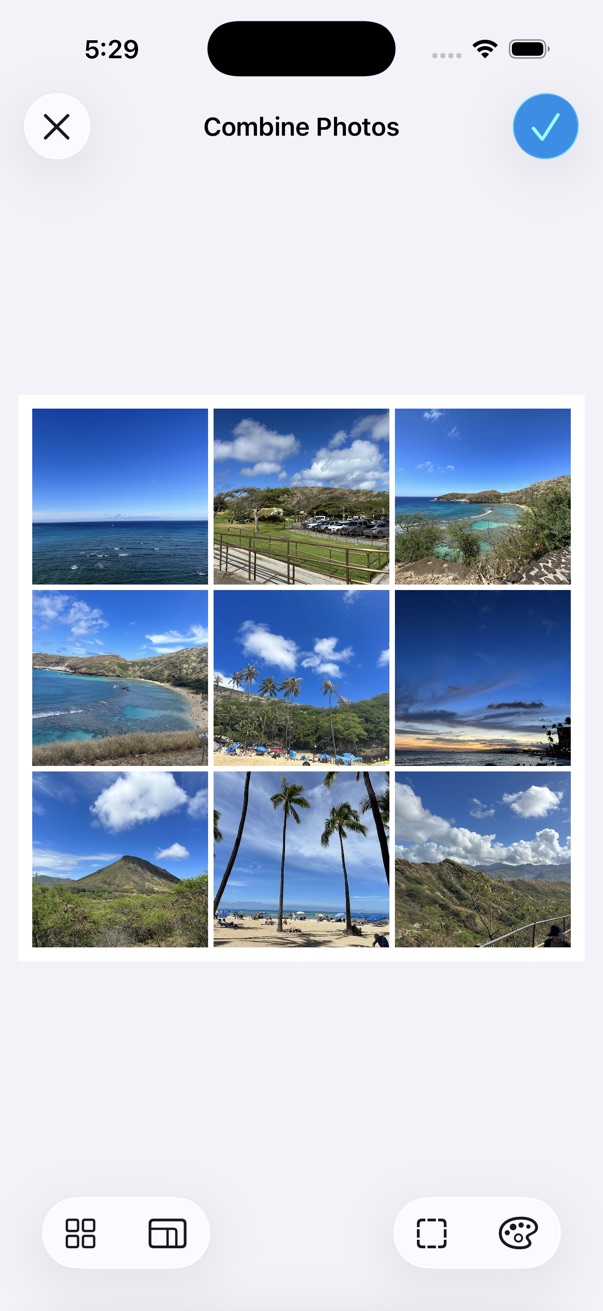
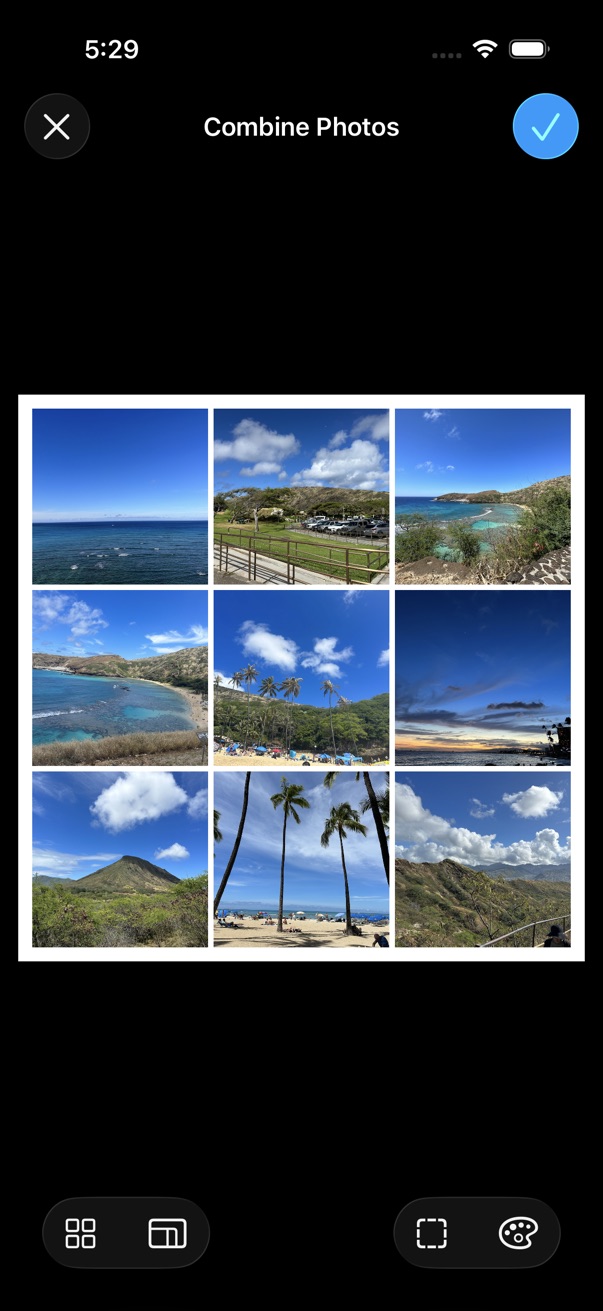
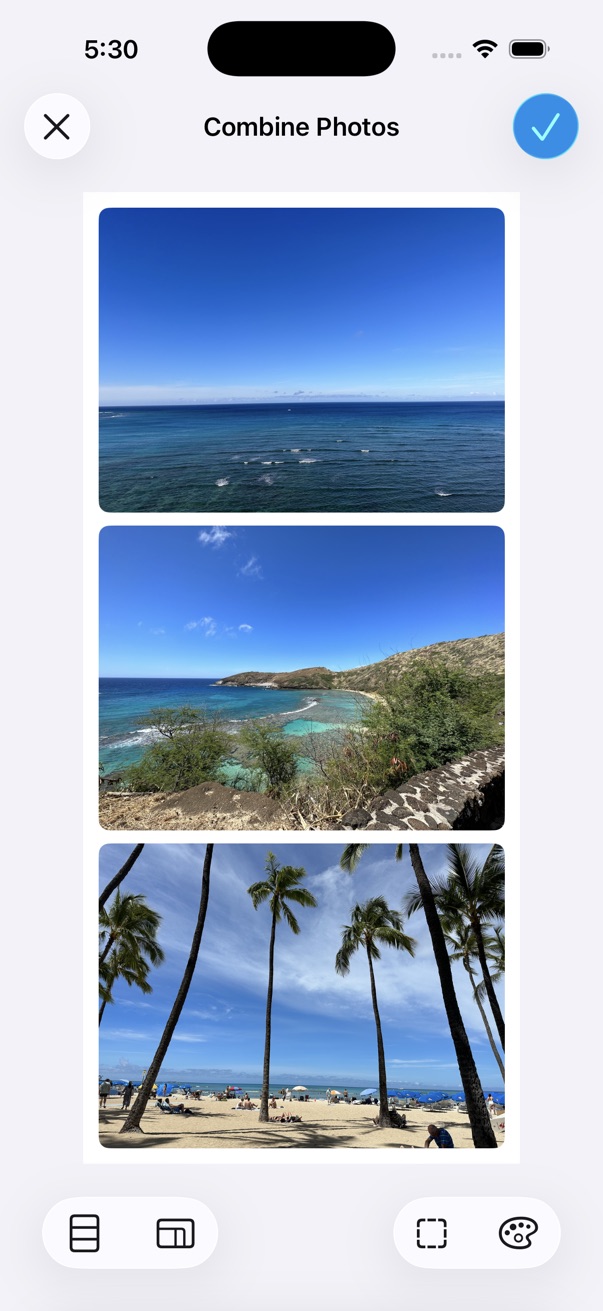
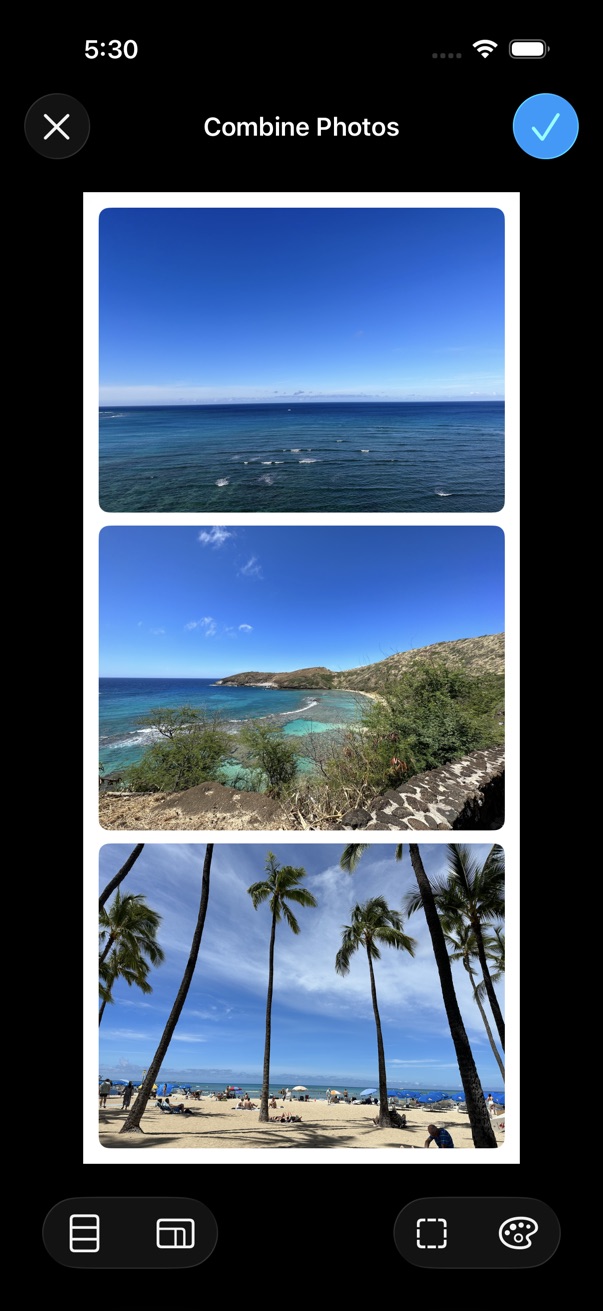
- Select photos to combine.
- Tap the on the bottom toolbar.
- Tap Tools > Combine Photos.
- Adjust the layout and options as needed.
- Tap Save.
Edit cells
- Tap a cell to zoom in/out with a pinch gesture, or reposition the image with a pan gesture.
- Touch and hold a cell, then choose an edit option from the menu.
- Touch and hold, then drag and drop to change the cell order.
Layout & options
- Choose a layout: Vertical, Horizontal, or Grid.
- Set the output ratio or cell ratio.
- Adjust spacing between cells, overall padding, and cell corner radius.
- Choose a background color.
