
Sort Thumbnails
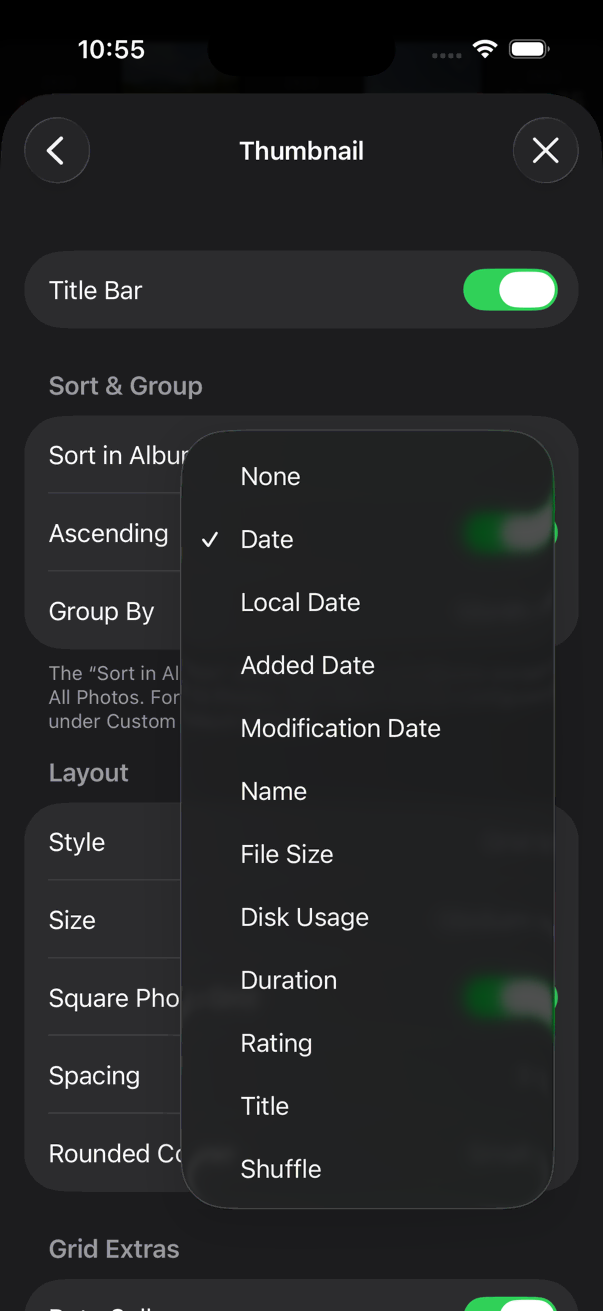
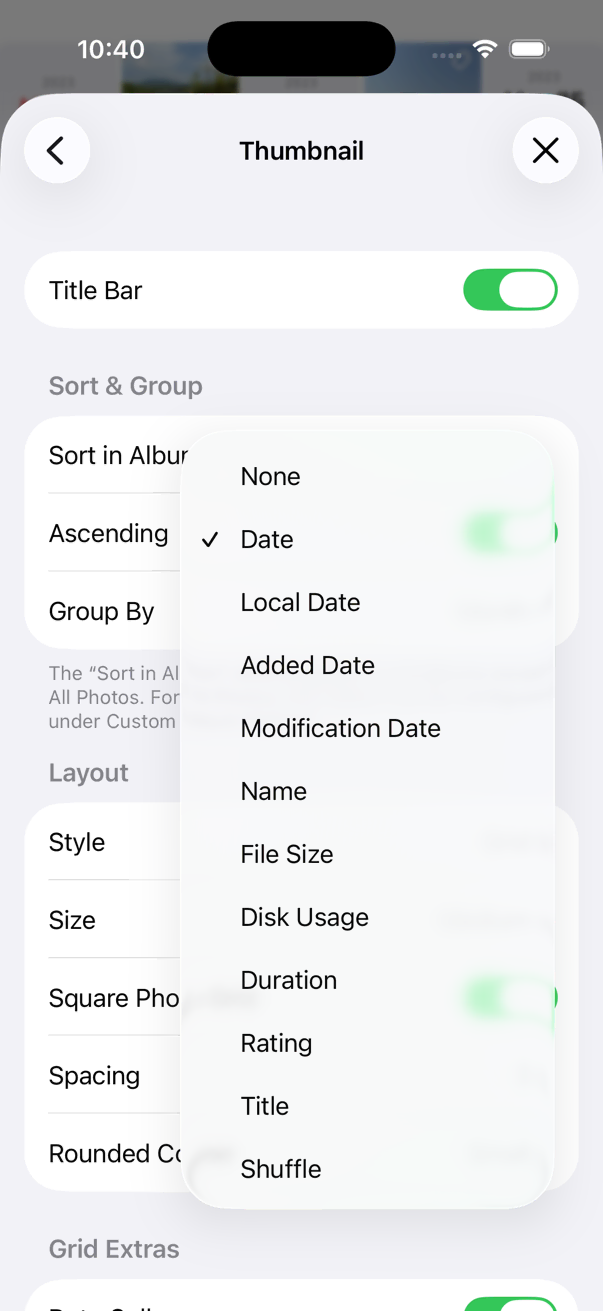
- None
- No sorting. Photos may appear in the order they were added to the library.
- Date
- Sort by the date/time the photo was taken or saved.
- Local Date
- Sort by the date/time in the local time zone where the photo was taken.
- Modification Date
- Sort by the date/time the photo was edited or its attributes changed. Some attributes update the modification date, while others do not. This may work differently depending on whether you are using the System Library or Local Library.
- Name
- Sort by file name.
- File SizePRO
- Sort by the file size of the main photo or video. For Live Photos, sorting is based on the photo file size plus the video component. For edited photos, sorting uses the final edited file size.
- Disk UsagePRO
- Sort by the total file size, including the main photo or video, Live Photo video, and all original files for edited images.
- DurationPRO
- Sort by video playback duration. Photos are sorted by date/time.
- Rating
- Sort by rating. If ratings are the same, photos are sorted by date/time.
- Title
- Sort by title. If the titles are the same or missing, the photos are sorted by date/time.
- Shuffle
- Shuffle the photos. Each refresh randomizes the order.
How to set
- Settings > Thumbnail> Sort in Album
- On the main screen, [
 Actions Button > View Options > Sort By]
To set the sort options for a specific album or All Photos, see Album Custom Options.