
Slideshow
Method 1
- Tap on the bottom left of the thumbnails screen.
- Tap Slideshow
- Set slideshow options.
- Tap Start Slideshow.
Method 2
- Select photos to view in slideshow.
- Tap on the bottom toolbar.
- Tap Slideshow.
- Set slideshow options.
- Tap Start Slideshow.
If you want to stop slideshow, tap the screen and tap
Close button.
Options
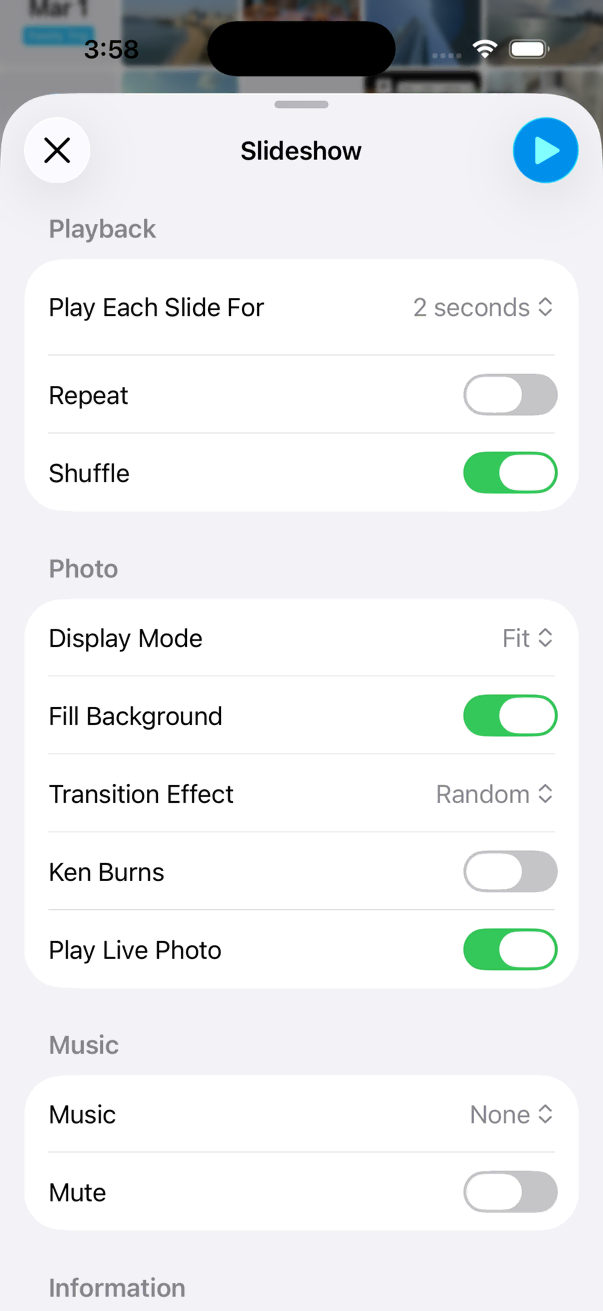
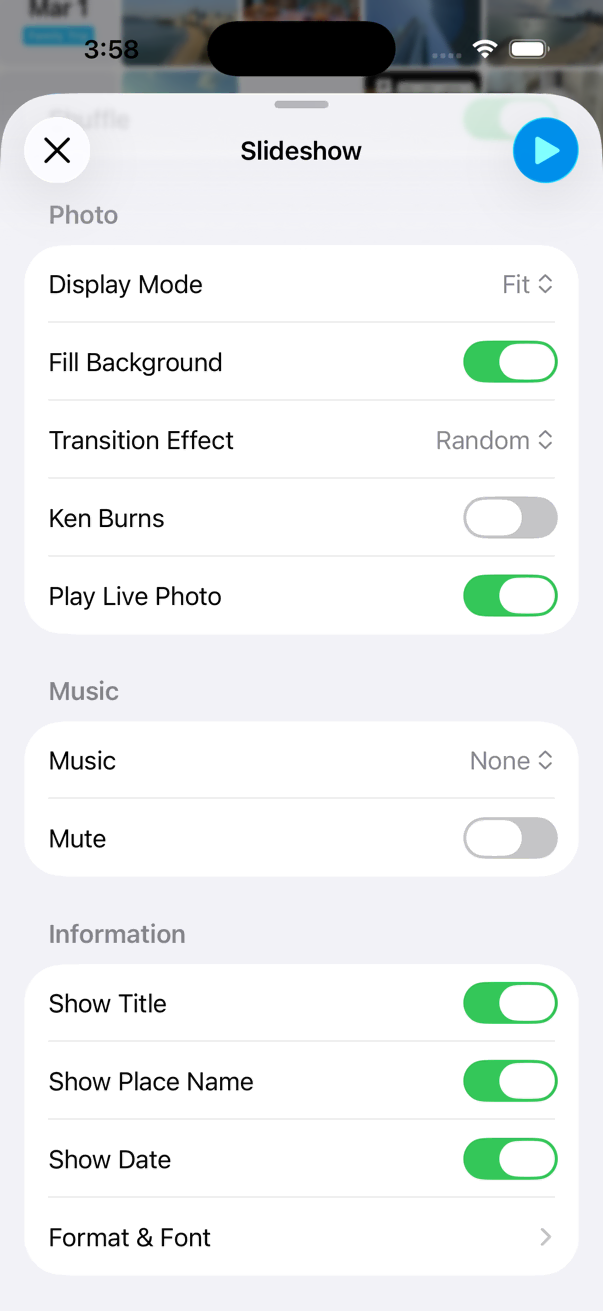
HashPhotos offers a variety of options so users can customize the slideshow to their preferences.