
Edit Metadata
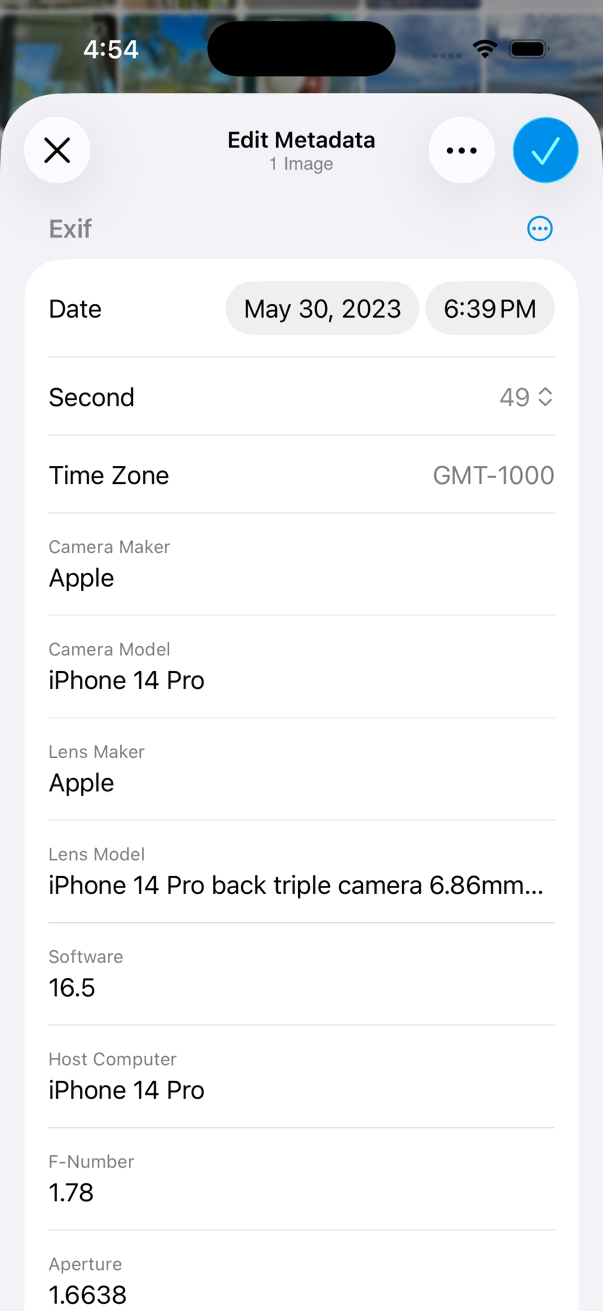
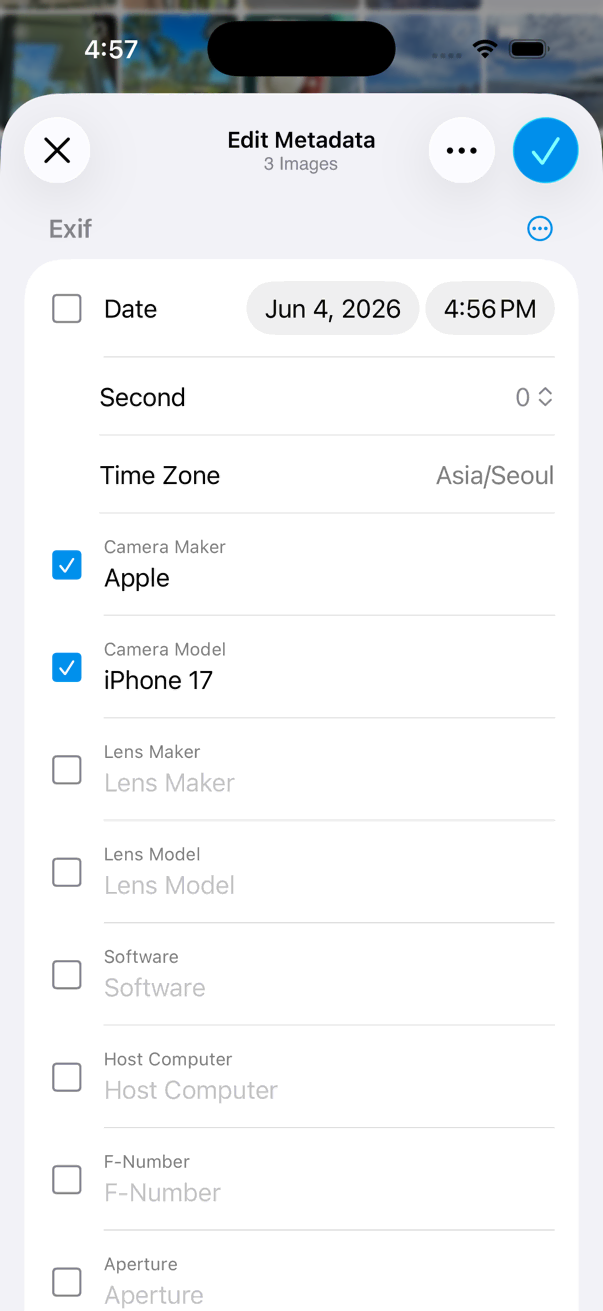
- Select photos you want to edit metadata.
- Tap on the bottom toolbar.
- Tap Tools > Metadata > Edit Metadata menu item.
- Edit metadata fields you want to change.
- Tap Done button to finish editing.
-
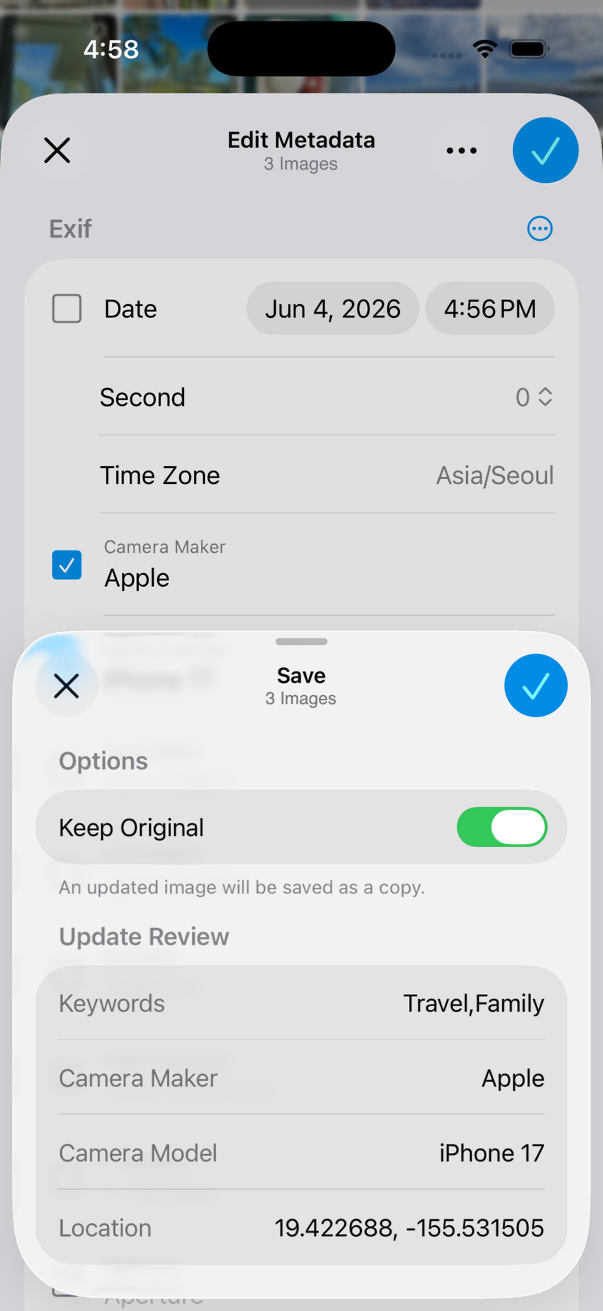
Check the options and save the changes.
Preview the fields that will be modified before saving if you are editing multiple items.
Supported Metadata Fields
- Title
- Description
- Keywords
- Author
- Copyright