
Create Animated Image
Requires iOS 17 or later.
PRO Free: 3-time trial limit.
Create an animated image from selected photos — for example an animated GIF — with custom timing and transition options.
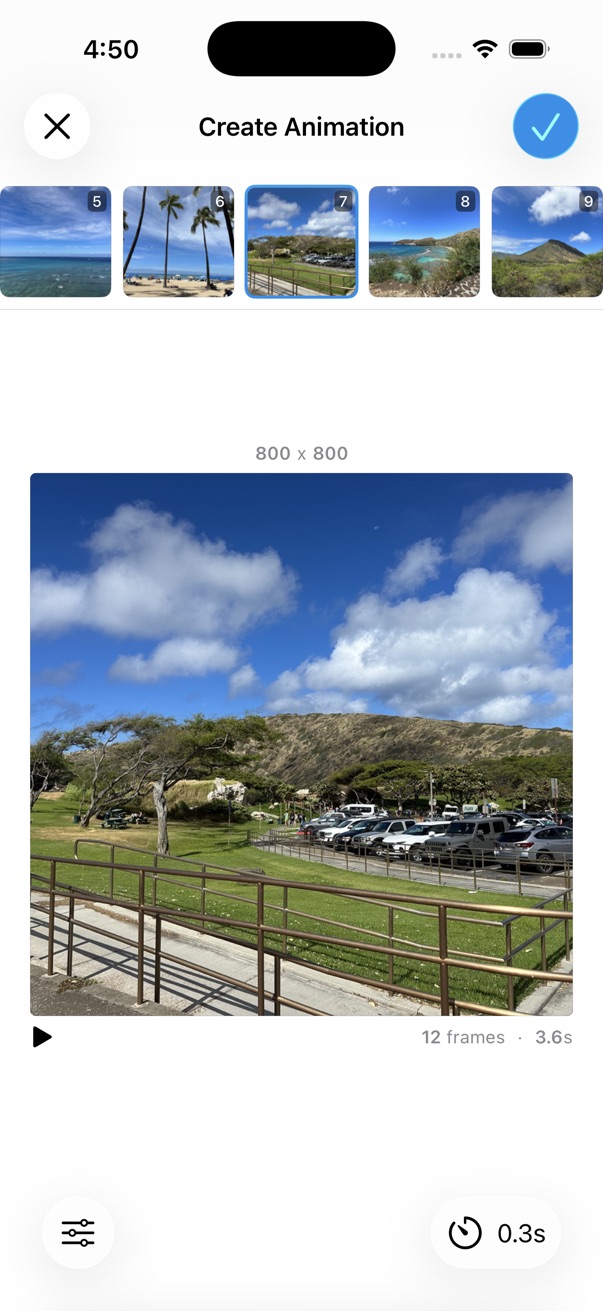
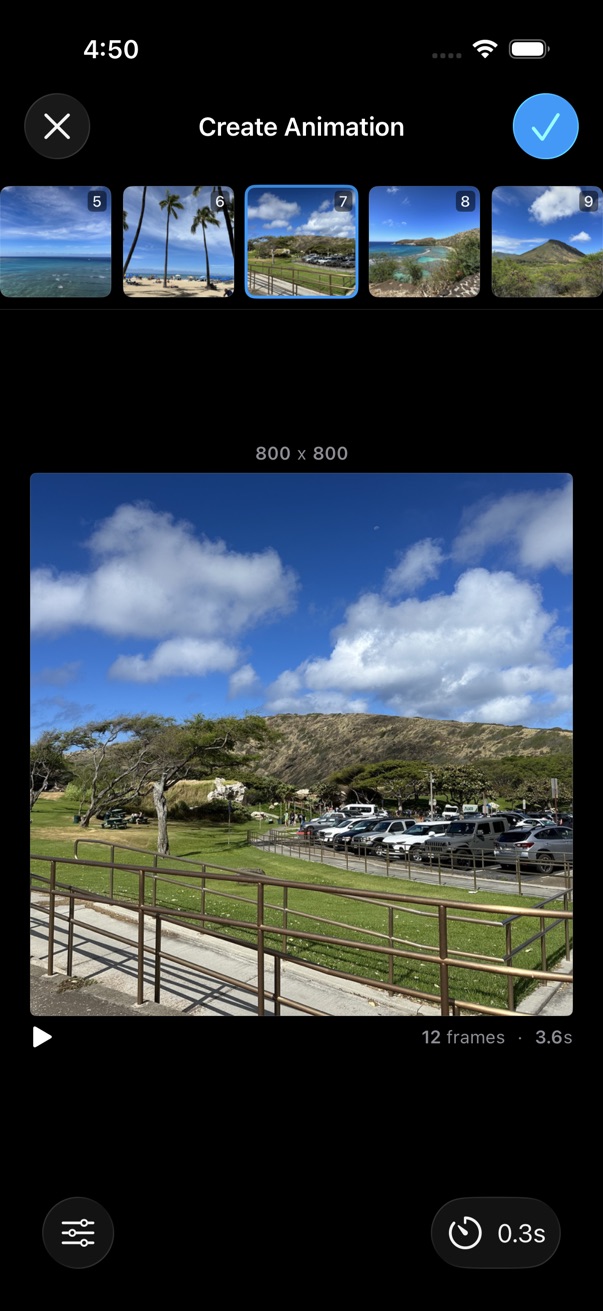
- Select photos in order to include in the animation.
- Tap the on the bottom toolbar.
- Tap Tools > Create Animated Image.
- Tap a thumbnail to exclude or include it in the animation.
- Drag and drop frames to reorder them.
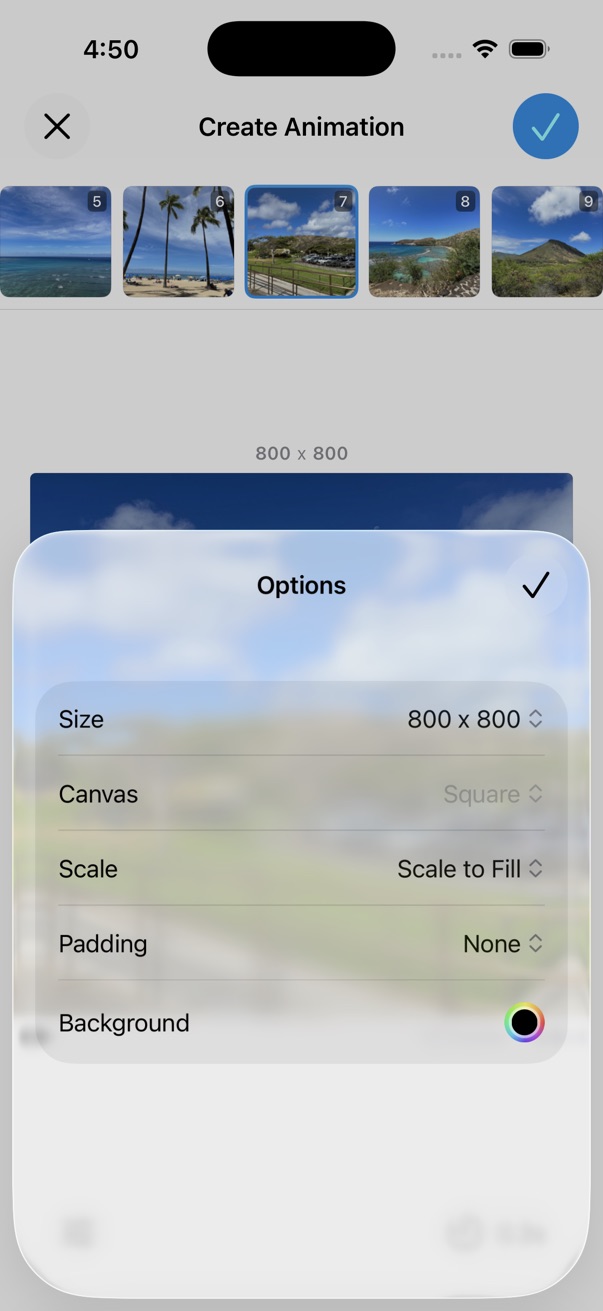
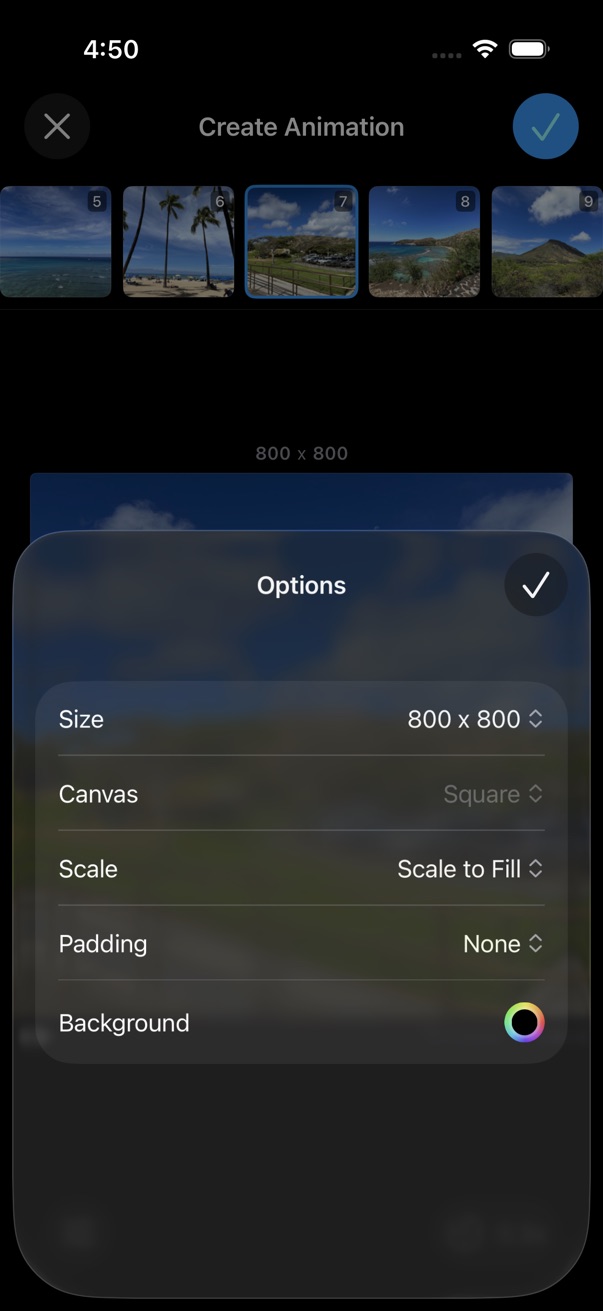
- Adjust timing, transitions, scale, and padding as needed.
- Choose an output format and tap Save.
Output formats
Save the animation as GIF, APNG, WebP, MP4, or MOV.
Layout options
- Scale to Fill or Fit
- Padding around each frame