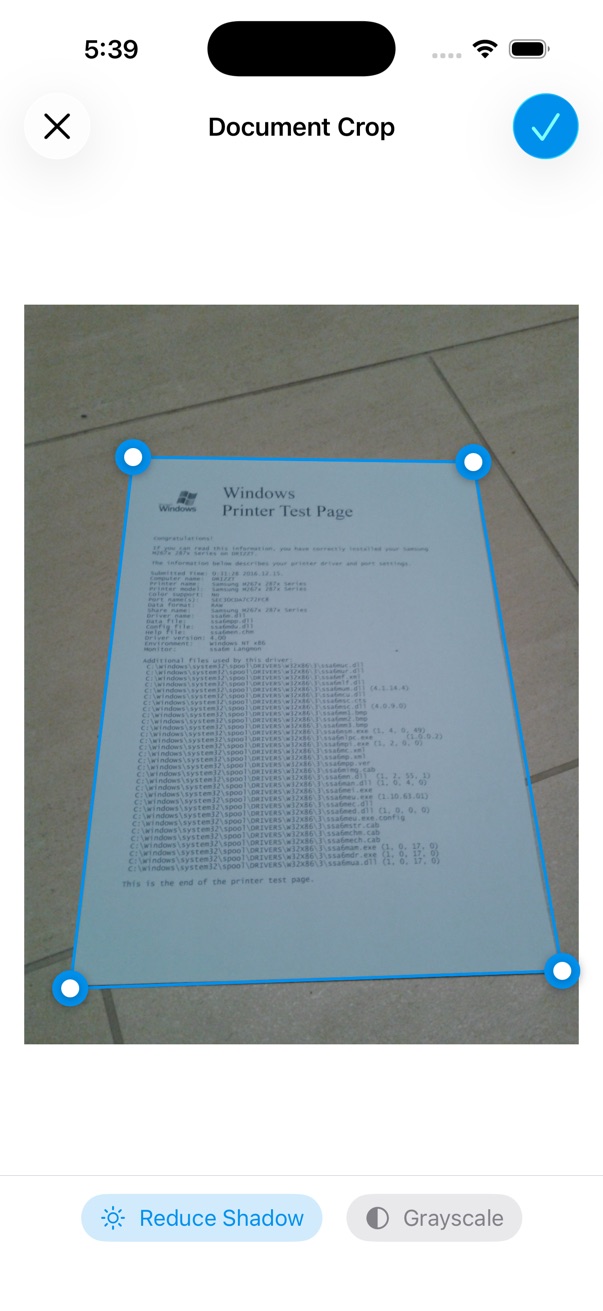
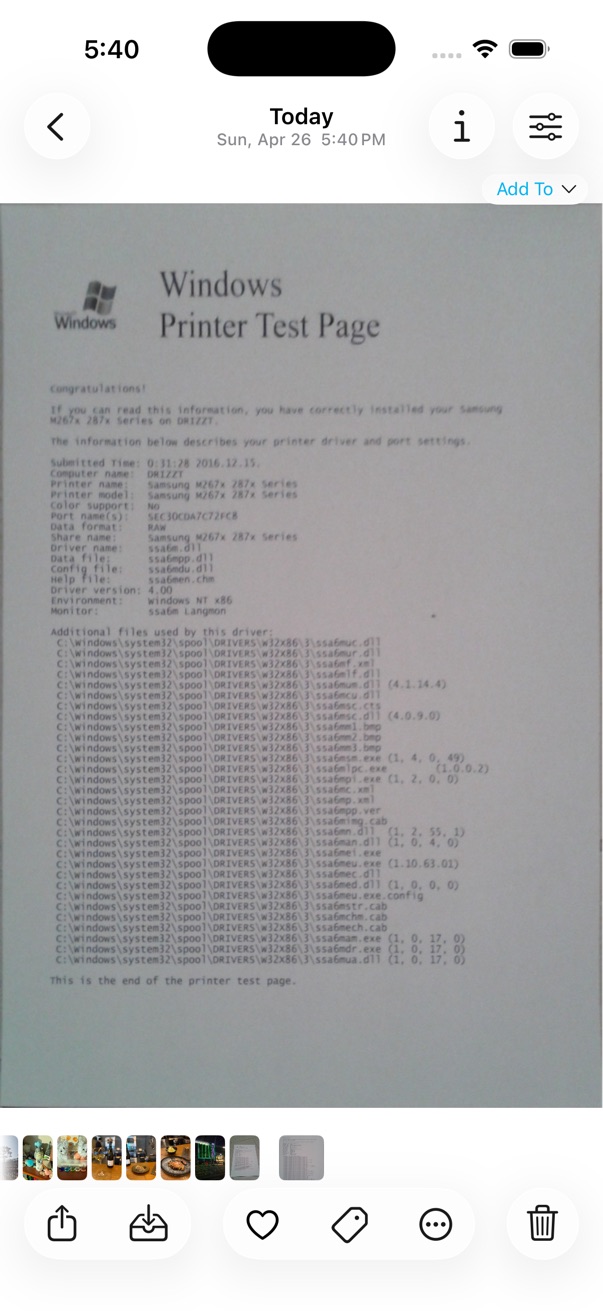
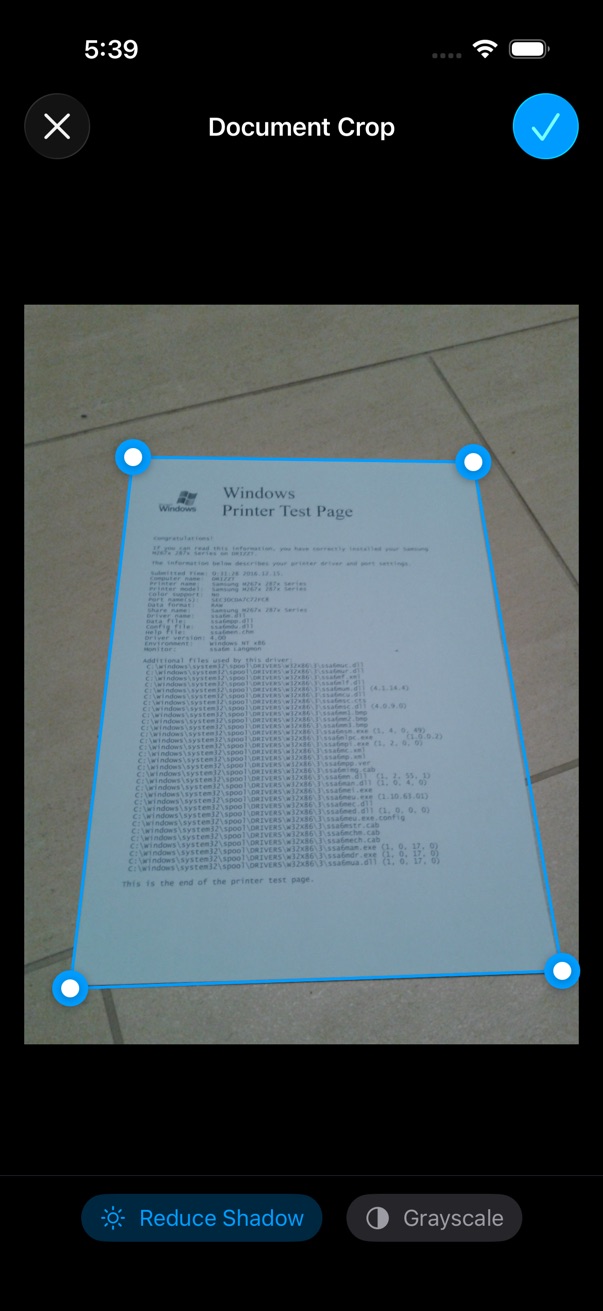
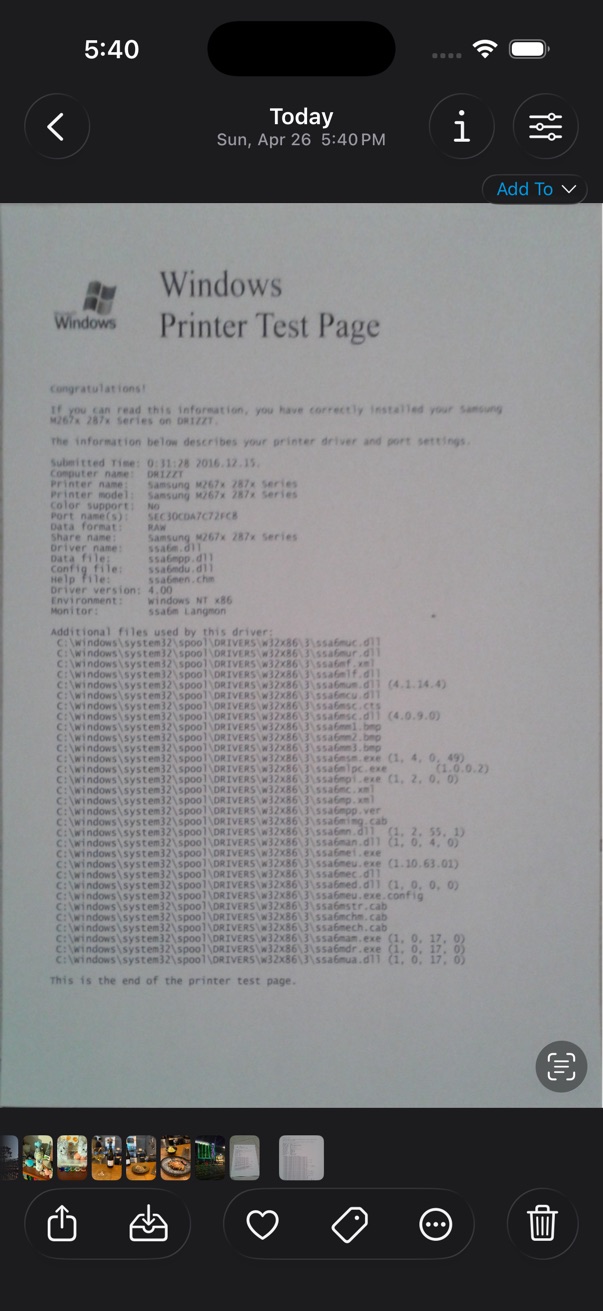
Document Crop In Viewer Tap actions button on the bottom toolbar. Choose Edit > Document Crop Select the document area by dragging the edges of the rectangle. Tap Done button to save the cropped image. This feature is available in iOS 17 or later.