
Compare and Pick
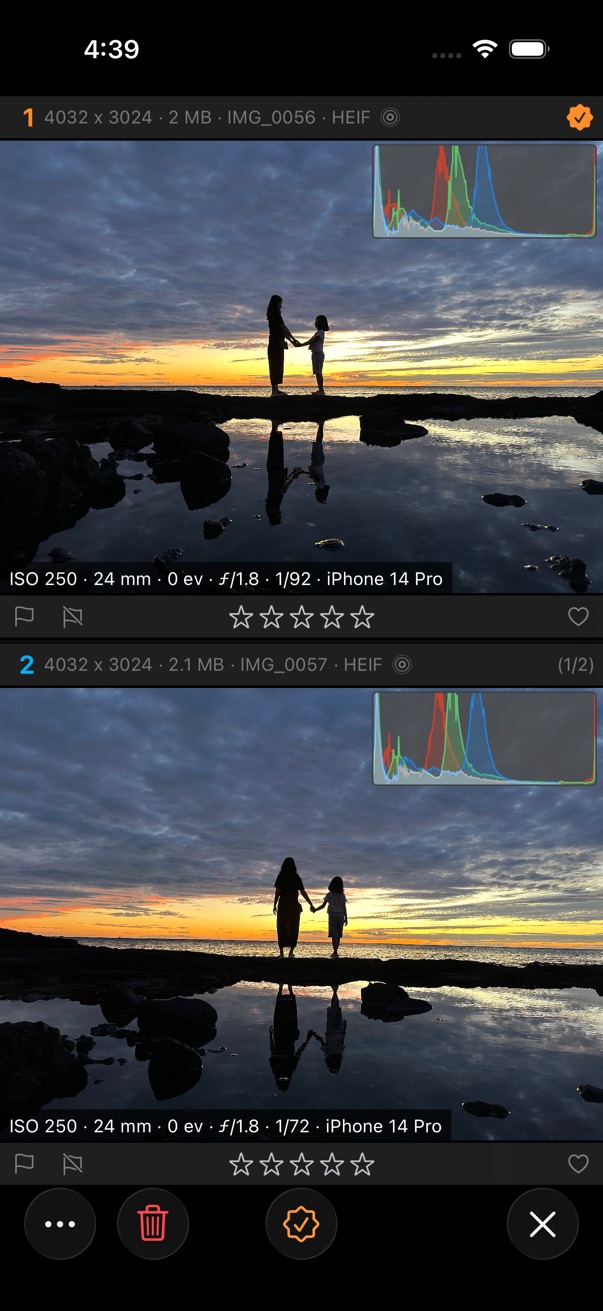
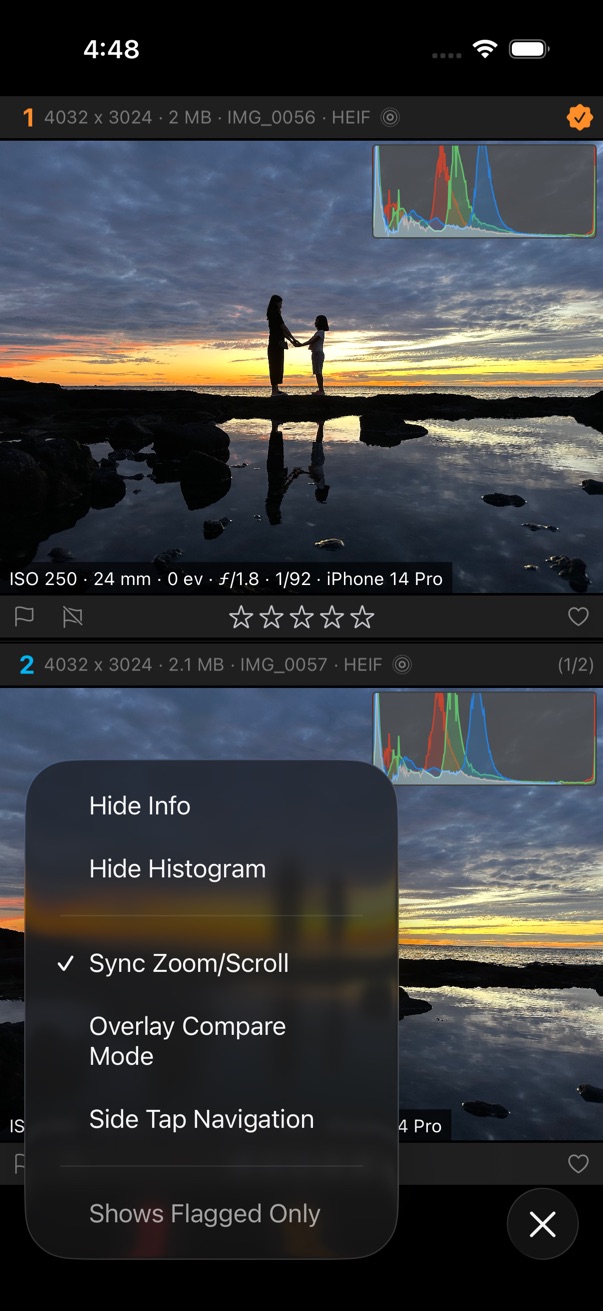
- Select photos you want compare.
- Tap on the bottom toolbar.
- Tap Compare and Pick
- Swipe left/right to browse candidate photos.
- If you found the best shot in candidates, tap on the center of the bottom toolbar.
- Tap delete button to delete candidate photos or flagged/rejected candidate photos.
Related videos
